WybierzTV
Matching TV's configurator UI/UX mockup and prototype

Challenge
Creating a TV configurator with a colossal amount of data and information
Design system
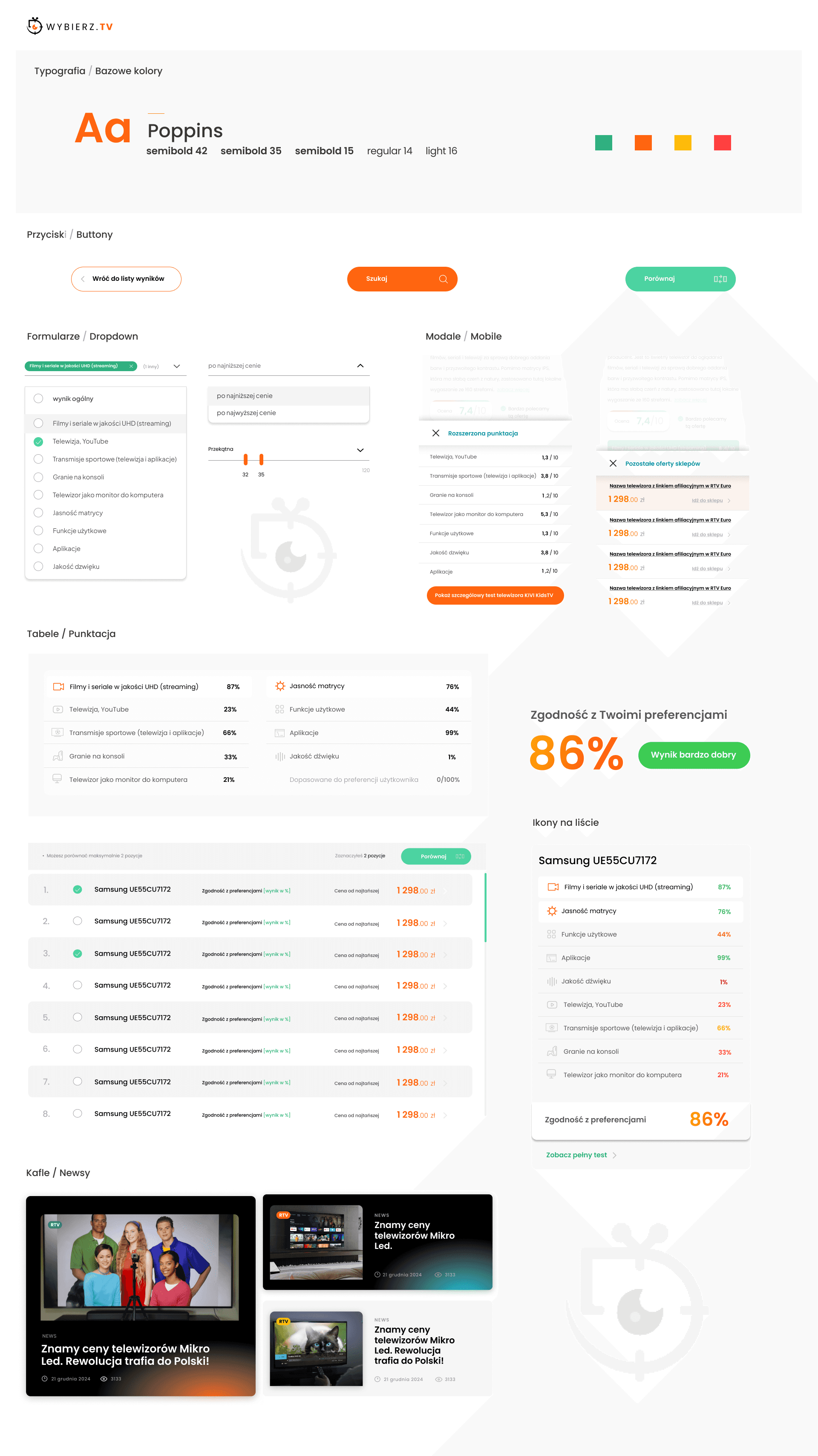
Design system
I've prepared a list of typography, cards, icon colors, and more.
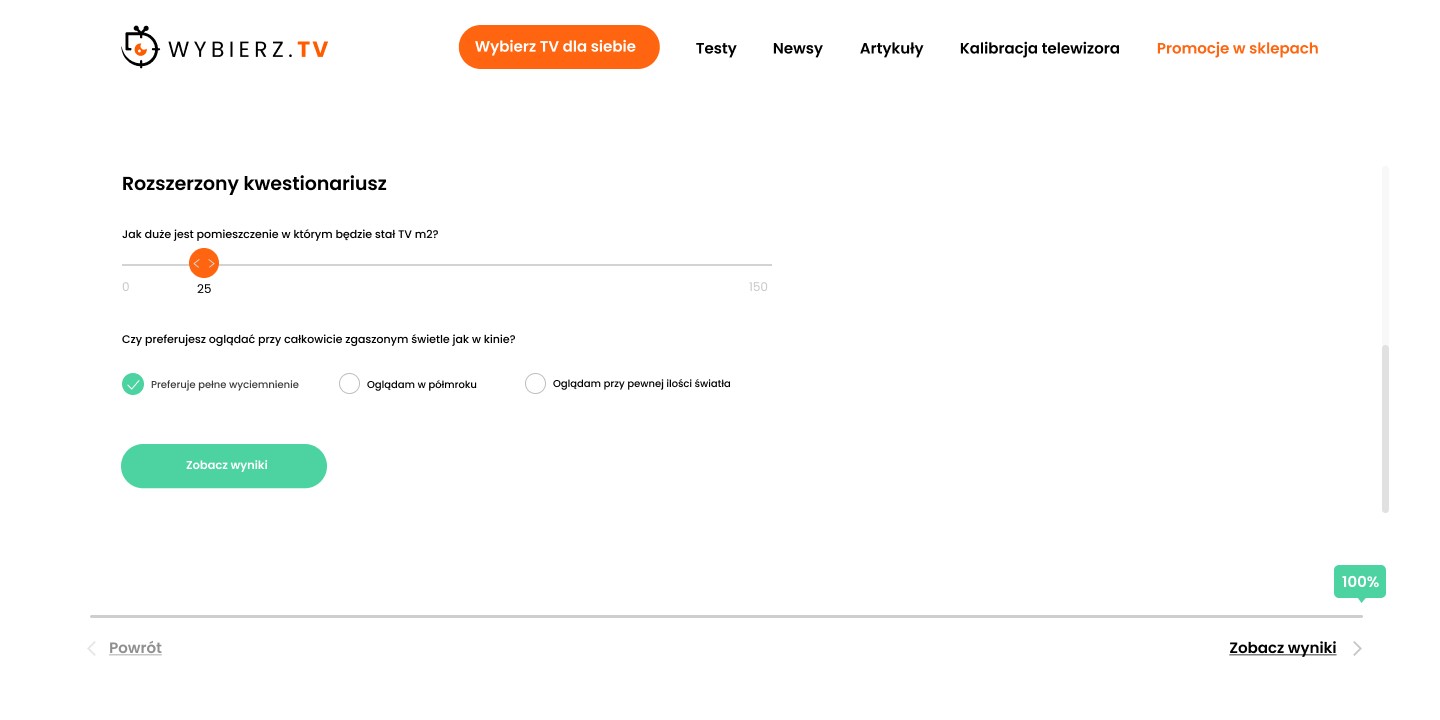
Step 1
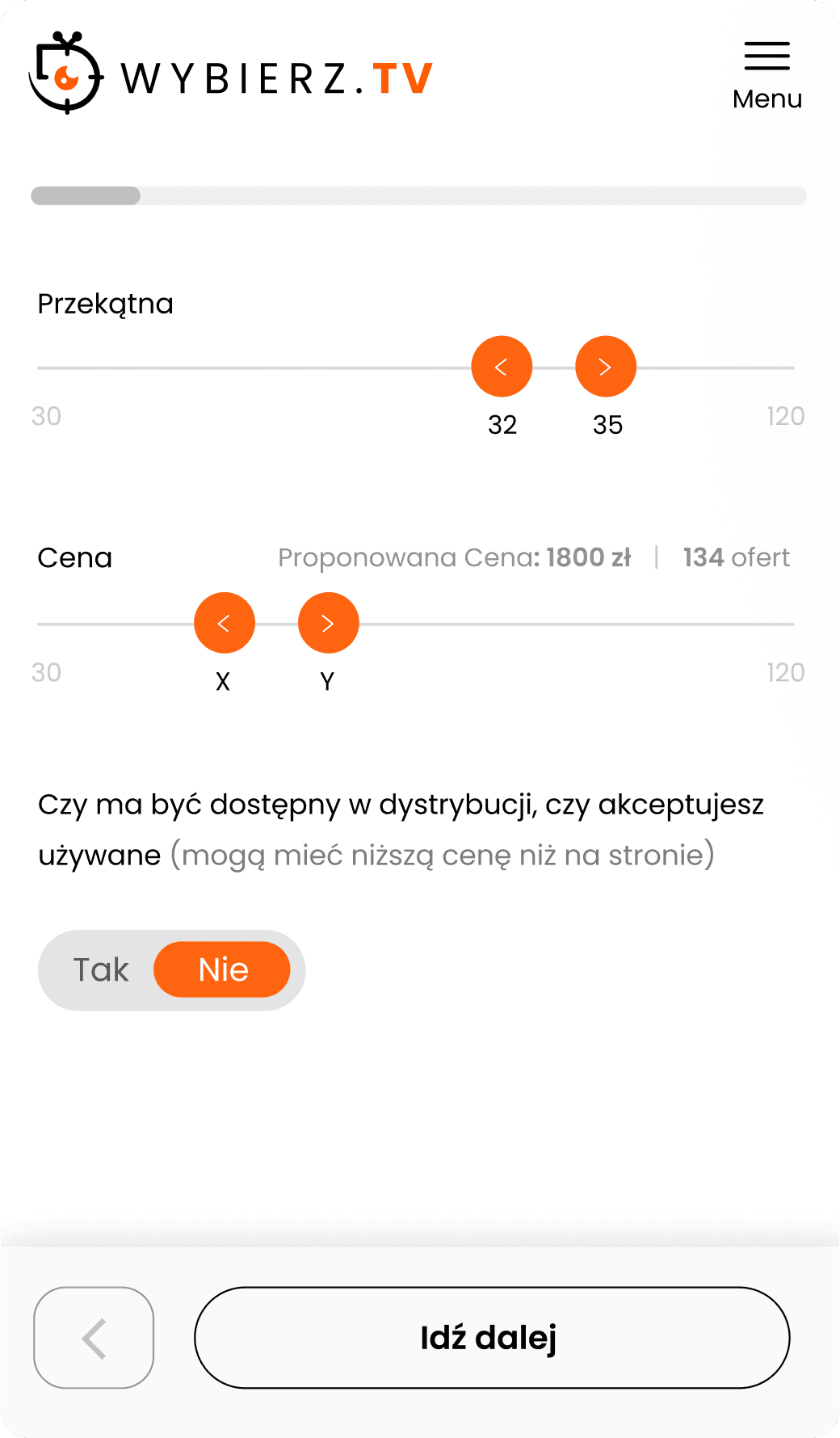
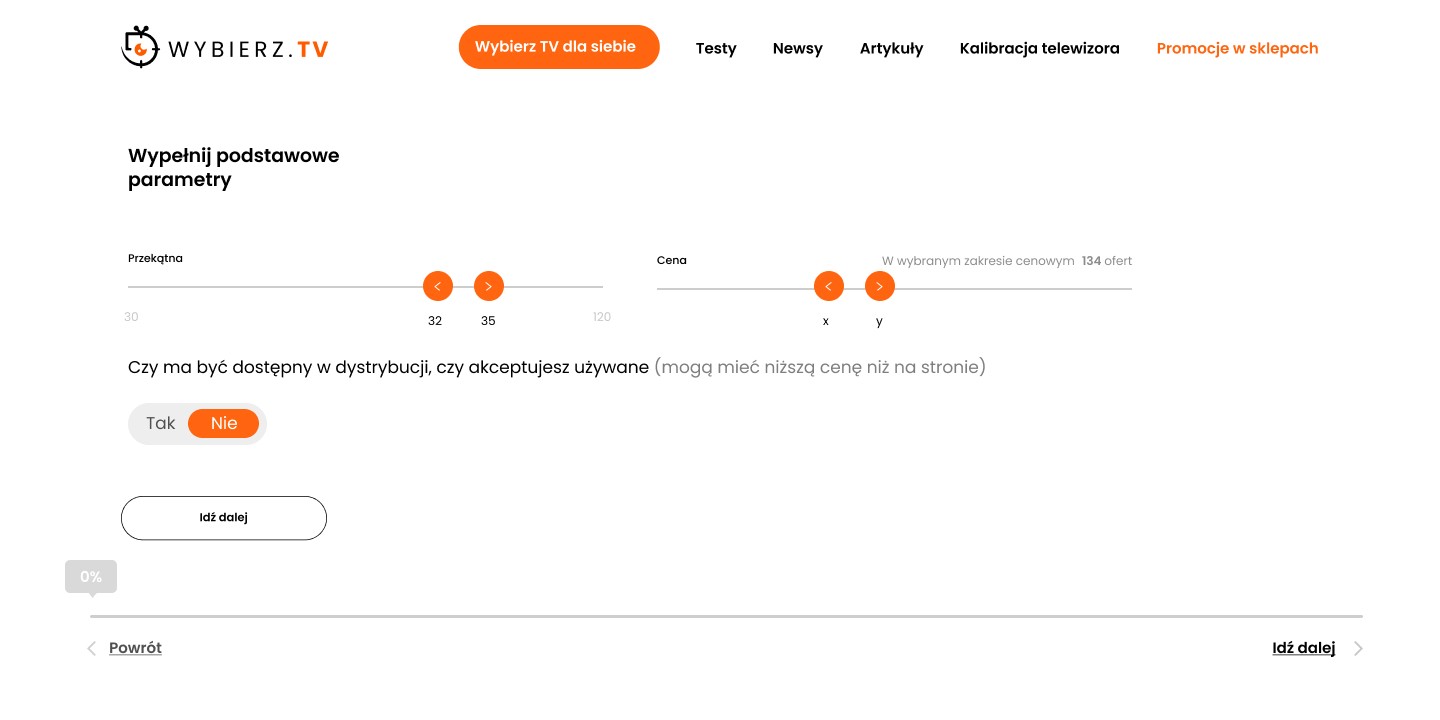
From the home page, we enter interactive surveys to adjust the TV to our preferences.
The matching process is divided into 11 steps using intuitive surveys. Users can skip some stages.
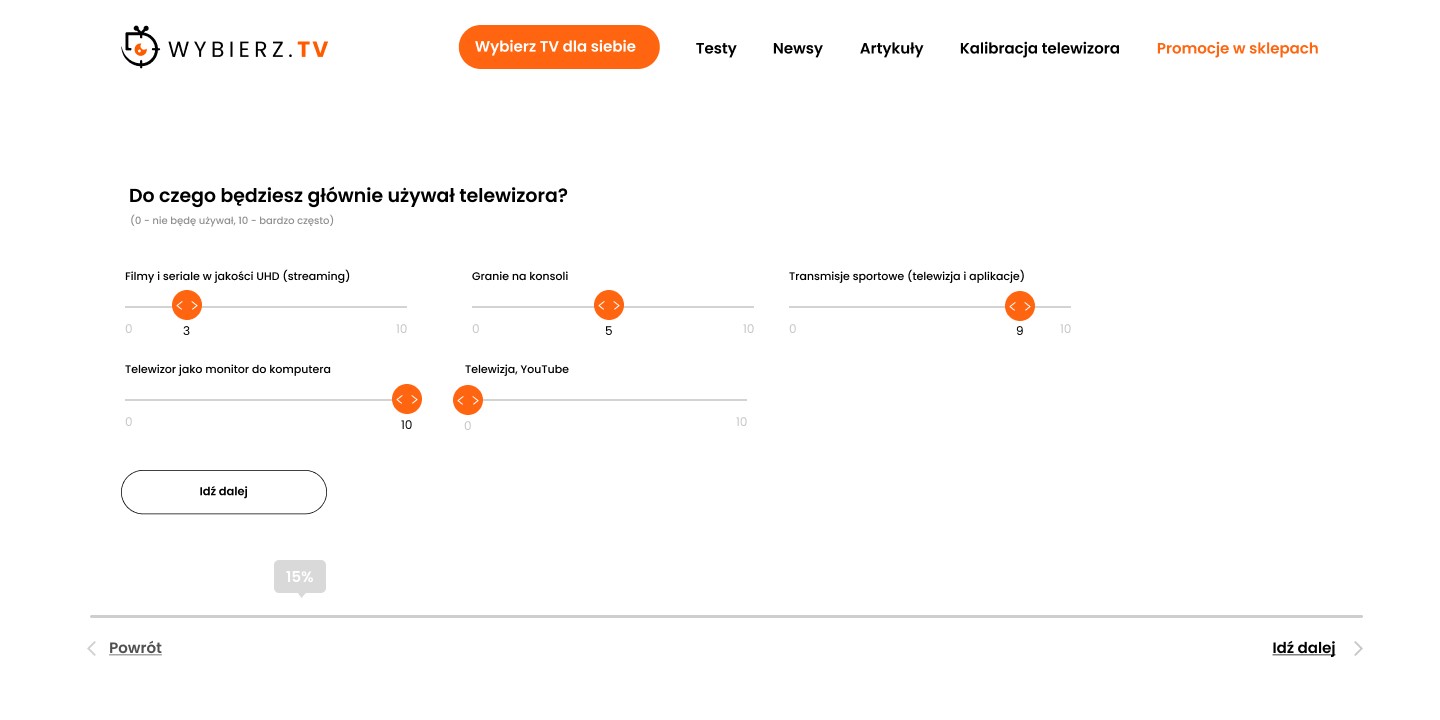
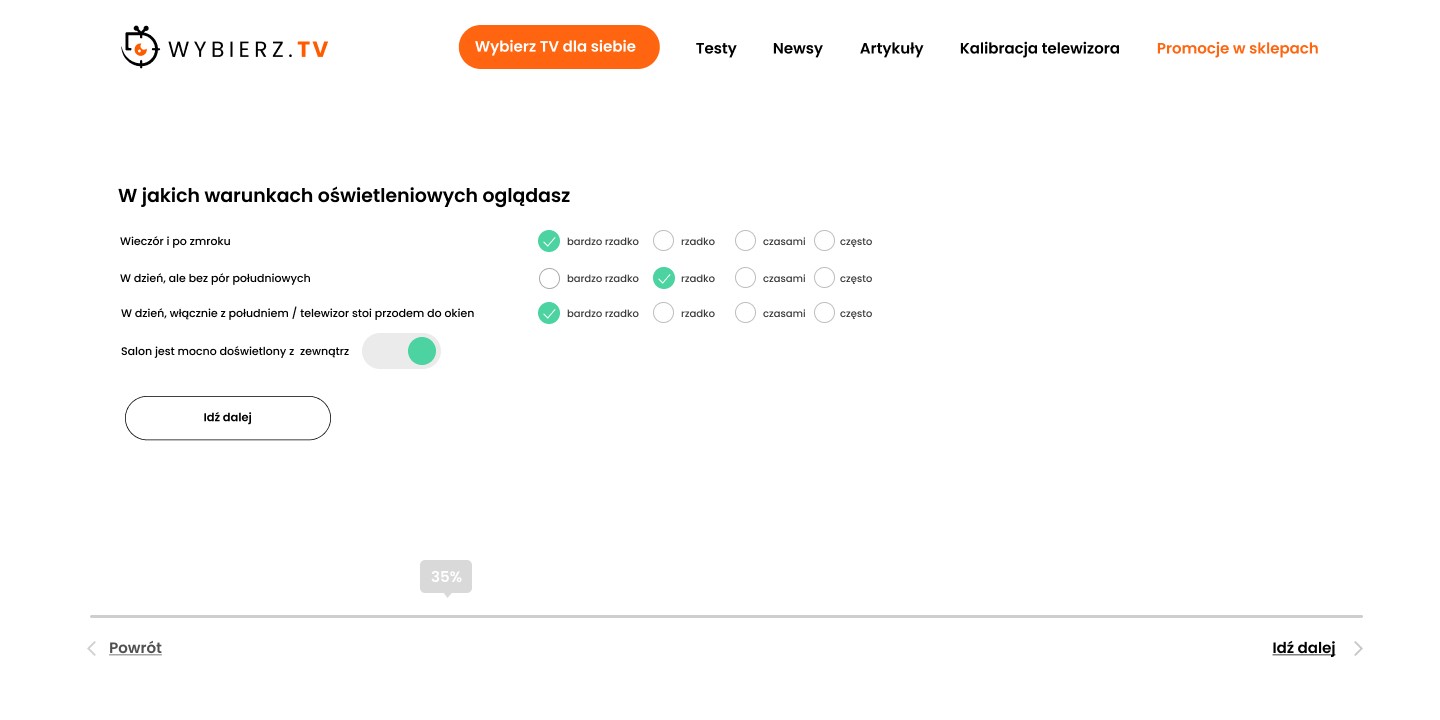
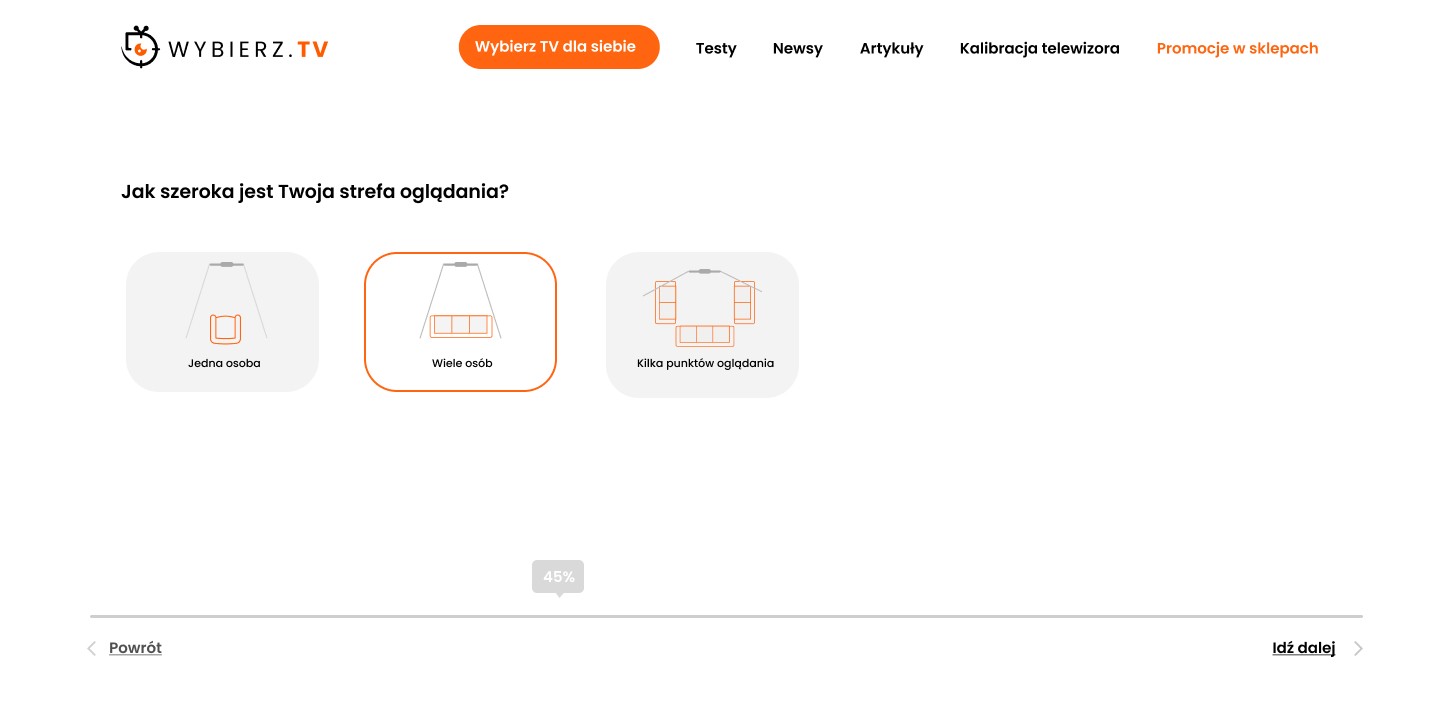
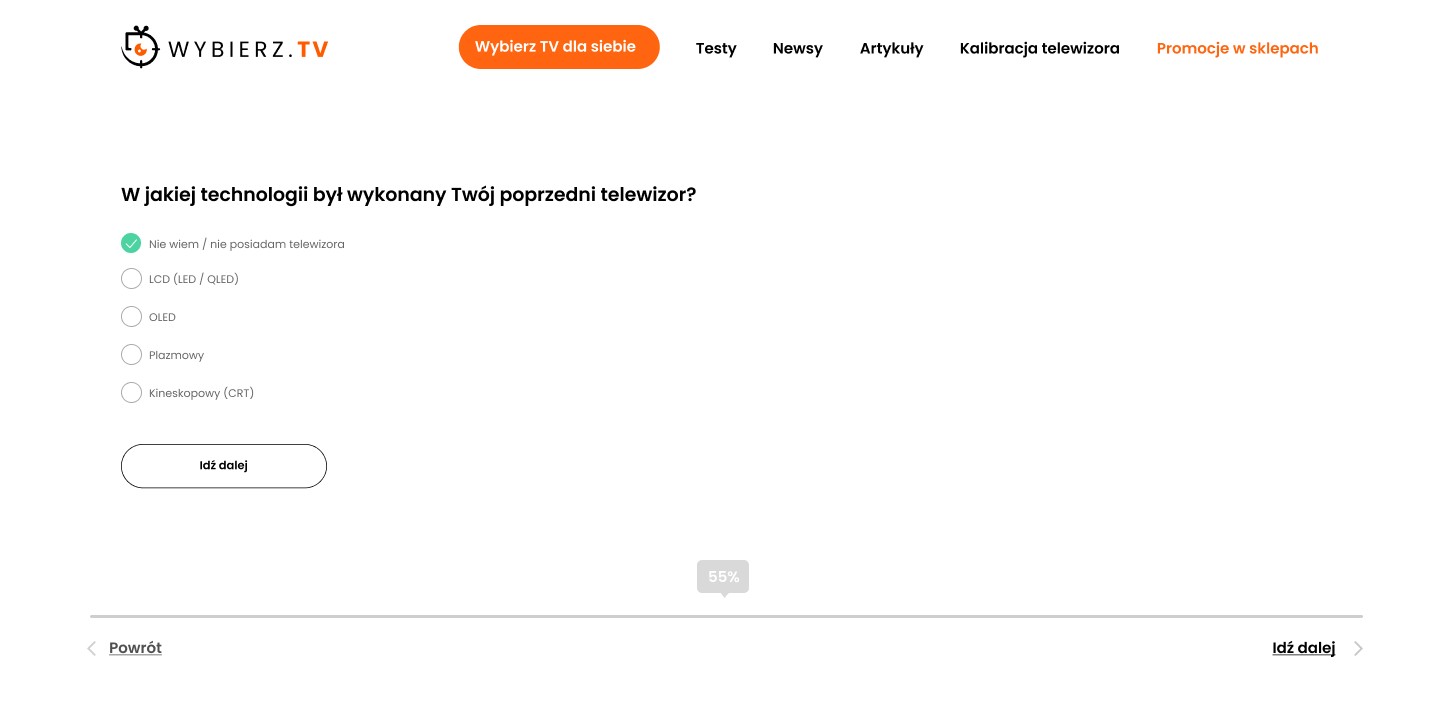
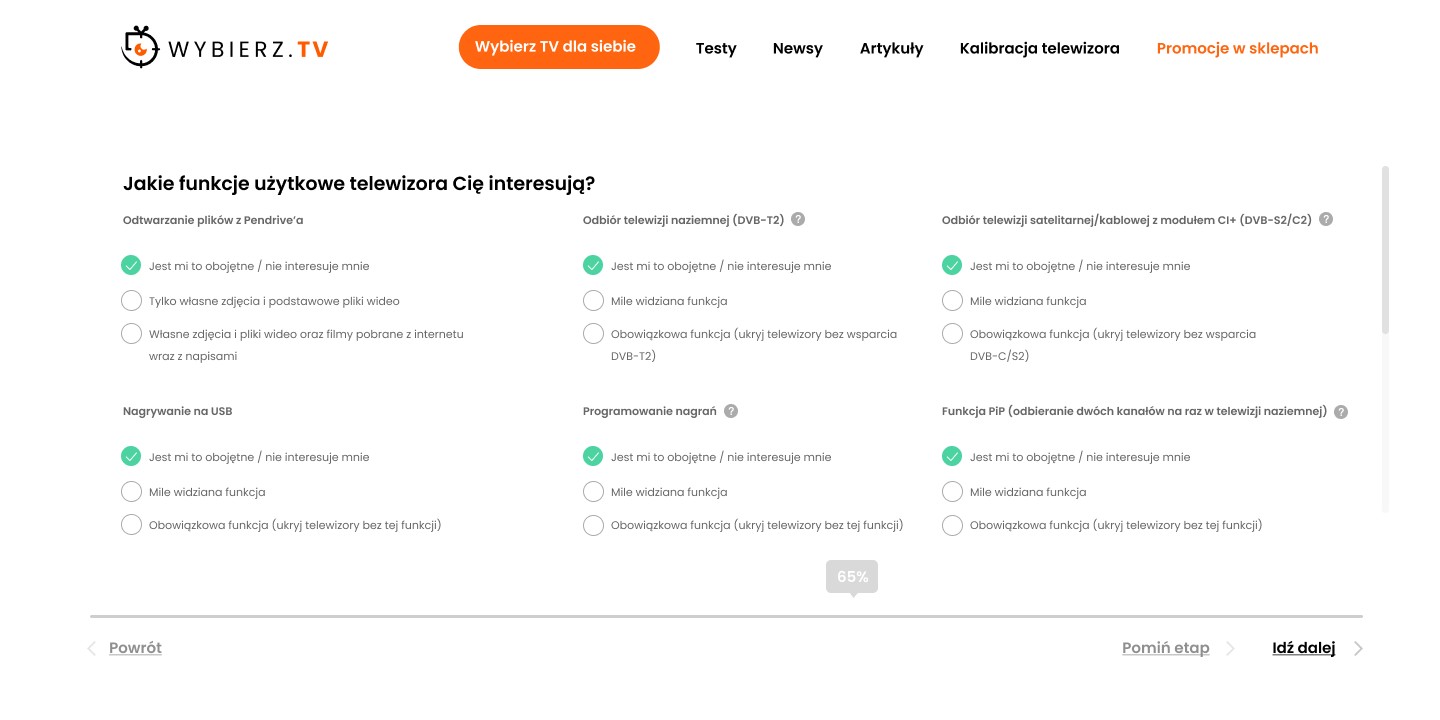
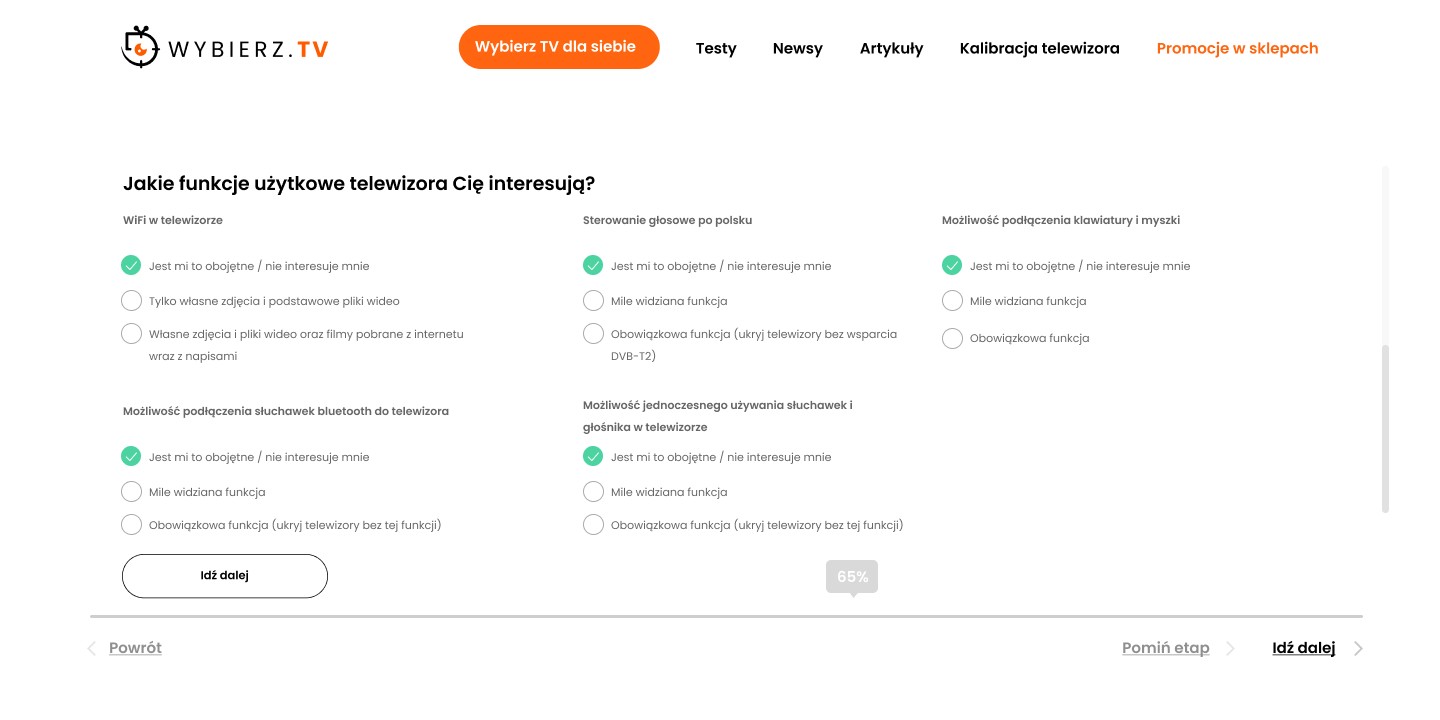
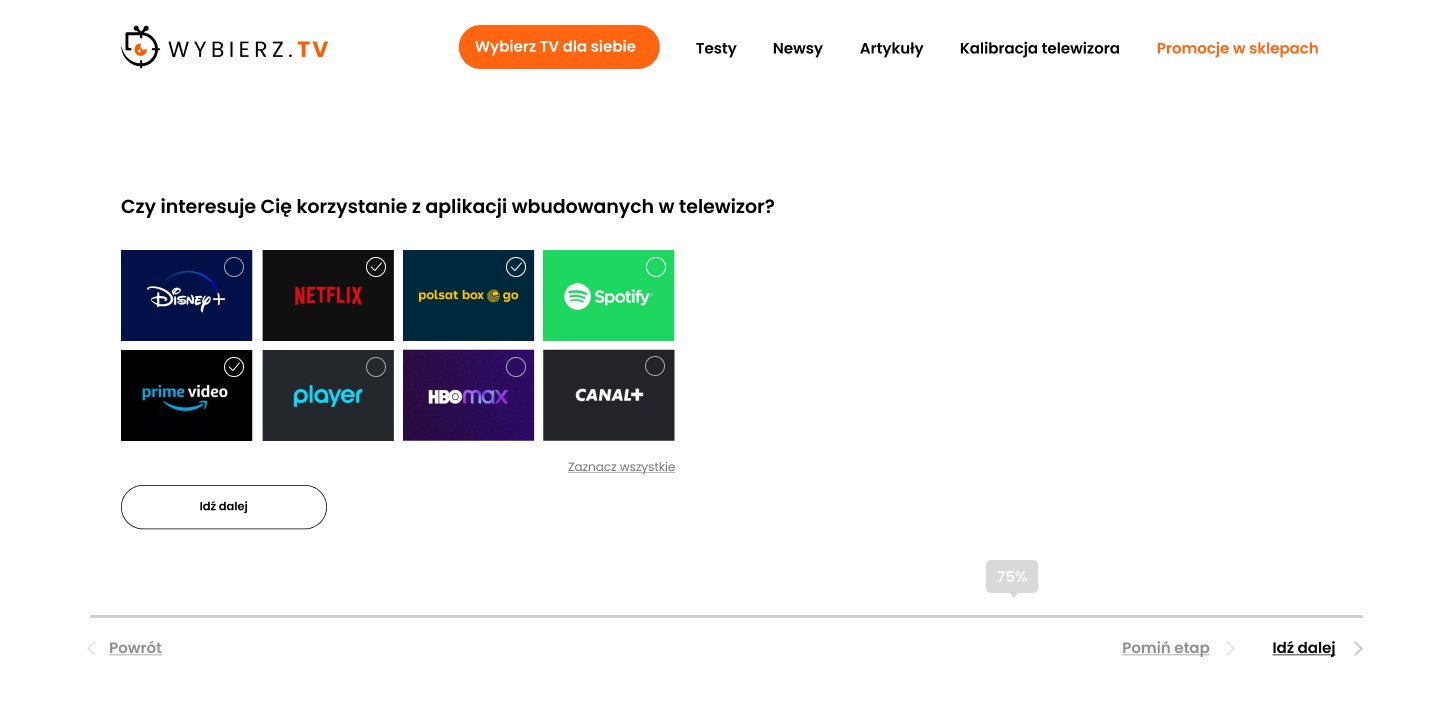
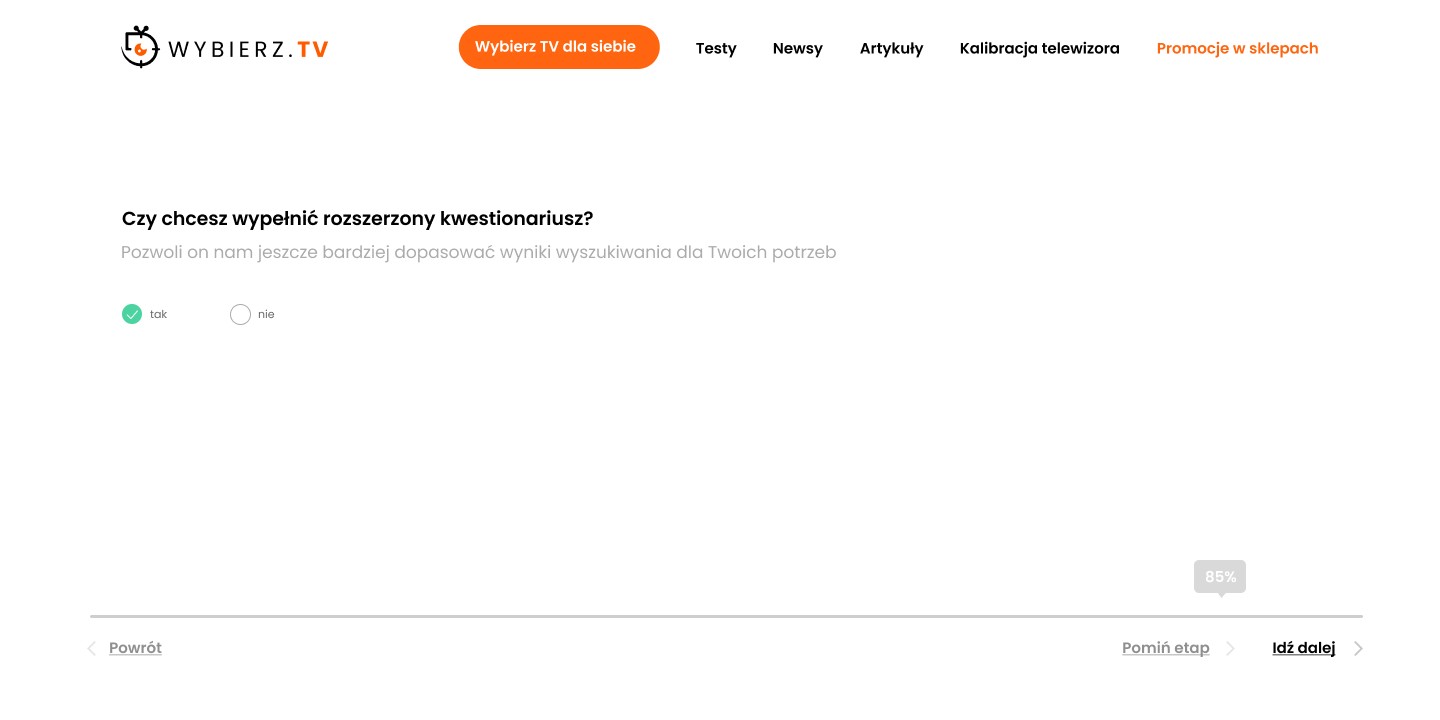
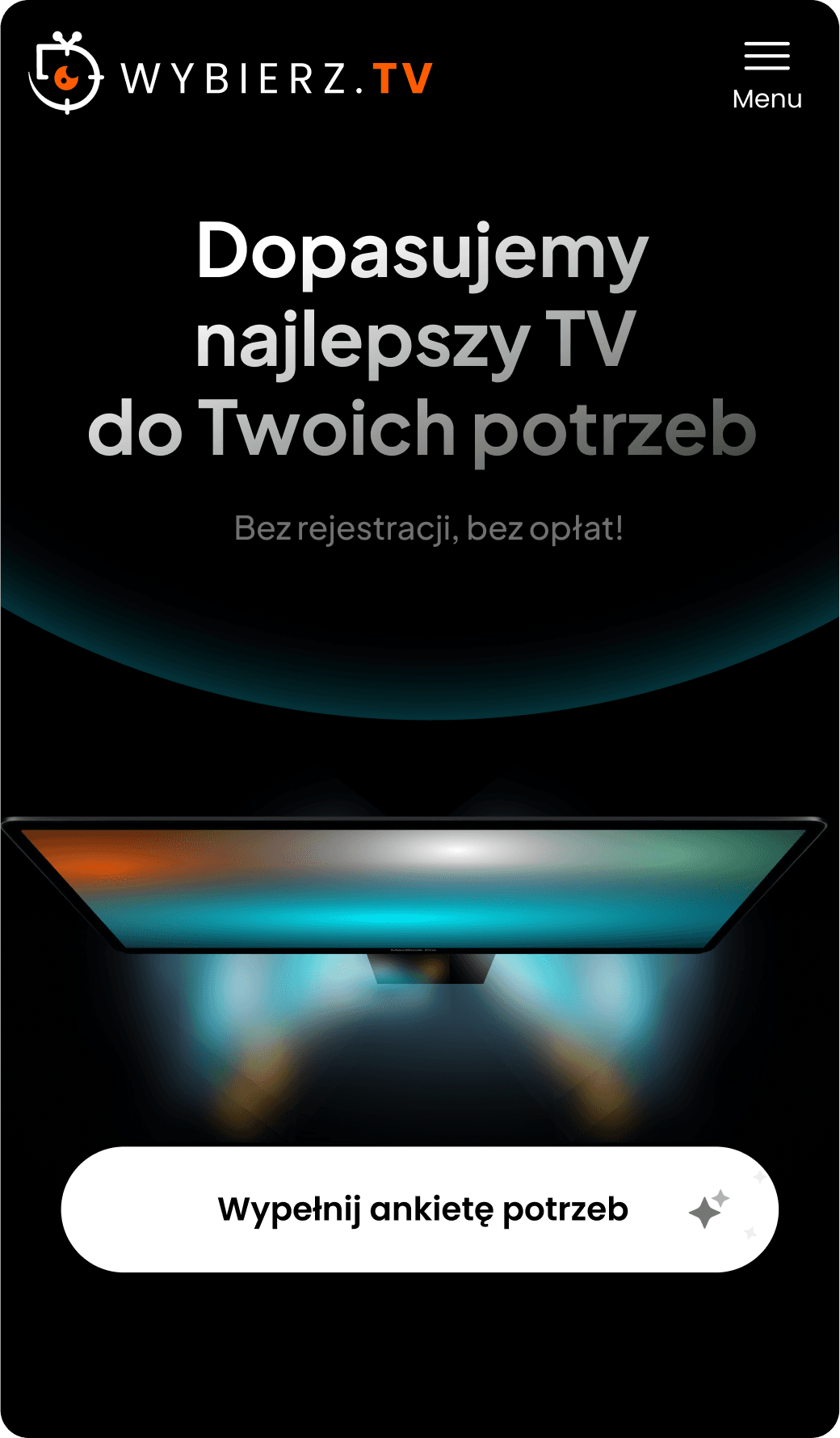
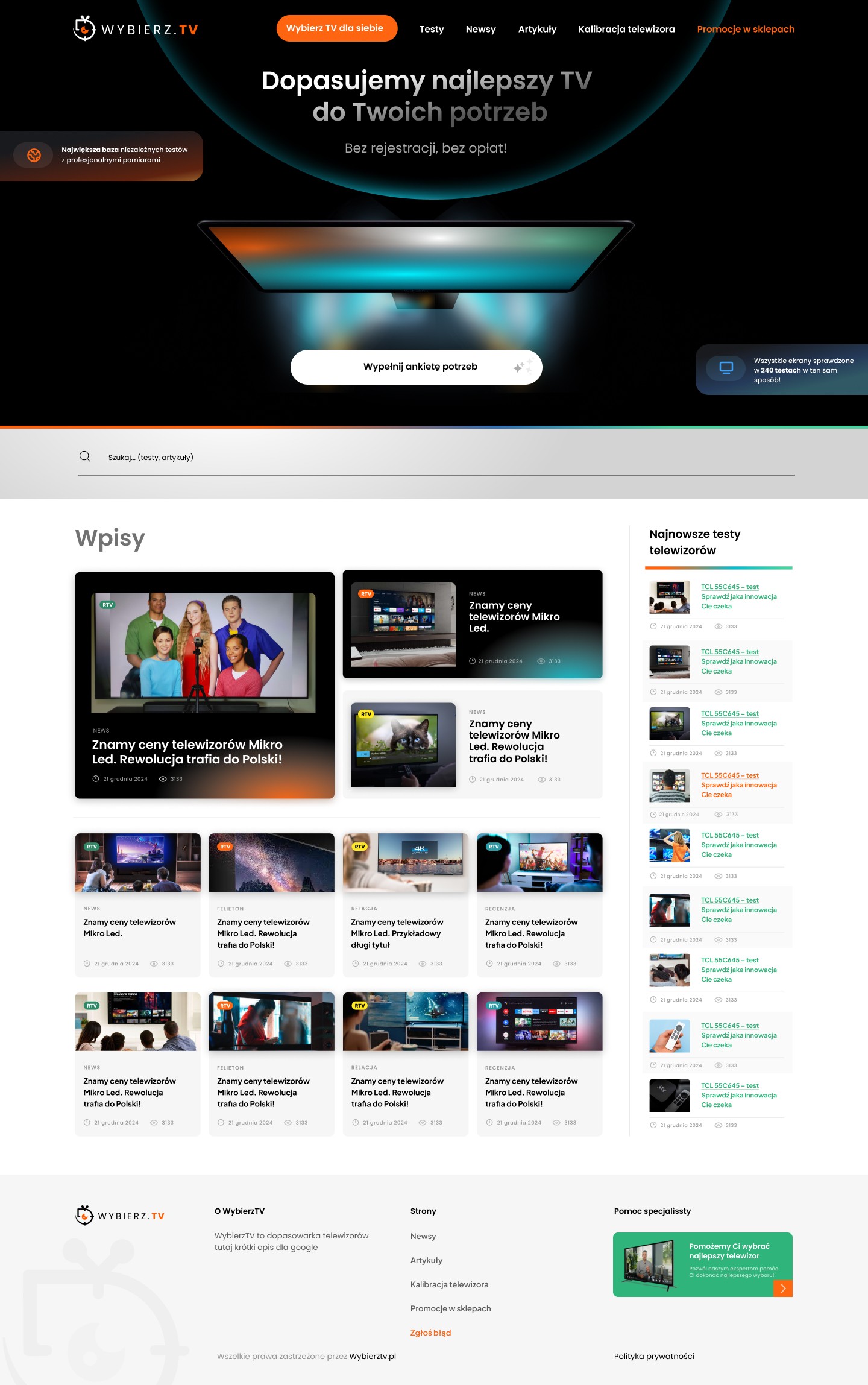
Home page
Entry to the surveys is available on the home page
This view also includes sections such as: Entries, Latest TV Tests
Step 2
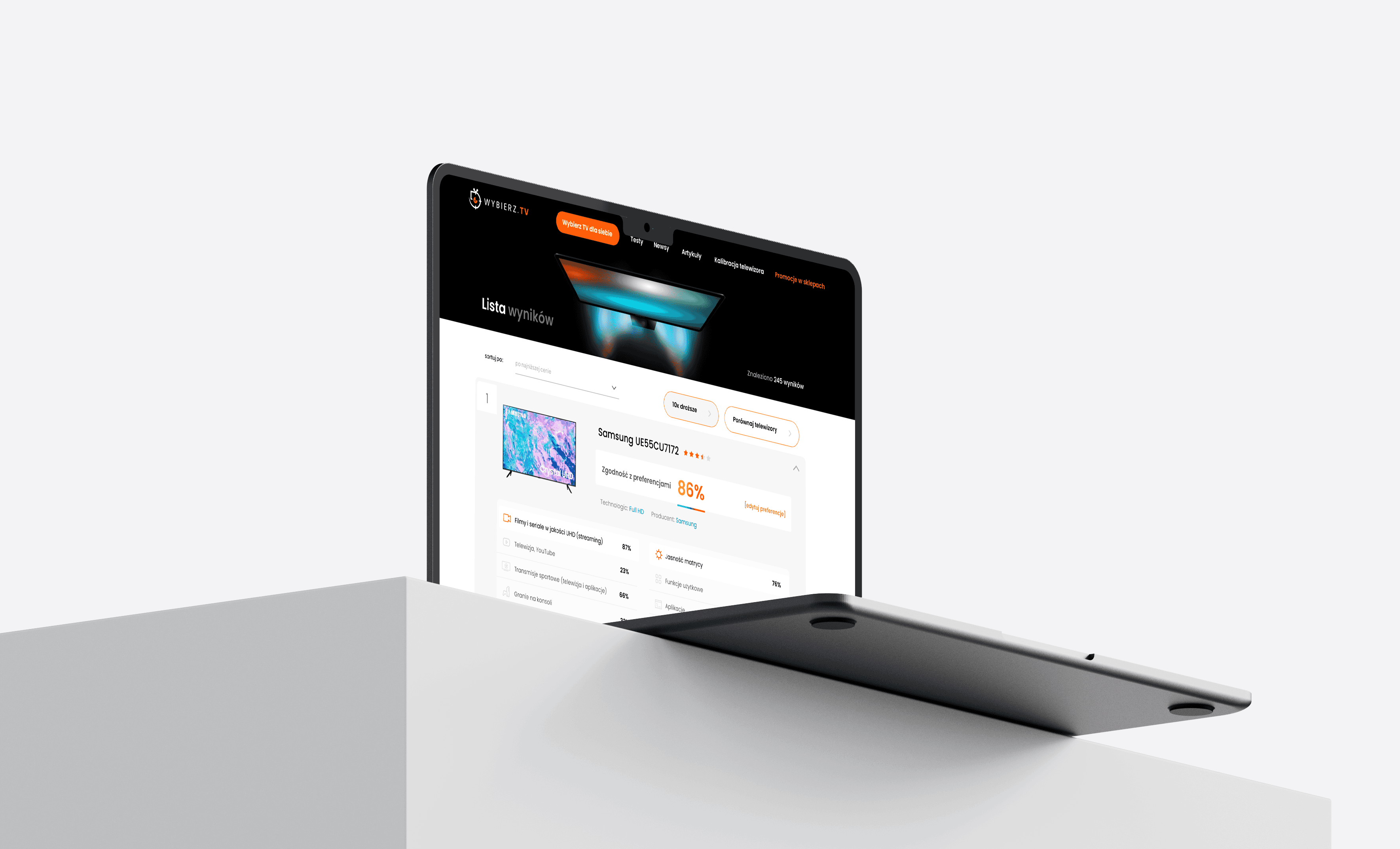
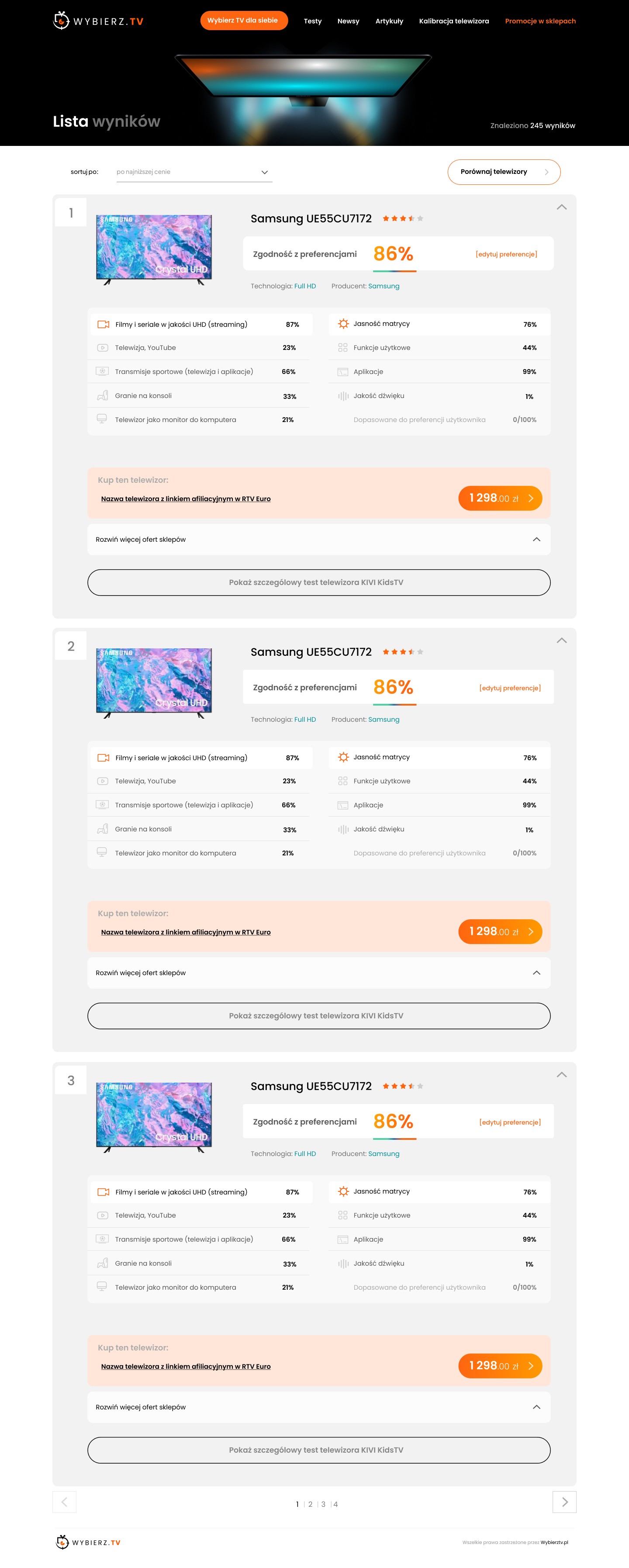
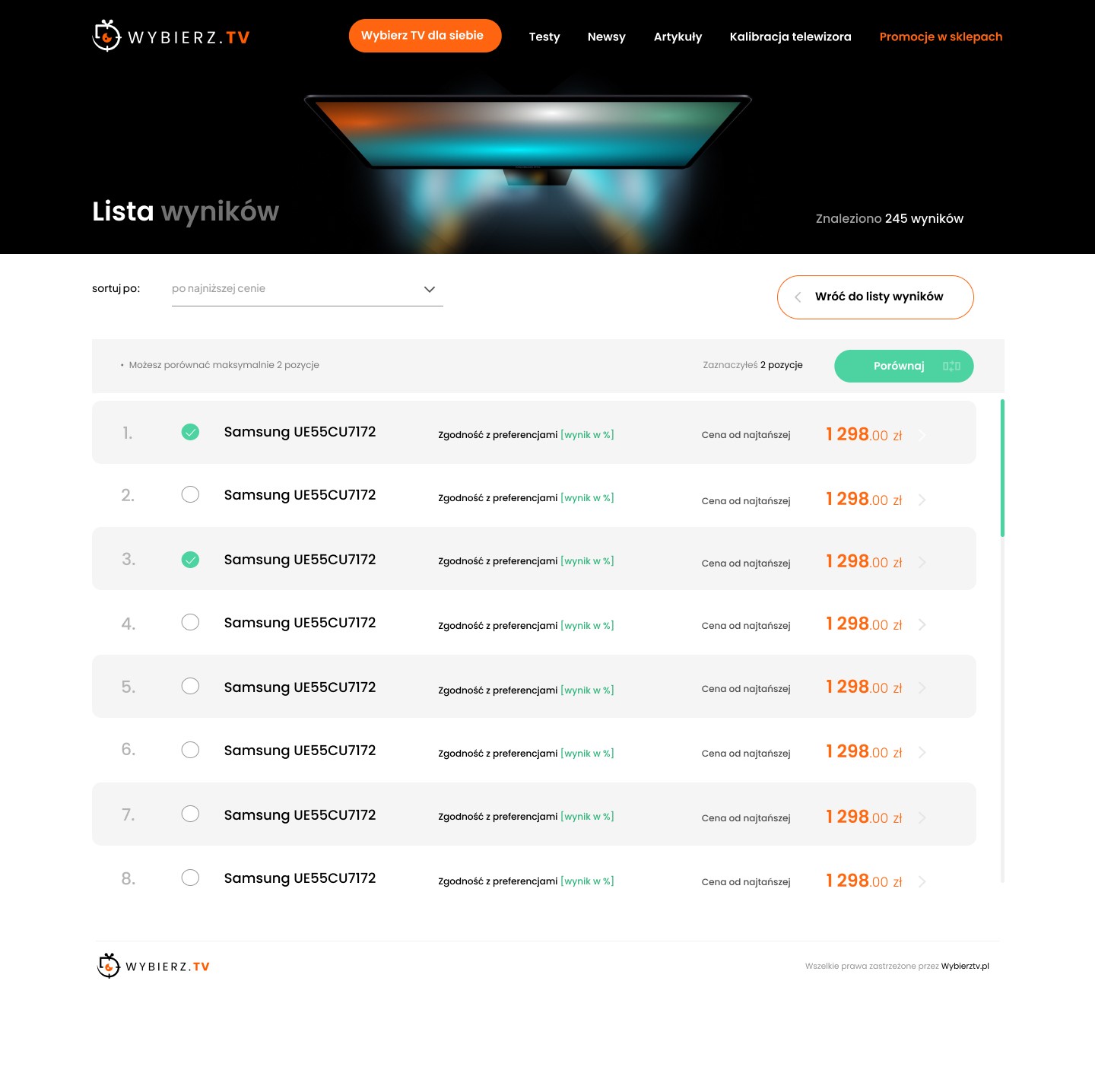
After completing the surveys, we go to the page with the listing of TV results
I prepared the entire userflow, including a prototype, so the client could better understand what had been done. Importantly, I highlighted the percentage of TV fit to needs and the store offerings (affiliate links).
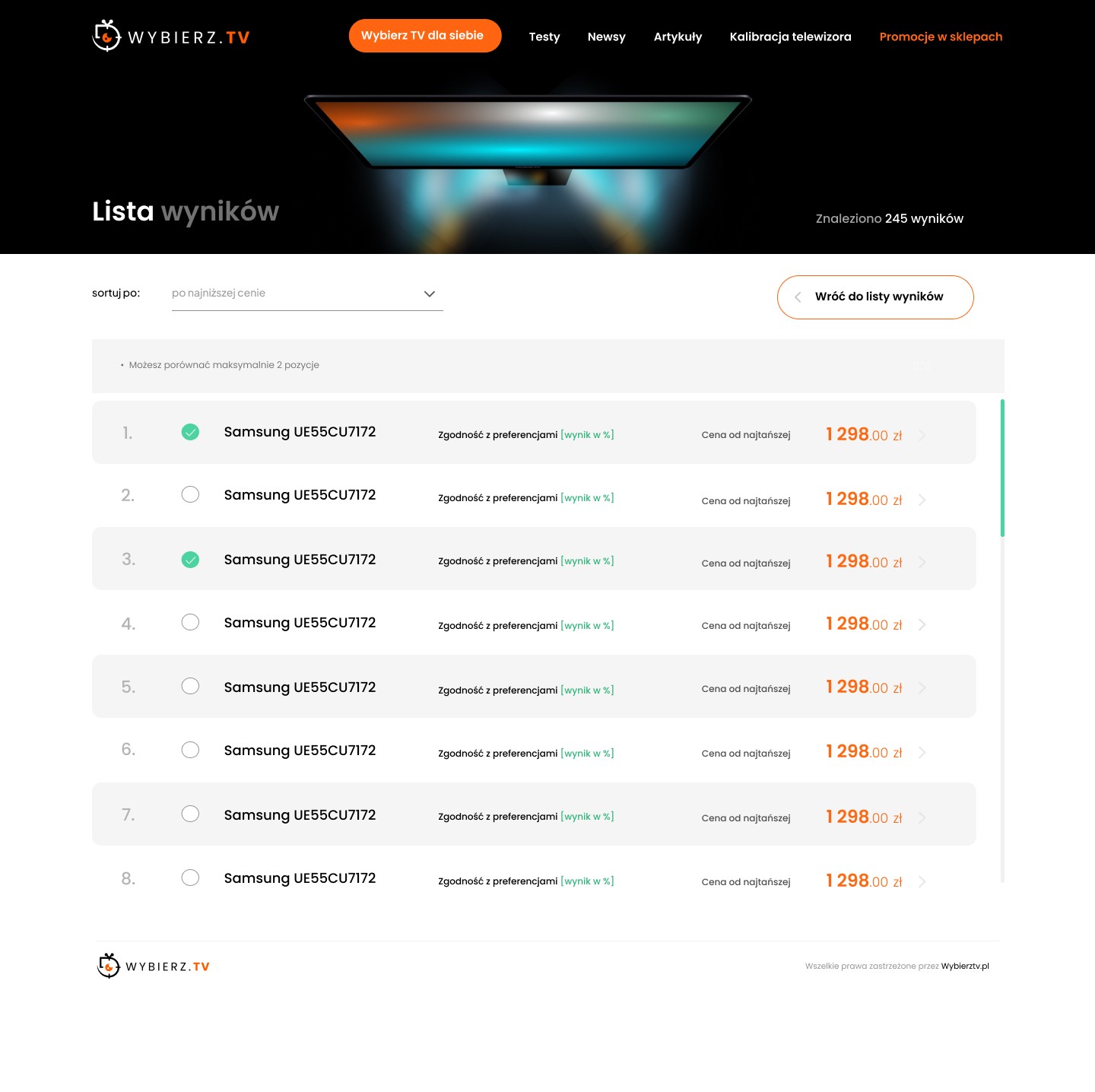
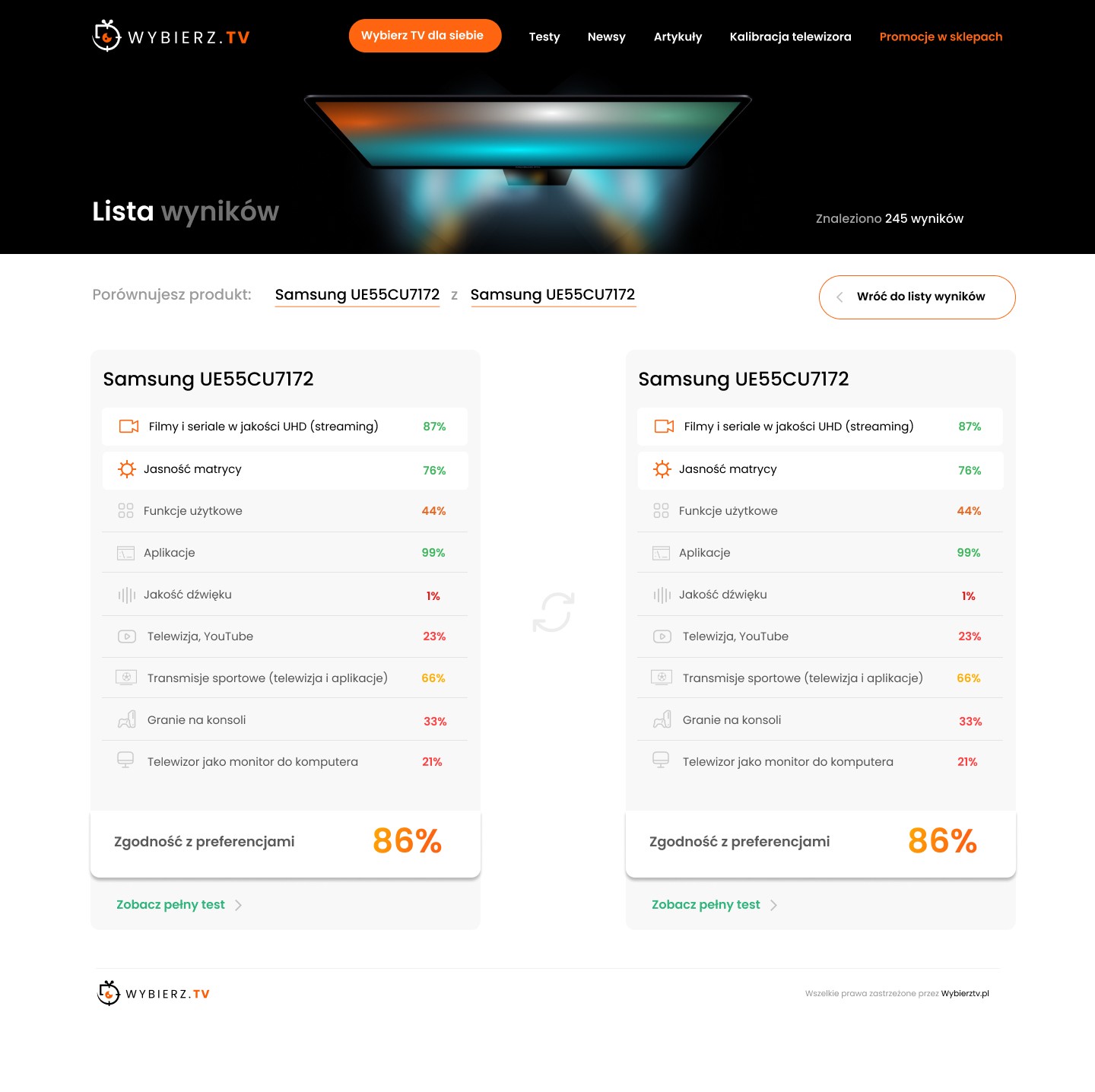
We also have the option to compare TVs from the listing level.
After selecting TVs (using the checkbox), the parent bar displays the option to select up to two items and a "Compare" button. The entire bar is permanently visible (sticky) at the top.
Step 3
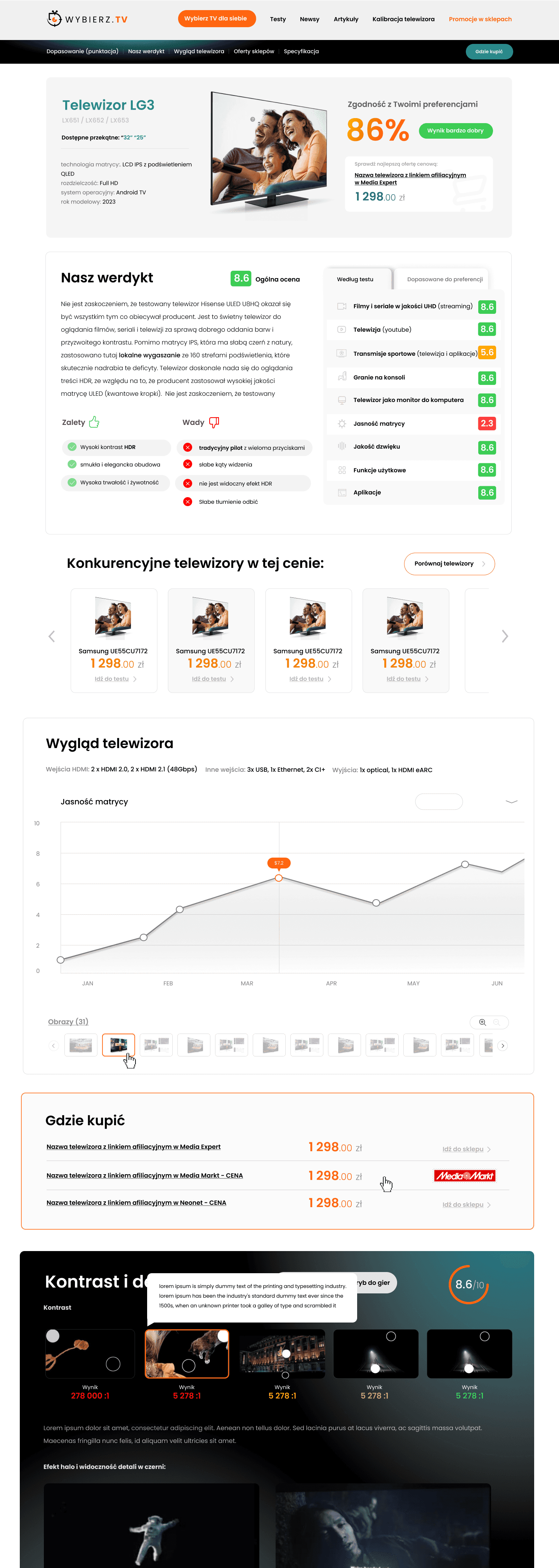
TV profile with detailed scores and specifications
Finally, we have a very comprehensive view with the TV score expanded and the final verdict. The site is very comprehensive, showing precise details of the scoring, and includes numerous tables, statistics, analyses, and much more.
Step 4
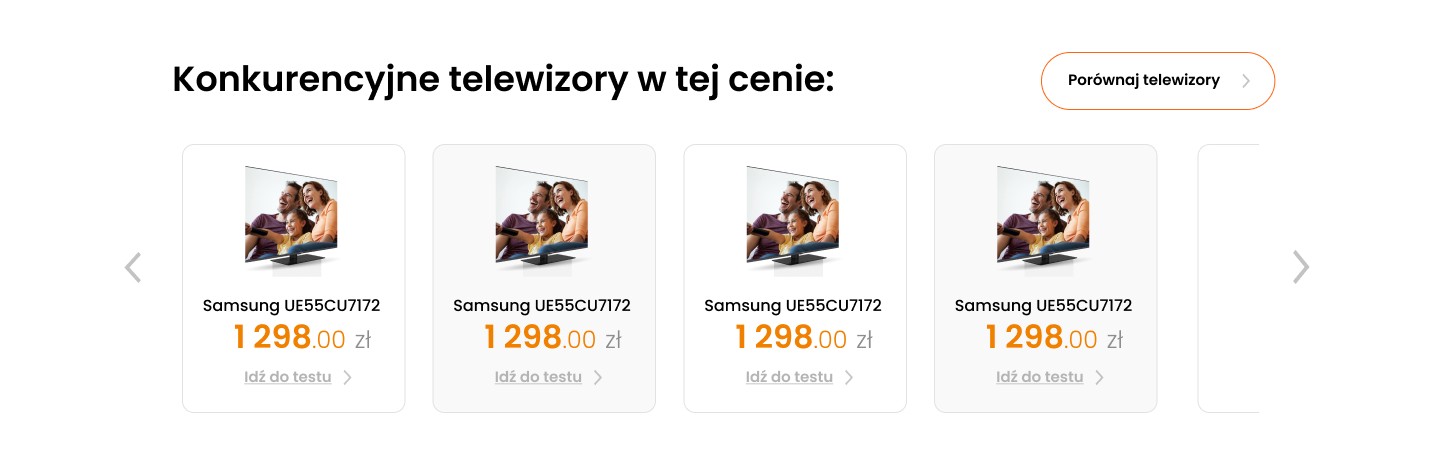
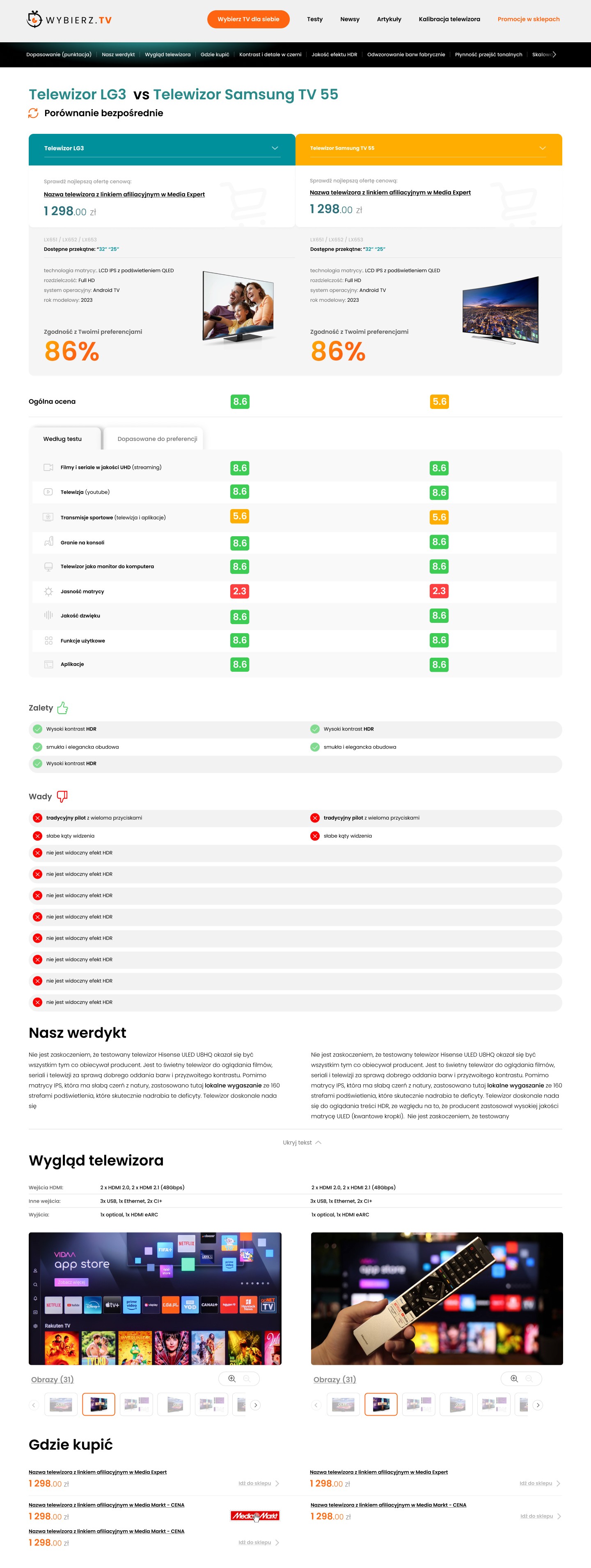
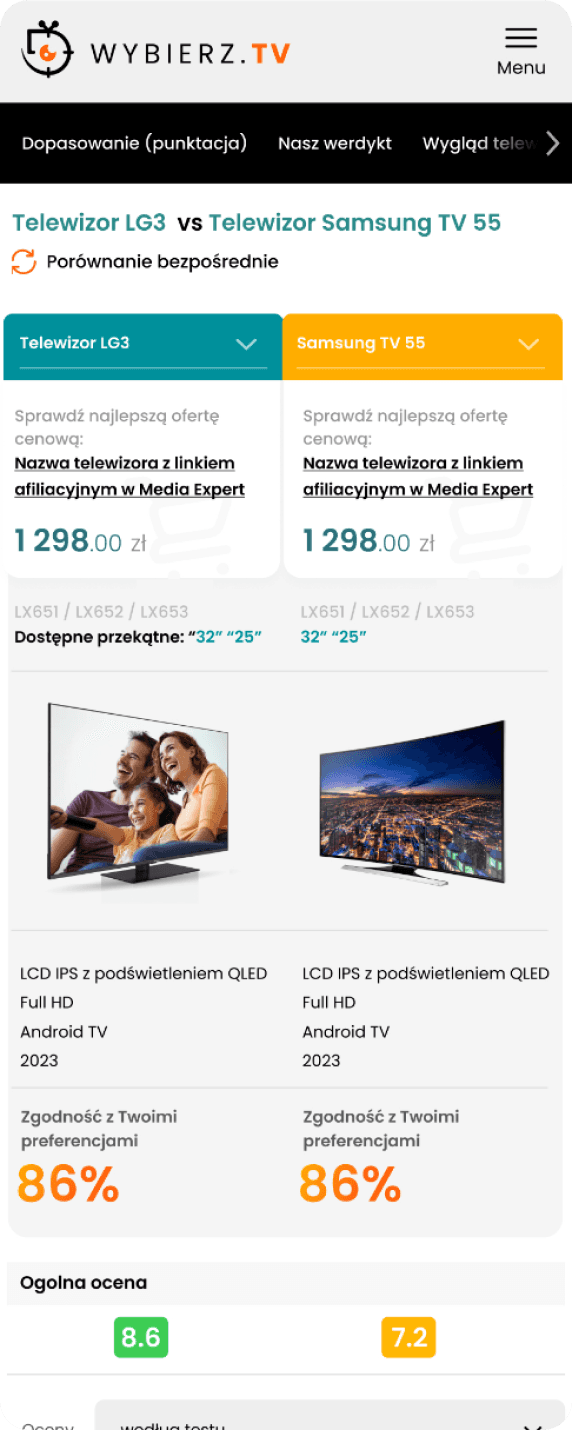
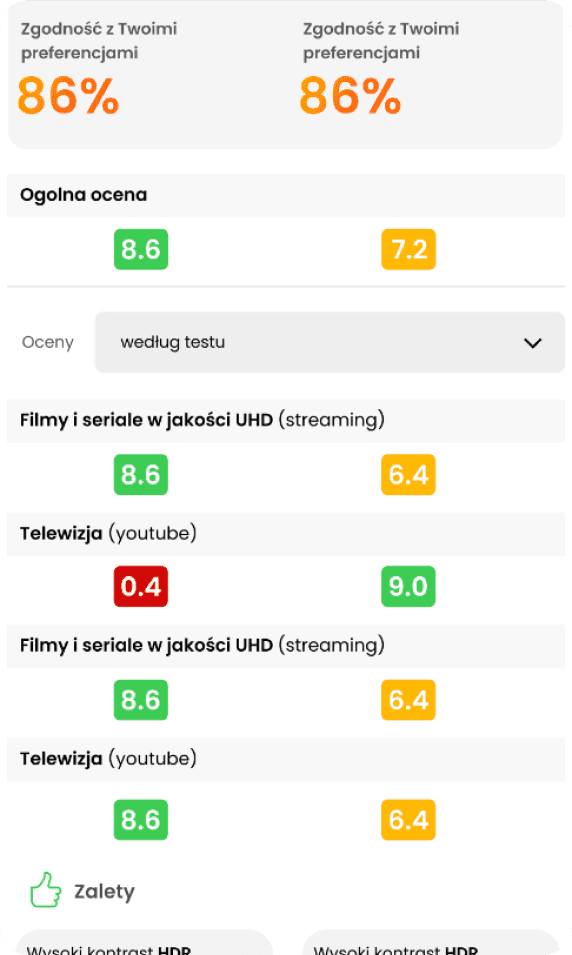
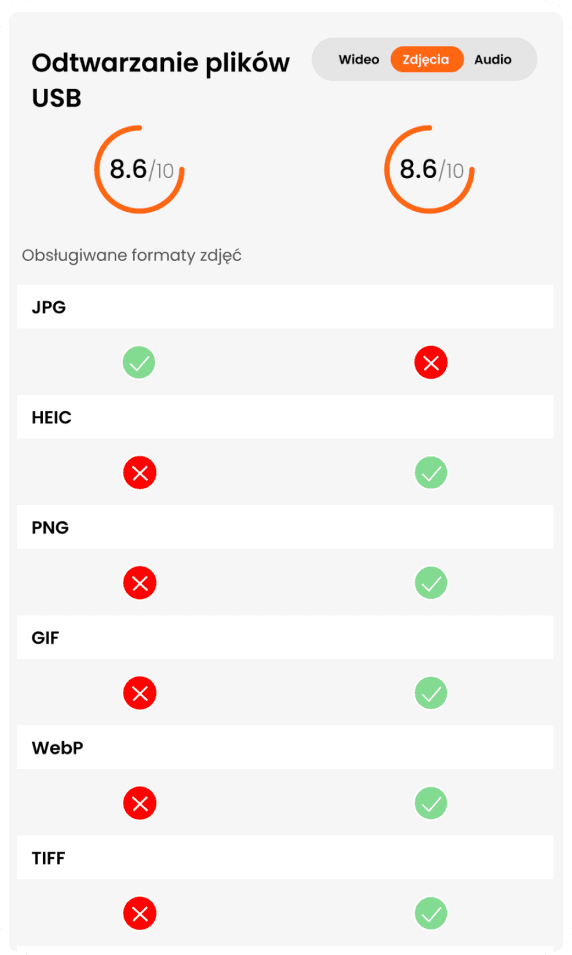
TV comparison tool
From the TV profile level, the user can compare competing TVs at the same price
Step 5
As part of the assignment, I also created a TV test view, including a test listing.
I prepared the entire userflow, including a prototype, so the client could better understand what had been done. Importantly, I highlighted the percentage of TV fit to needs and the store offerings (affiliate links).
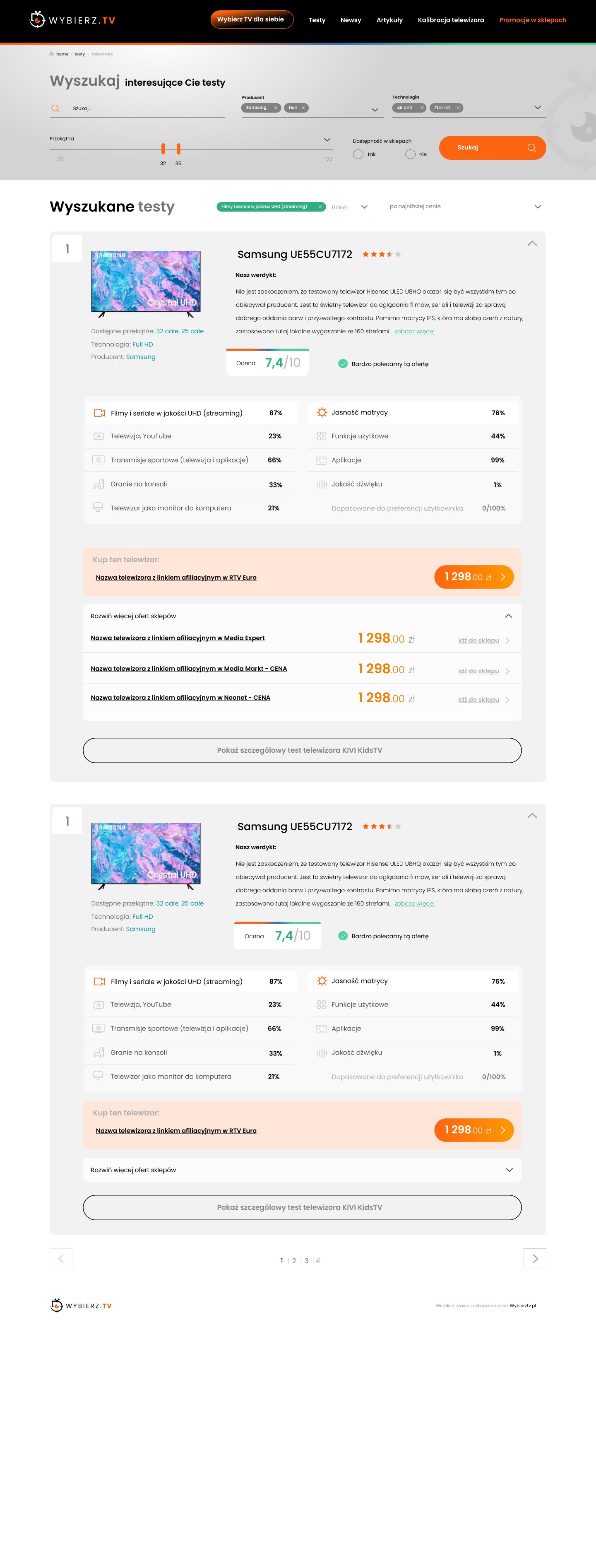
Useful userflow
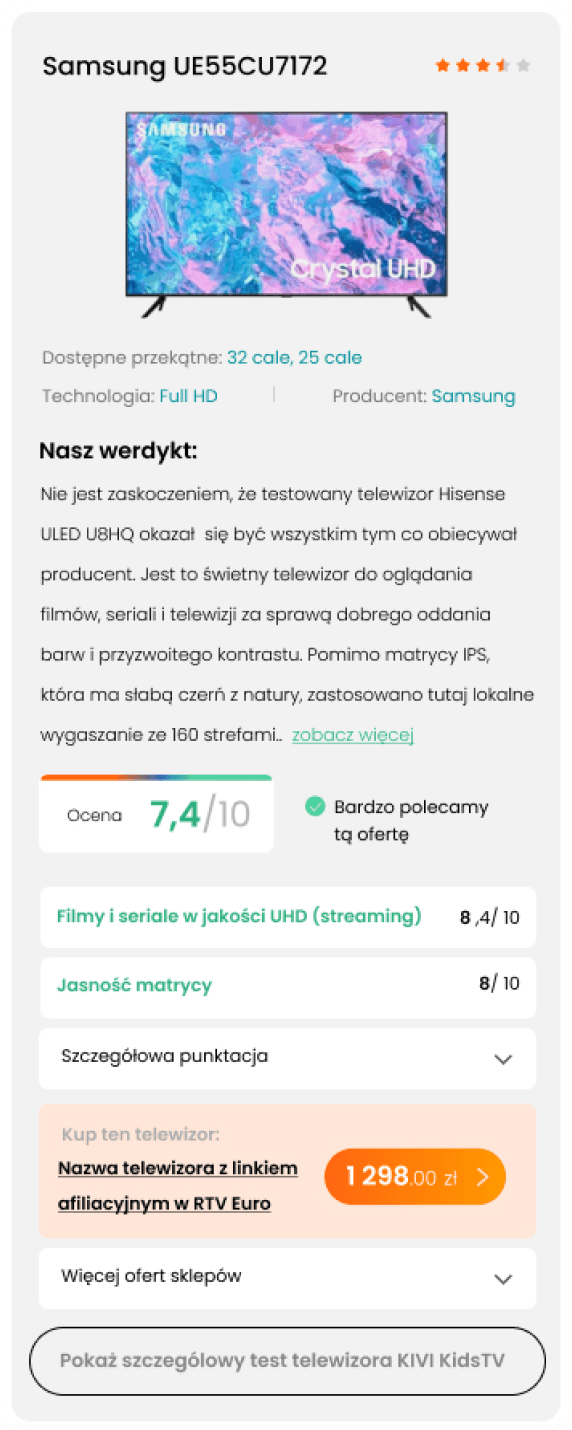
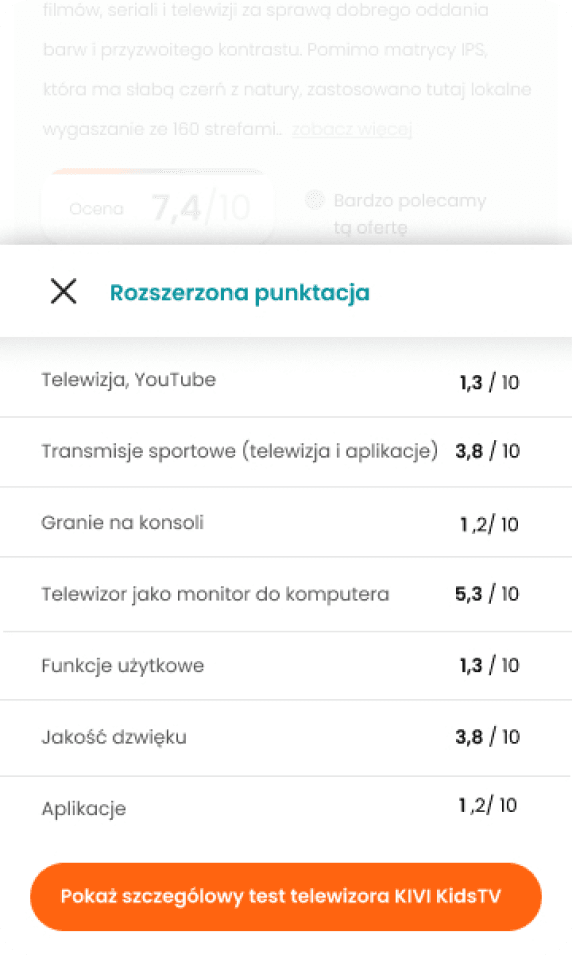
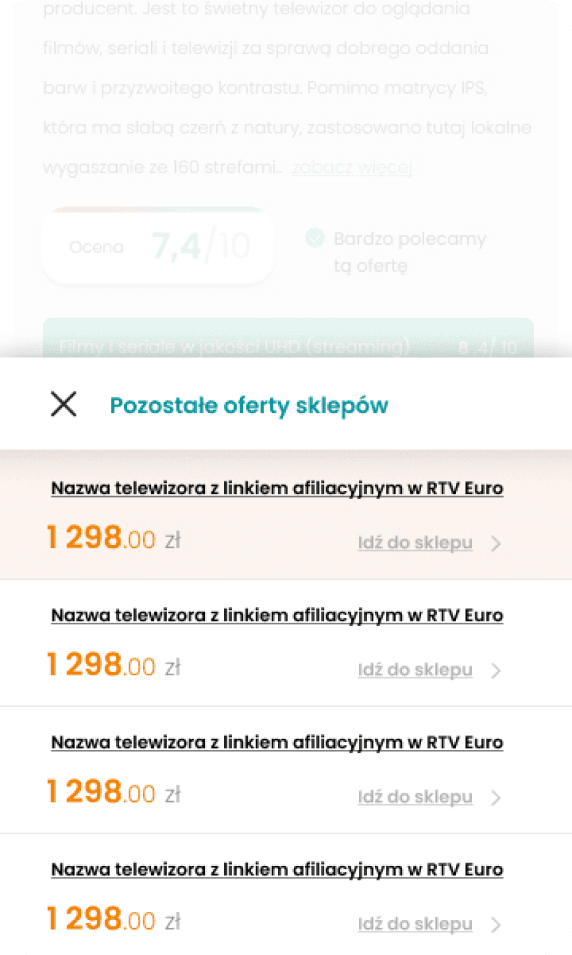
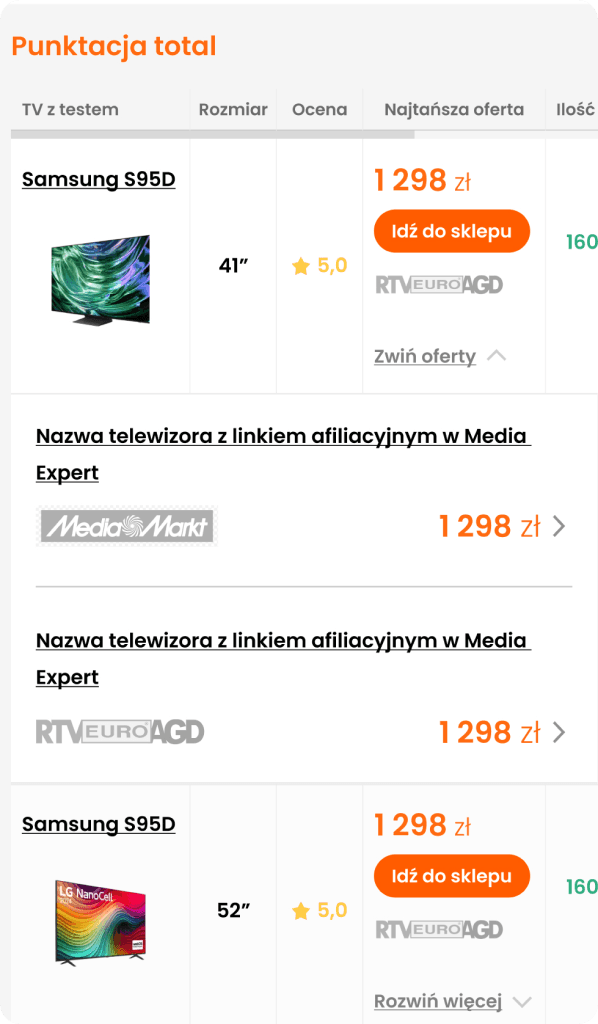
In the mobile version, I used modals to effectively structure the user path (UX)
Due to the large amount of information,
I divided the user path into the most important distinguishing features and UX modals.
Step 6
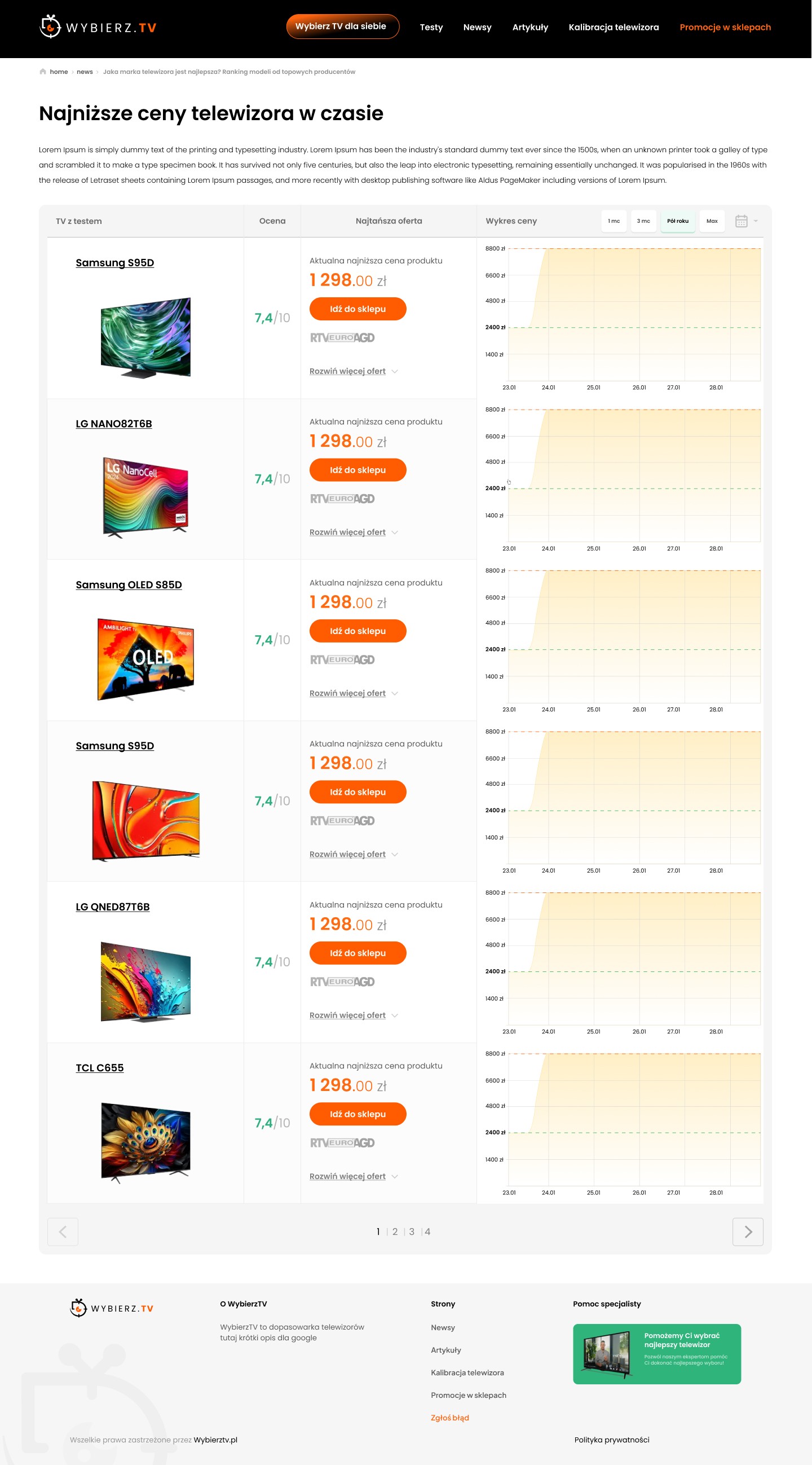
Price drop/promotion view
Step 7
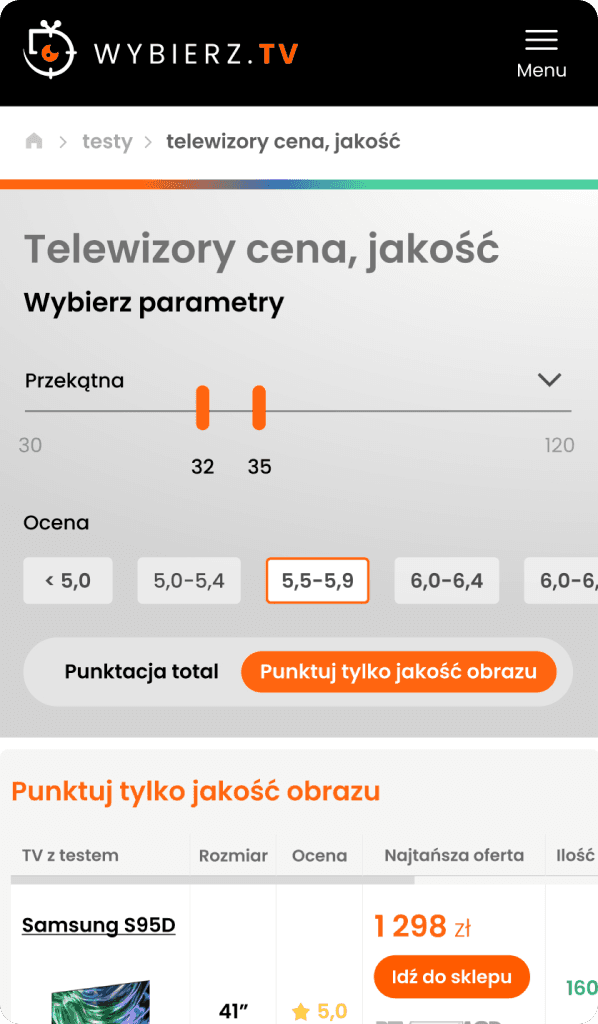
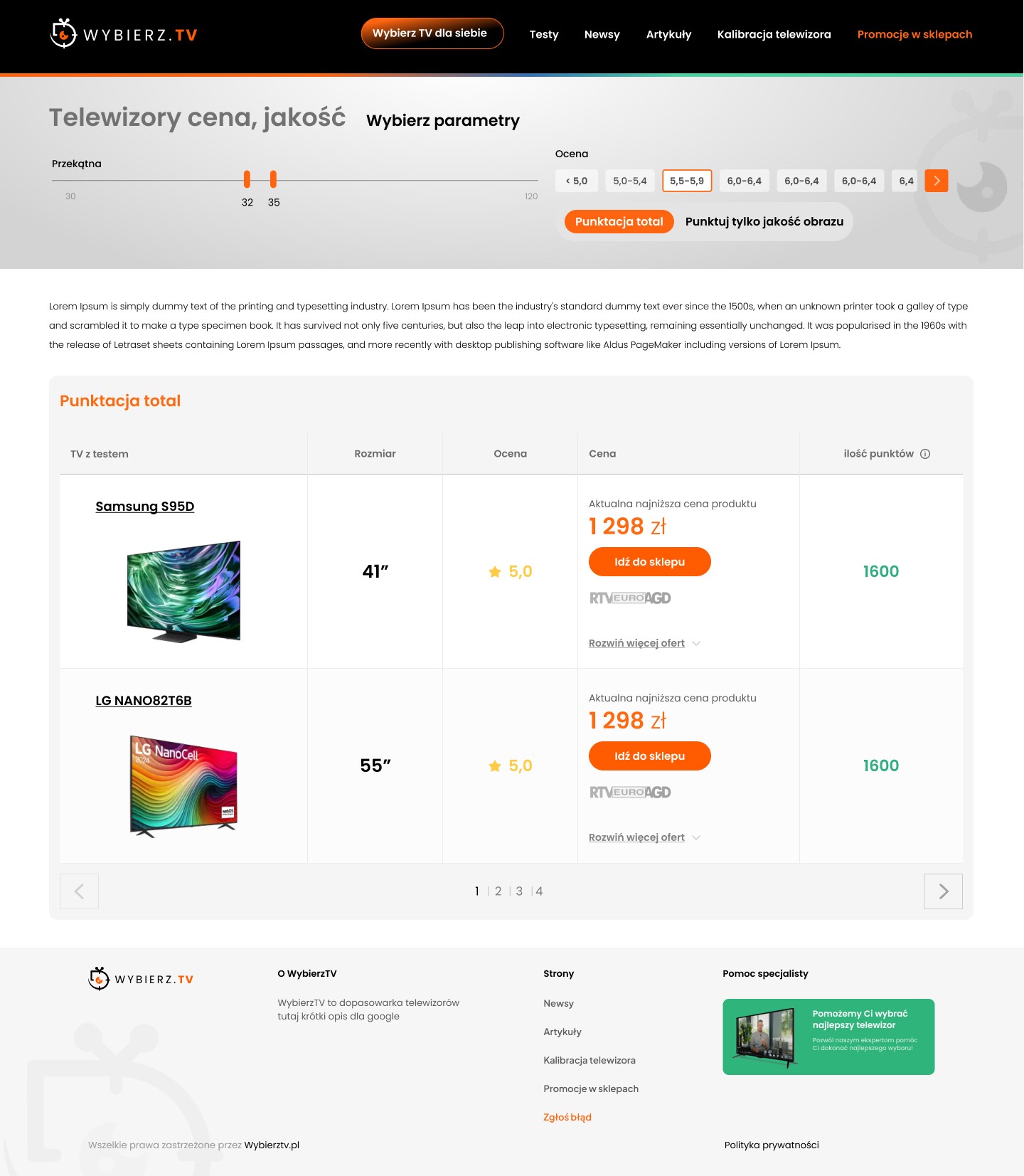
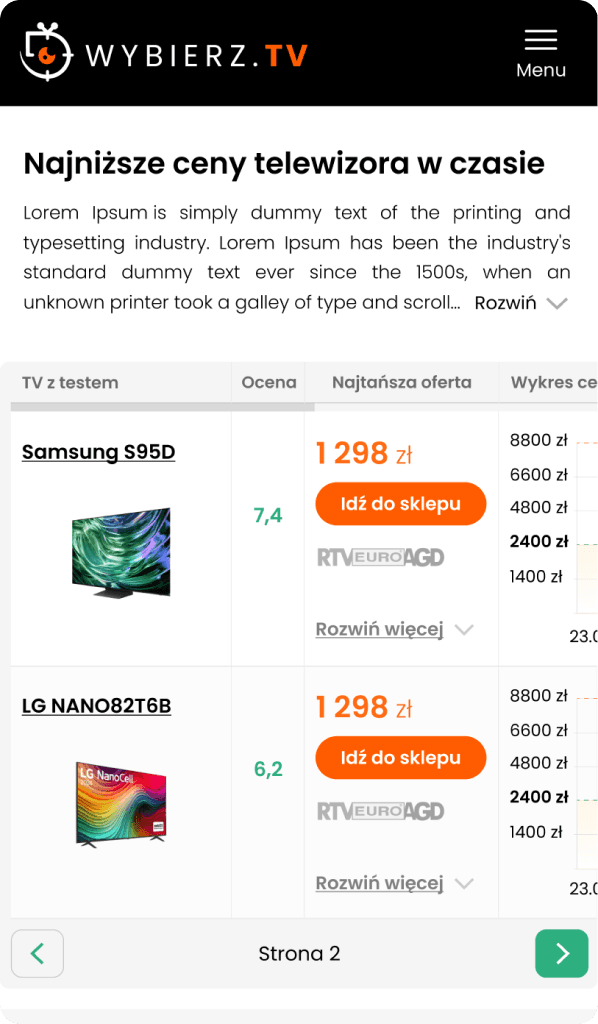
View TVs price/quality
Step 8
Intro for a YouTube video
I also created a short intro that matched the overall style of the website, which the client uses in his videos on his YouTube channel.
Step 9
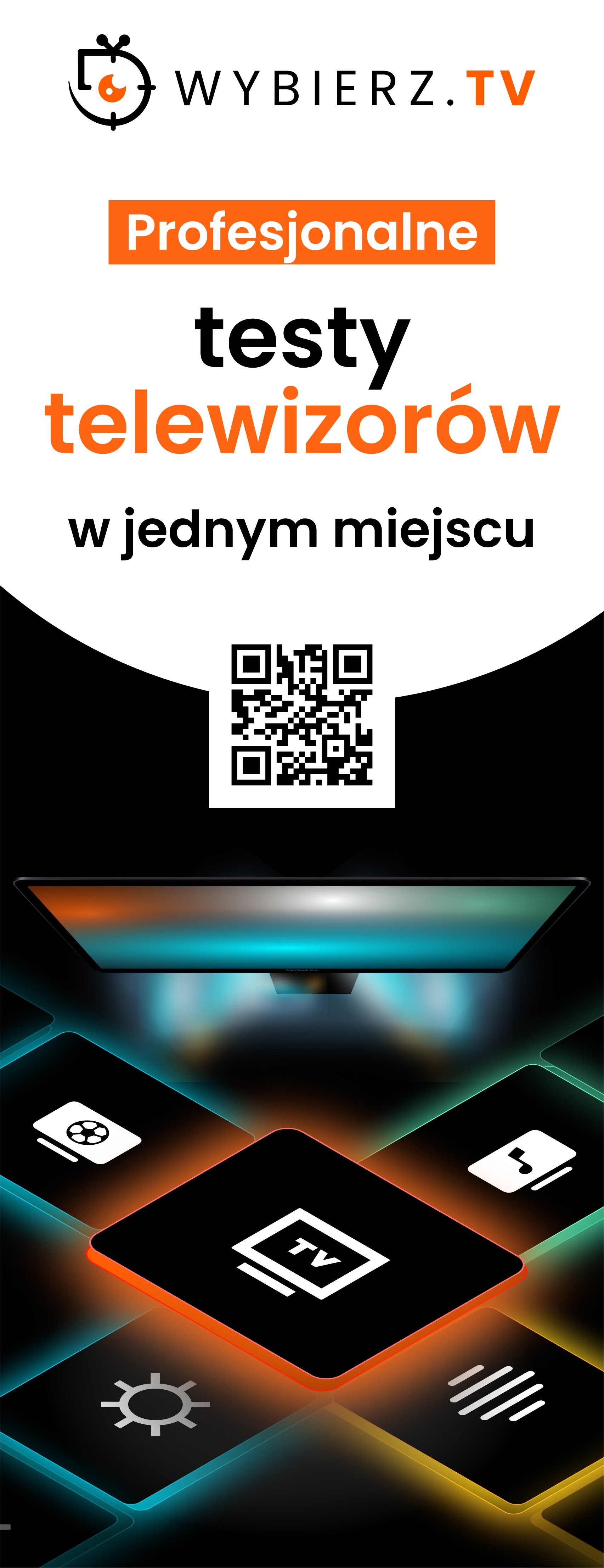
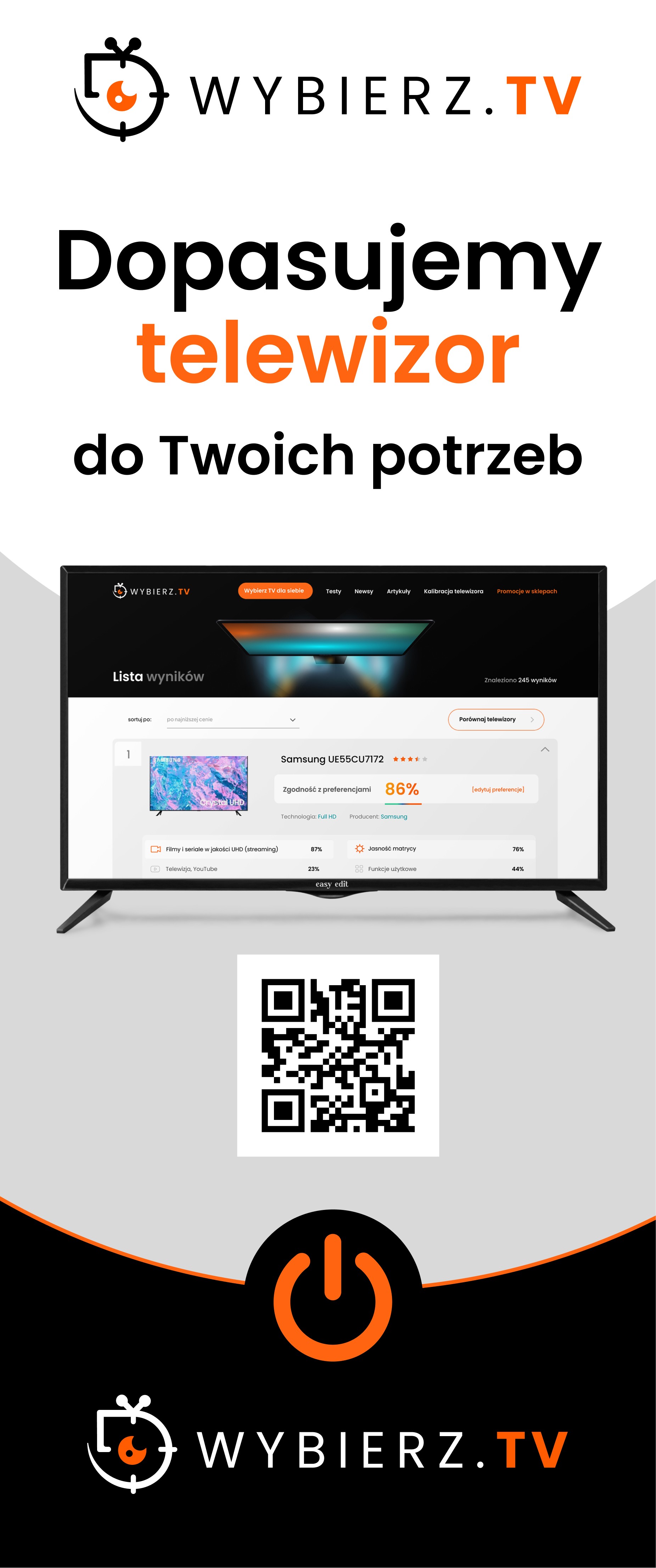
Roll-up banners with QR code
Letter of recommendation