Merope

UX/UI design of the SaaS application for the competition
My role

My role

UI/UX/Prototypes/Videos

UI/UX/Prototypes/Videos

About the project

About the project

Application for Competition Organizers

Application for Competition Organizers

Client

Merope

About the project

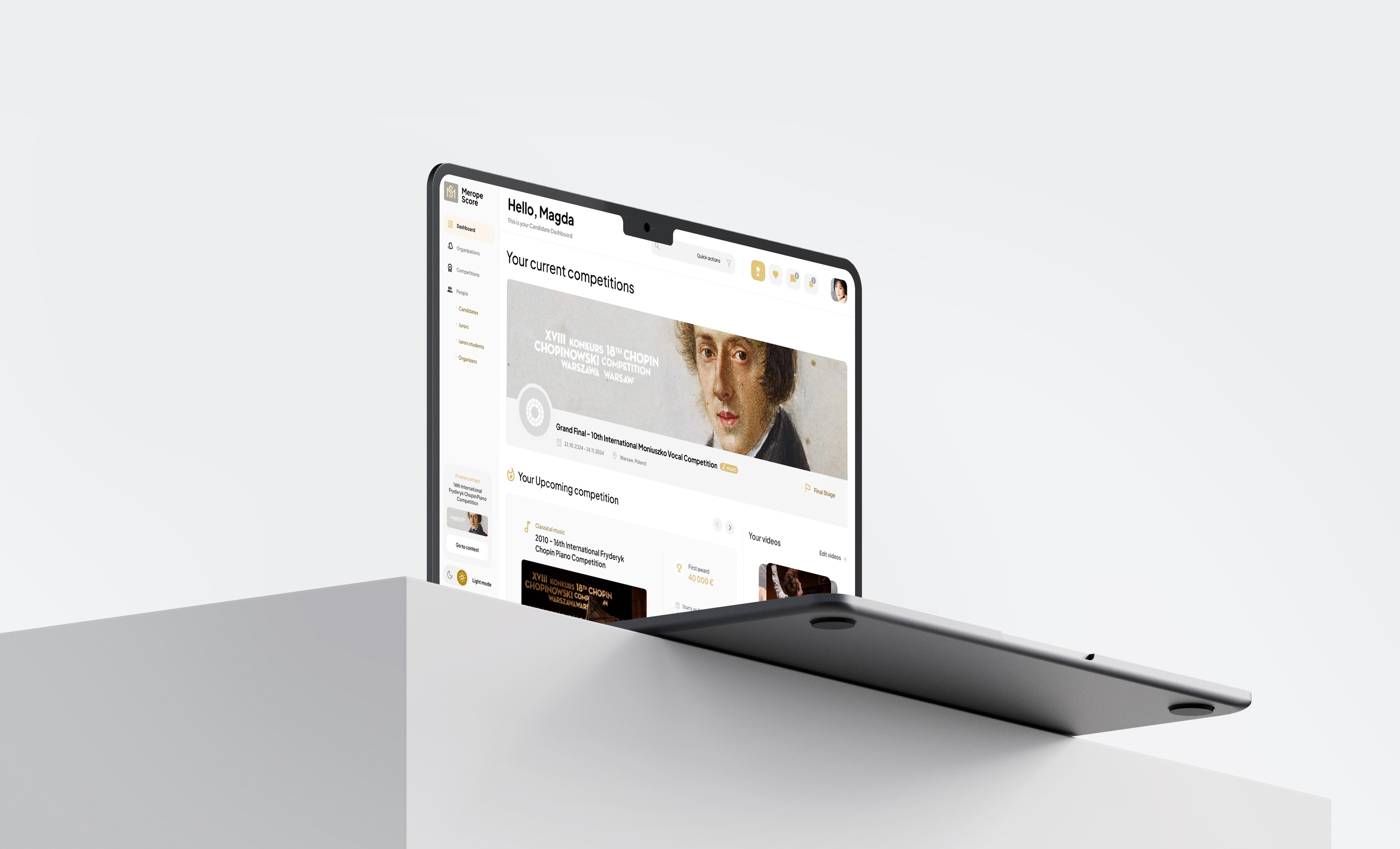
Merope is designed for classical music competitions. It allows you to add competitions and enter scores into the system. Previously, results were added manually, which led to unfair play. Merope is the solution.
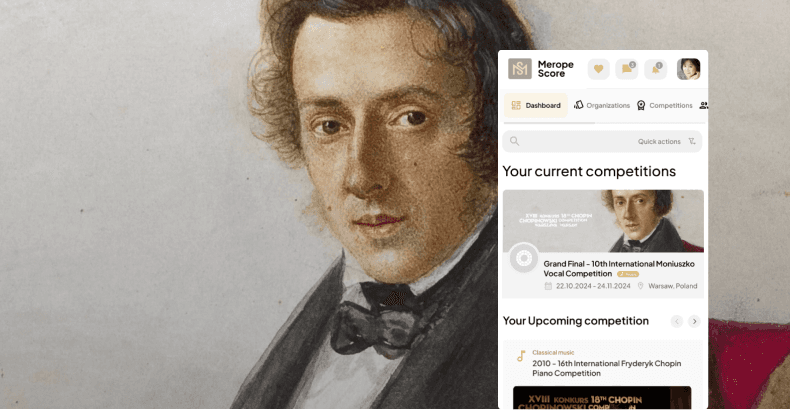
The app allows you to add profiles of competitions and candidates. Judges can assign points to candidates in competitions. Competitions are divided into rounds. Candidates can join competitions and win cash prizes.

Step 1

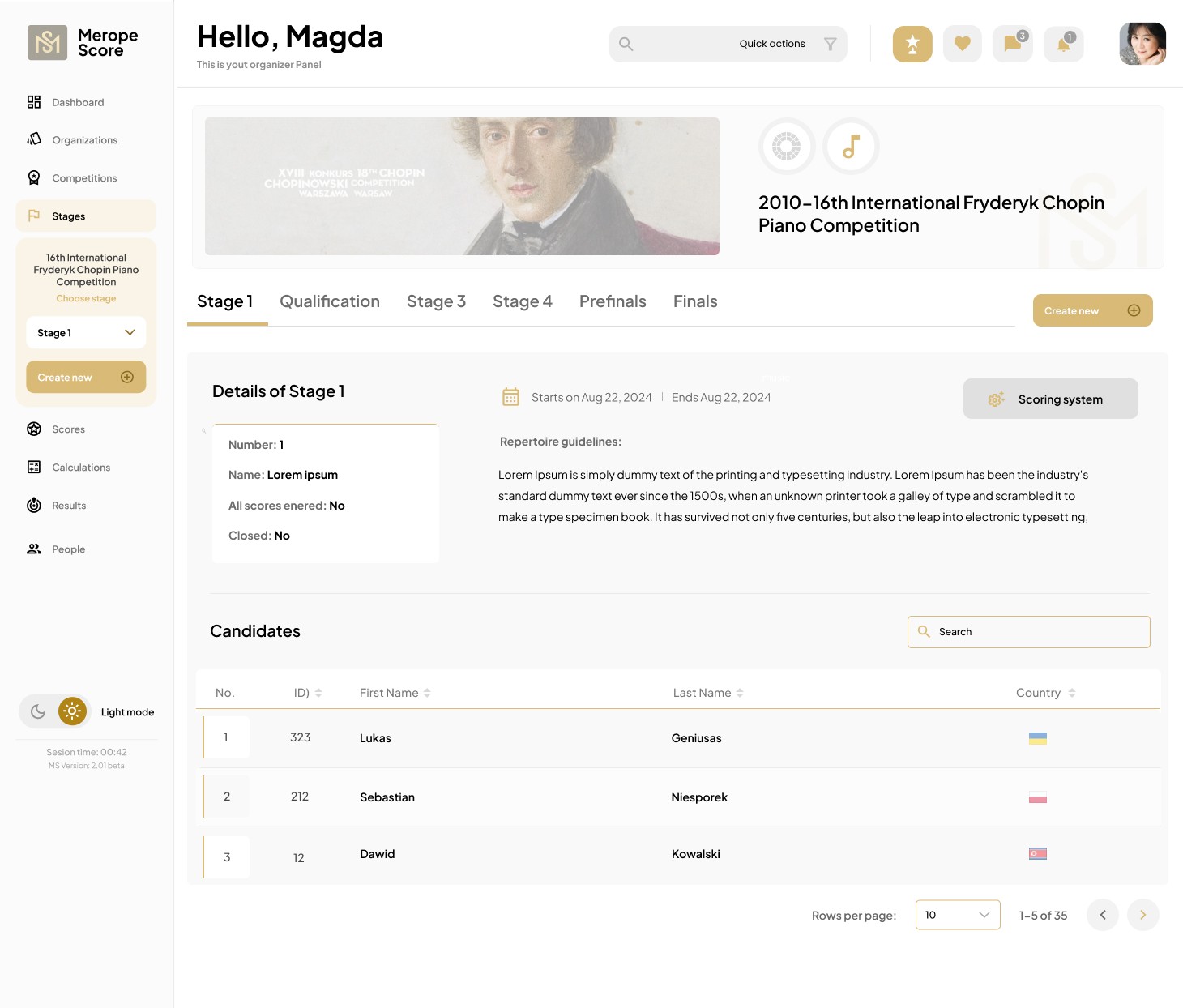
Over 50 hi-fi mockups and an organization path prototype

Below is a video showing how to navigate the website after the Competition Organizer logs in to the panel.

Poniżej film przedstawiający sposób poruszania się po aplikacji po zalogowaniu organizatora konkursu do panelu.

How it works

Organizers can personalize their profile and competition listings (e.g., specify prizes). They divide their competitions based on a category tree (e.g., classical music). For each competition, they assign specific rounds in the "Stages" tab, which are visible only after entering the competition. Then, from the "Stages" tab, they can navigate to the "Scores" functionality, where they can update candidate scores assigned by the jurors (the juror enters them themselves from the panel). Finally, they can view other functions, such as calculations and results (a list of candidates who advanced to the next round of the competition).

Intuitive tutorial

Tutorials that guide the user through the panel
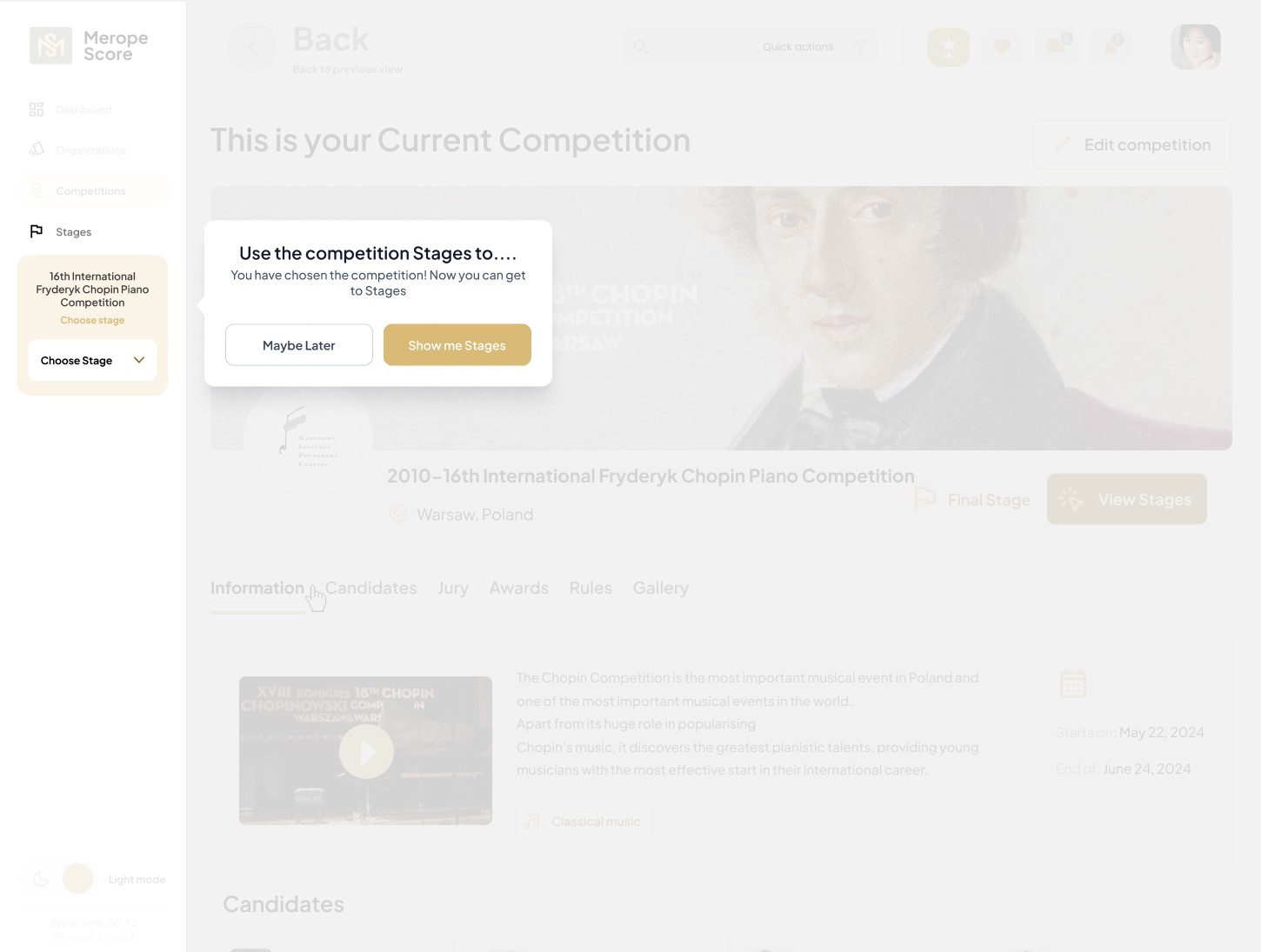
Using tutorials, I explained how the Competition Organizer should use the function of dividing the competition into rounds, completing the scoring and results.

Using tutorials, I explained how the Competition Organizer should use the function of dividing the competition into rounds, completing the scoring and results.

The tutorial explains the function of assigning rounds to a competition, so that the user is aware that this functionality only appears after entering the competition profile, as the division into rounds is closely related to the given competition. Because the round selection is visible on the left, the user navigates intuitively through the platform and can change the round at any time.

The tutorial explains the function of assigning rounds to a competition, so that the user is aware that this functionality only appears after entering the competition profile, as the division into rounds is closely related to the given competition. Because the round selection is visible on the left, the user navigates intuitively through the platform and can change the round at any time.

Once the Organizer adds and then selects a given round, another view appears, informing the user about new functionalities, i.e. the possibility of switching to other tabs.
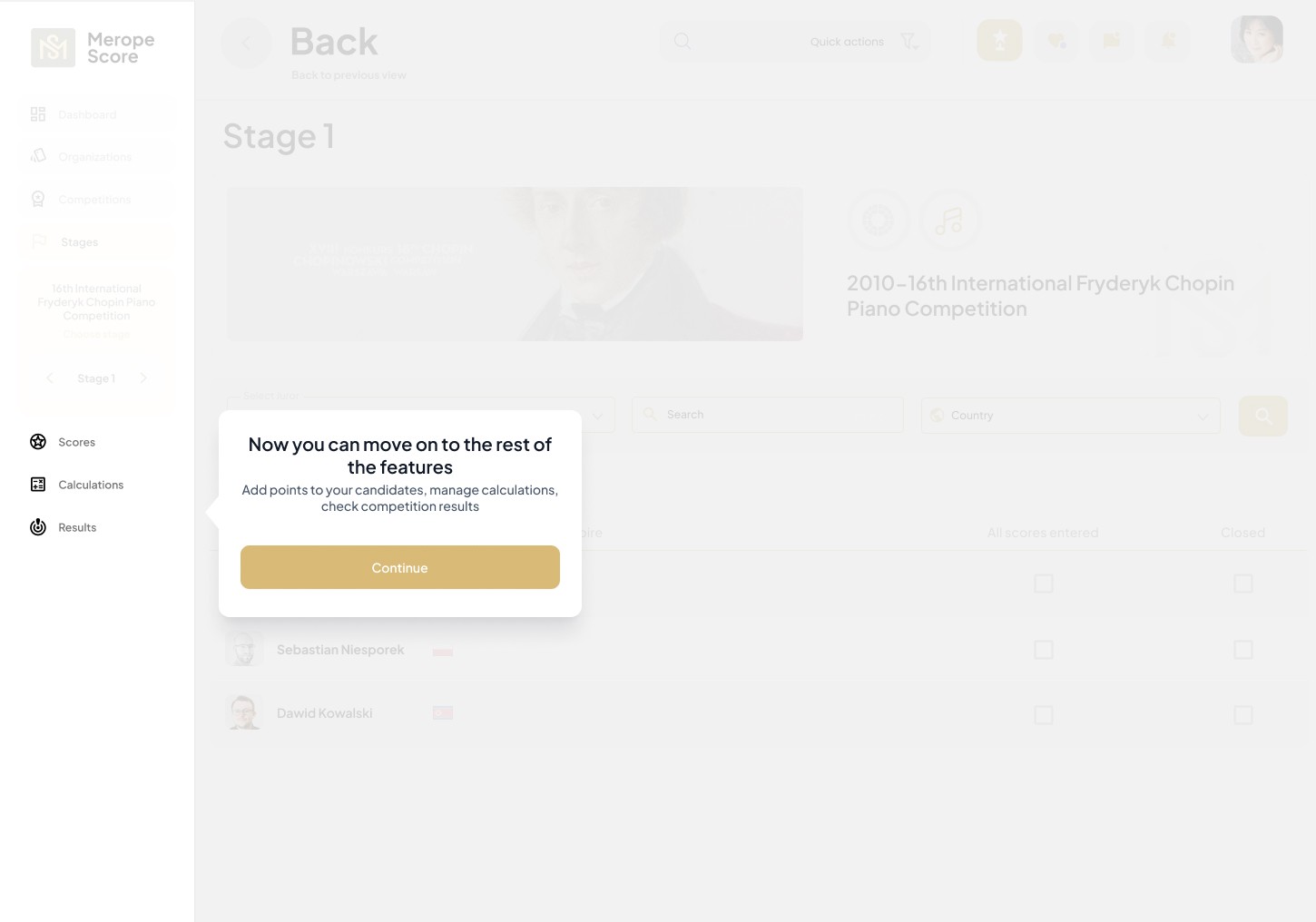
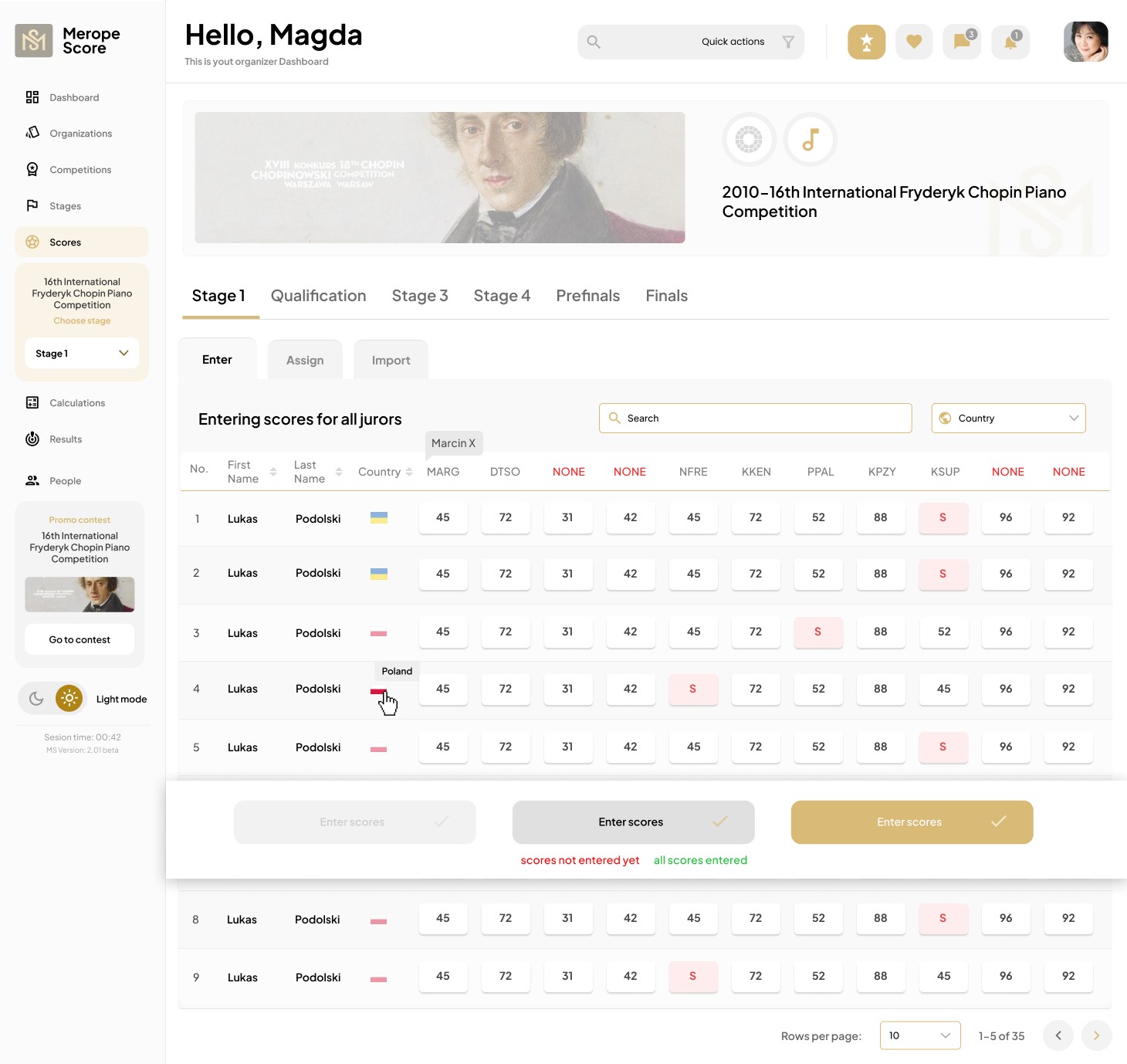
Now, the competition organizer and judges can assign points to individual candidates, check calculations, and ultimately see which candidate advanced to the next round. This creates a robust, simple, and intuitive process for getting from point A to Z, despite the complex and unconventional functionality. I concluded that the widget for switching rounds for the competition should be prominently displayed and always visible on the left side (after entering the competition profile) to facilitate navigation within the application.

Now, the competition organizer and judges can assign points to individual candidates, check calculations, and ultimately see which candidate advanced to the next round. This creates a robust, simple, and intuitive process for getting from point A to Z, despite the complex and unconventional functionality. I concluded that the widget for switching rounds for the competition should be prominently displayed and always visible on the left side (after entering the competition profile) to facilitate navigation within the application.

Step 2

Over 30 hi-fi mockups and a candidate path prototype

Full responsiveness

Mobile and tablet version

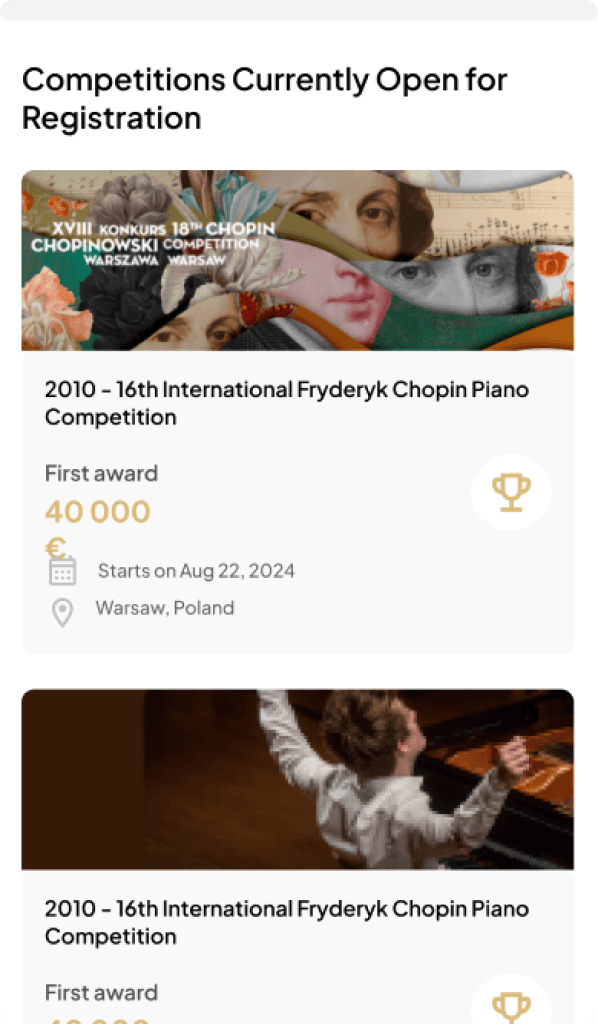
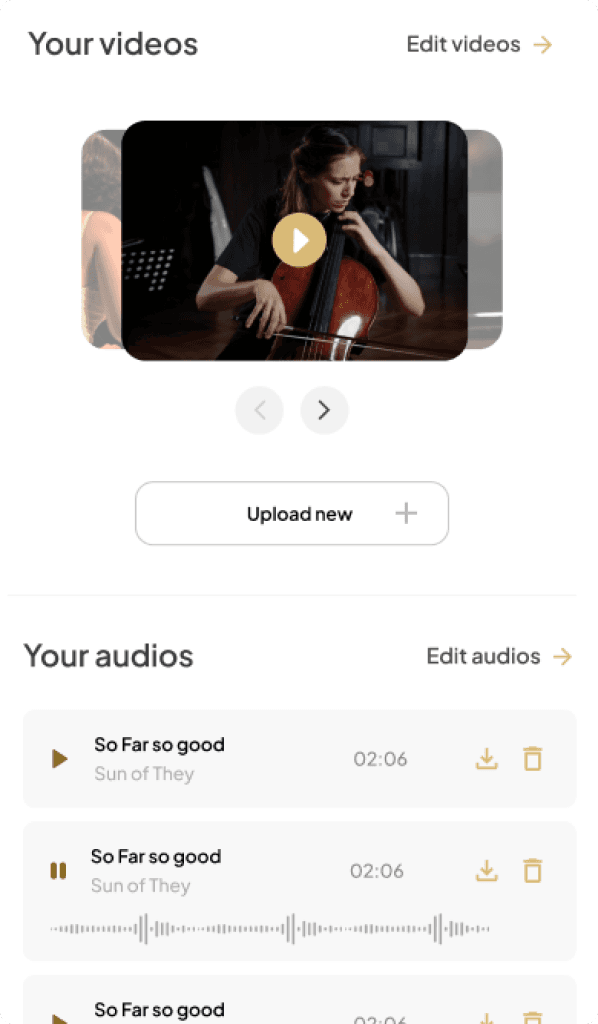
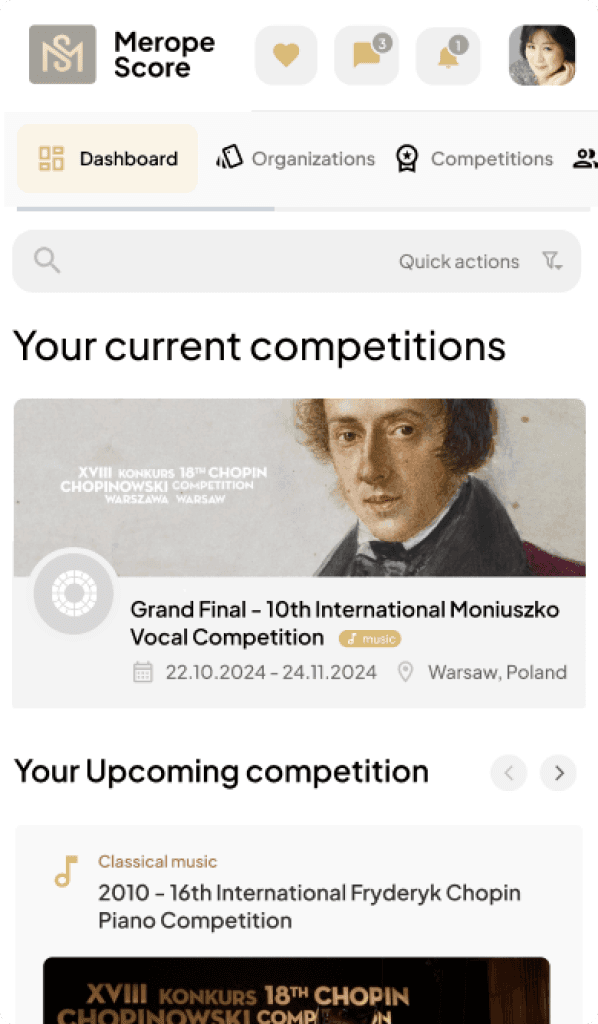
As part of the assignment, I designed the mobile and tablet versions.
Design system

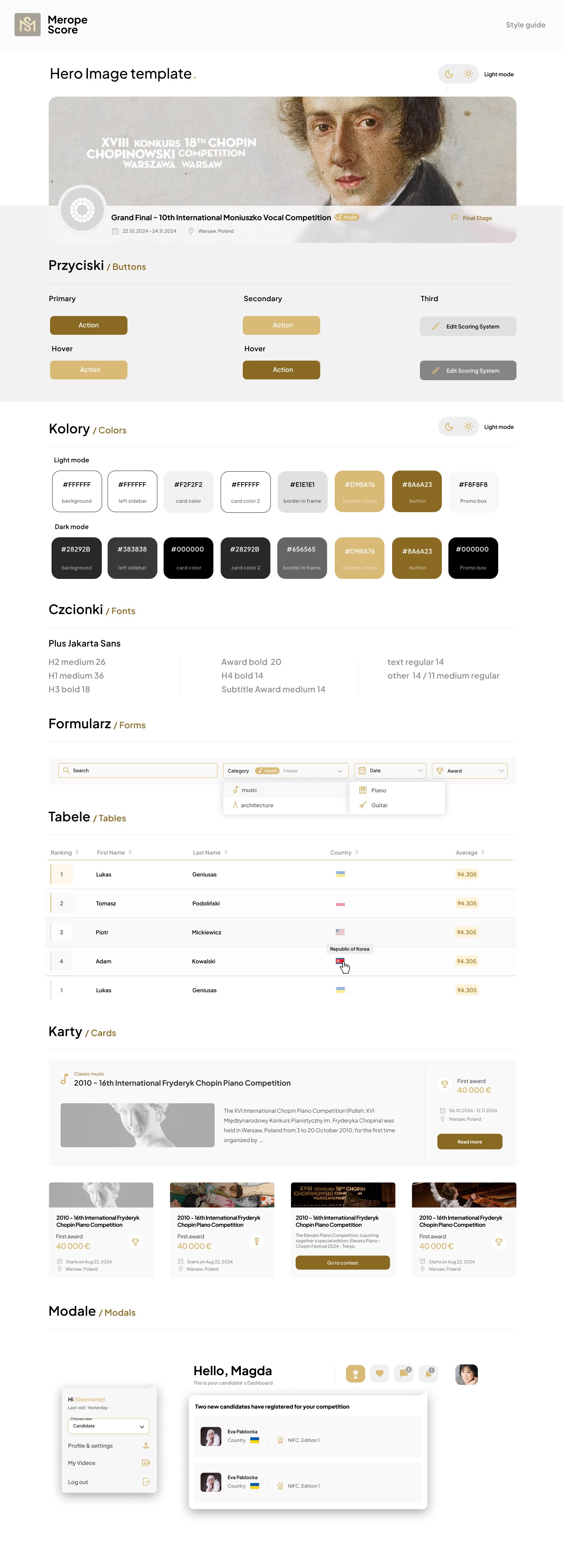
Style Guide that makes developers' work easier and faster

I created a list of elements based on the MUI Design System
Color versions

Light Mode vs Dark Mode

It couldn't be done without the popular dark mode.

Promotional video

Promotional video

Addressed to competition candidates

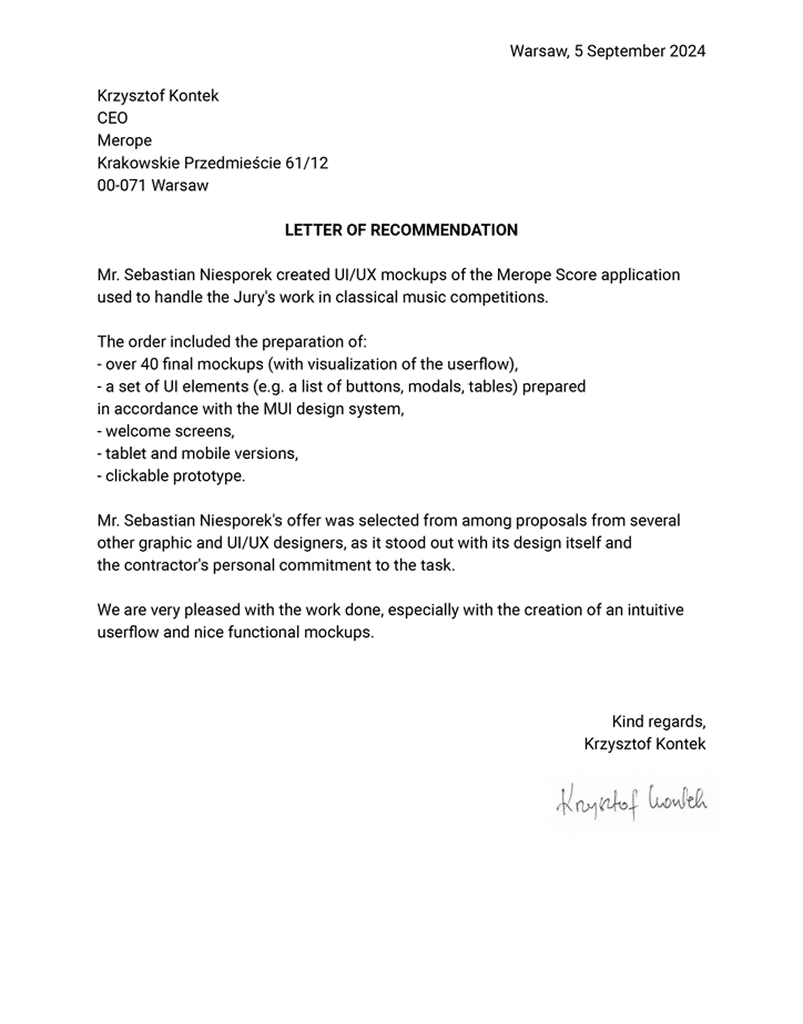
Letter of recommendation

Customer recommendation