Exwagen

Challenge
Creating a creative userflow according to specific client requirements
The client wanted the user journey to be designed in the style of a computer game, so the entire process wasn't completely simplified, but rather tailored to customers in the German market. Research has shown that this userflow approach will attract more customers.
Step 1
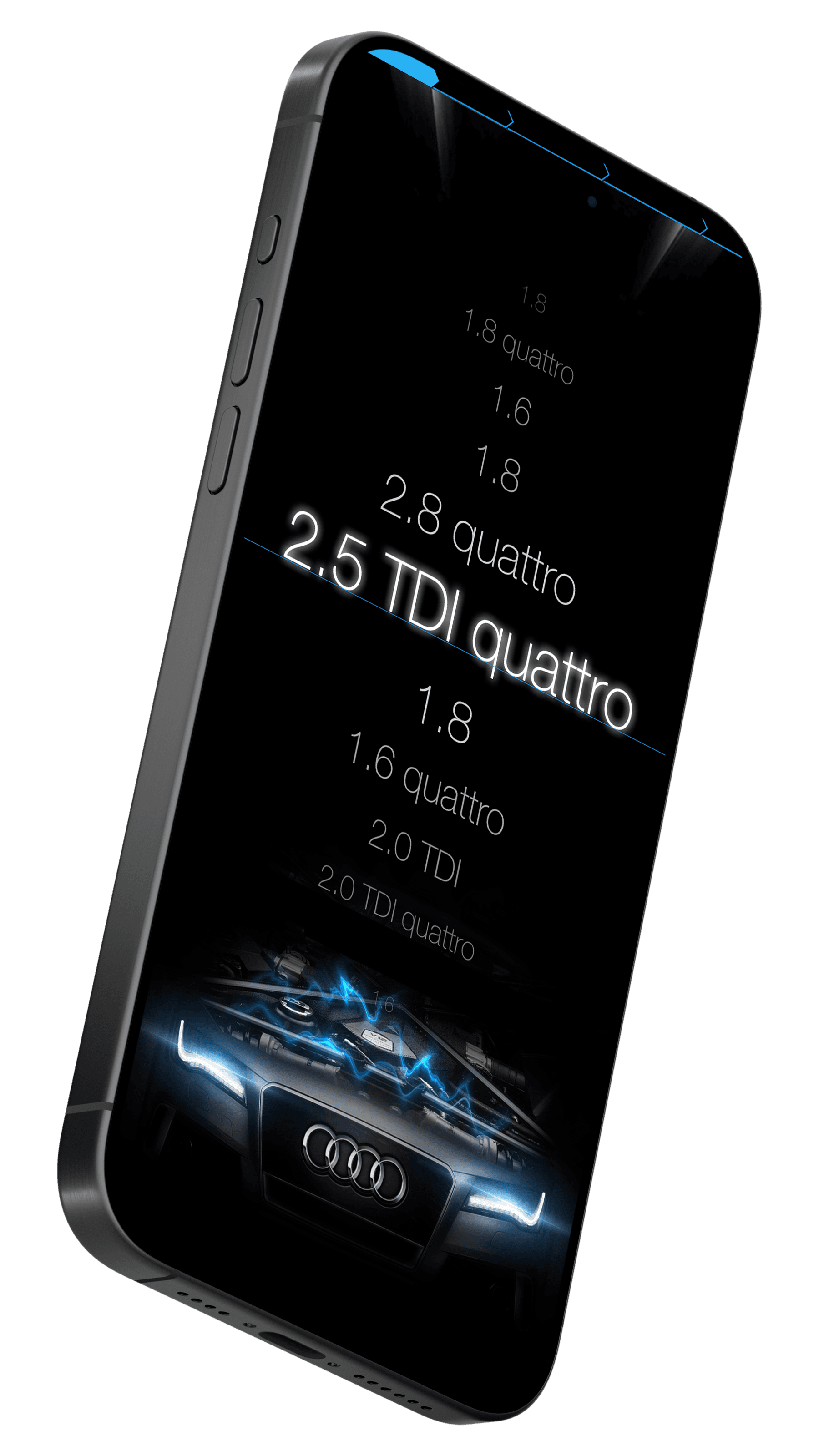
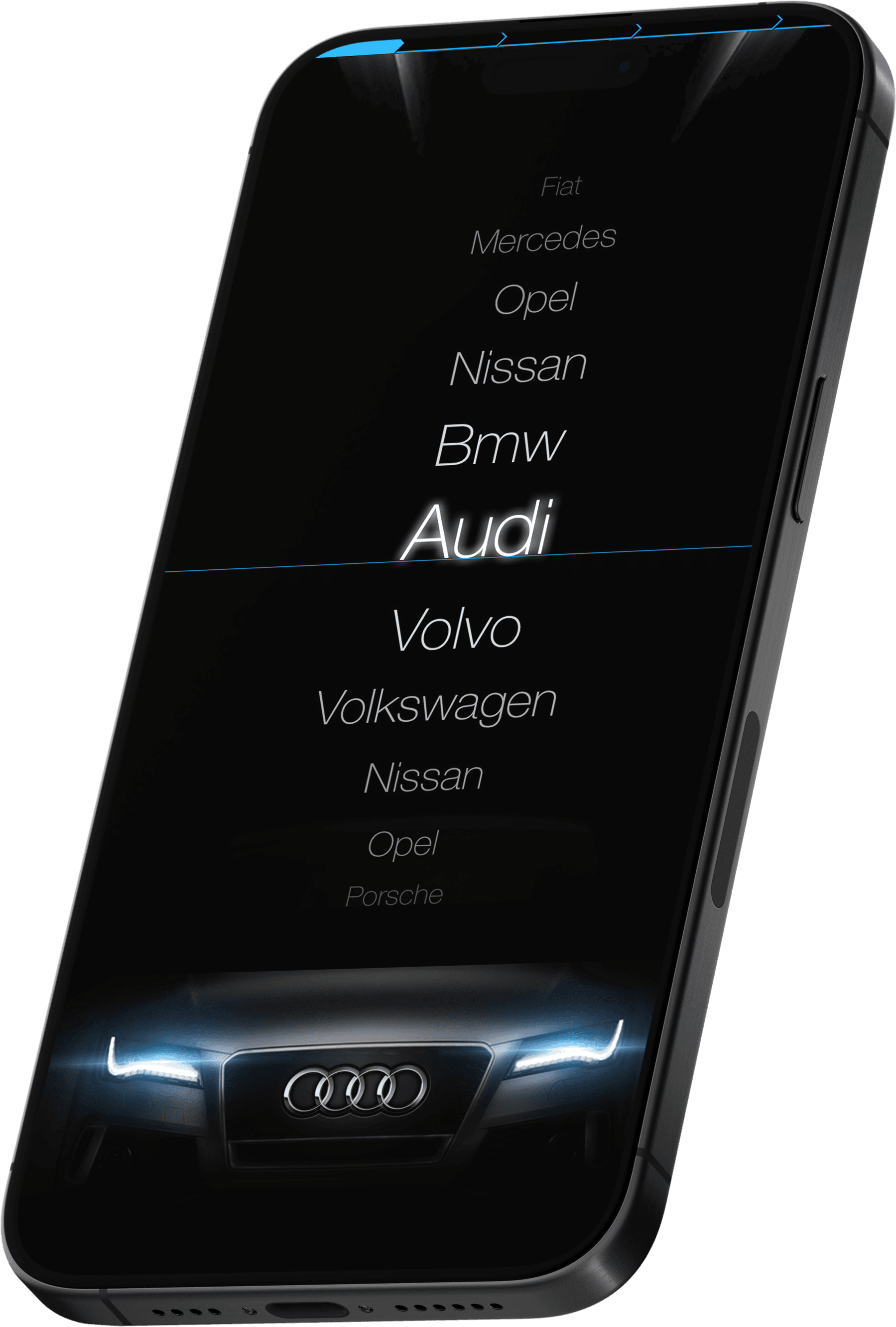
Choosing a car make and model
Using the so-called roulette wheel, we can select the model, make, and type of car engine.
Step 2
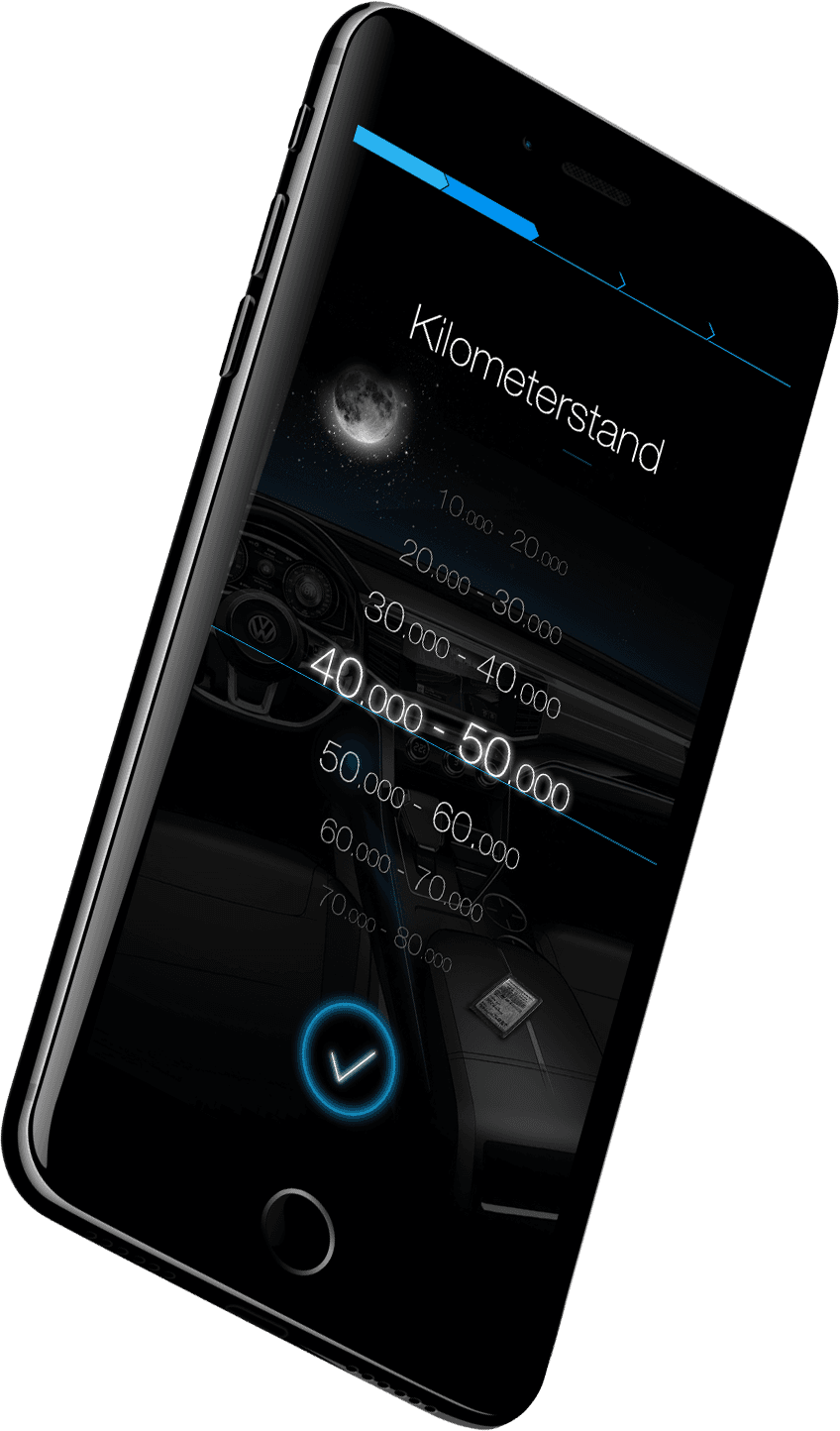
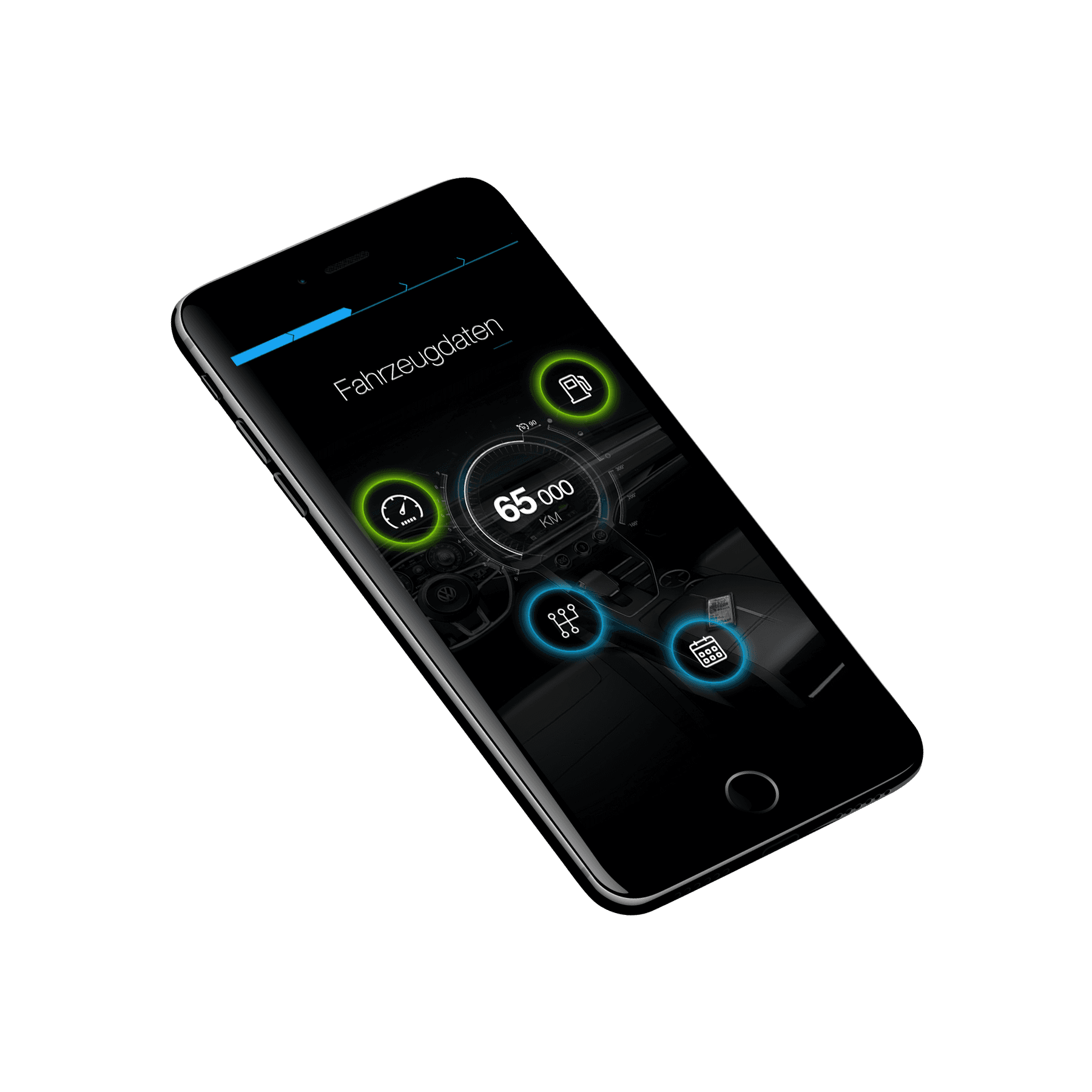
Setting parameters view
From this view we can set, among others, the car's mileage and the car's registration date.
Step 3
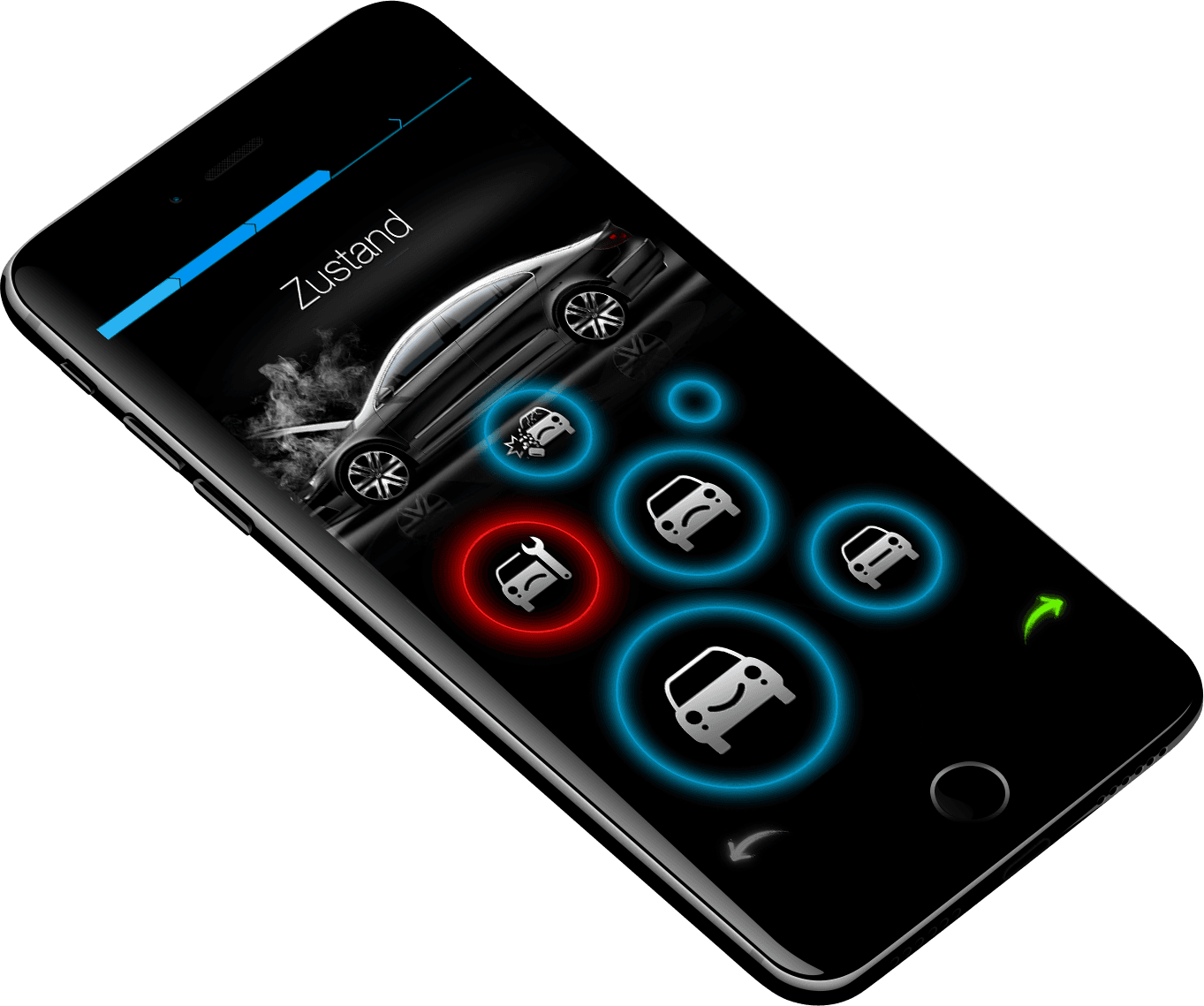
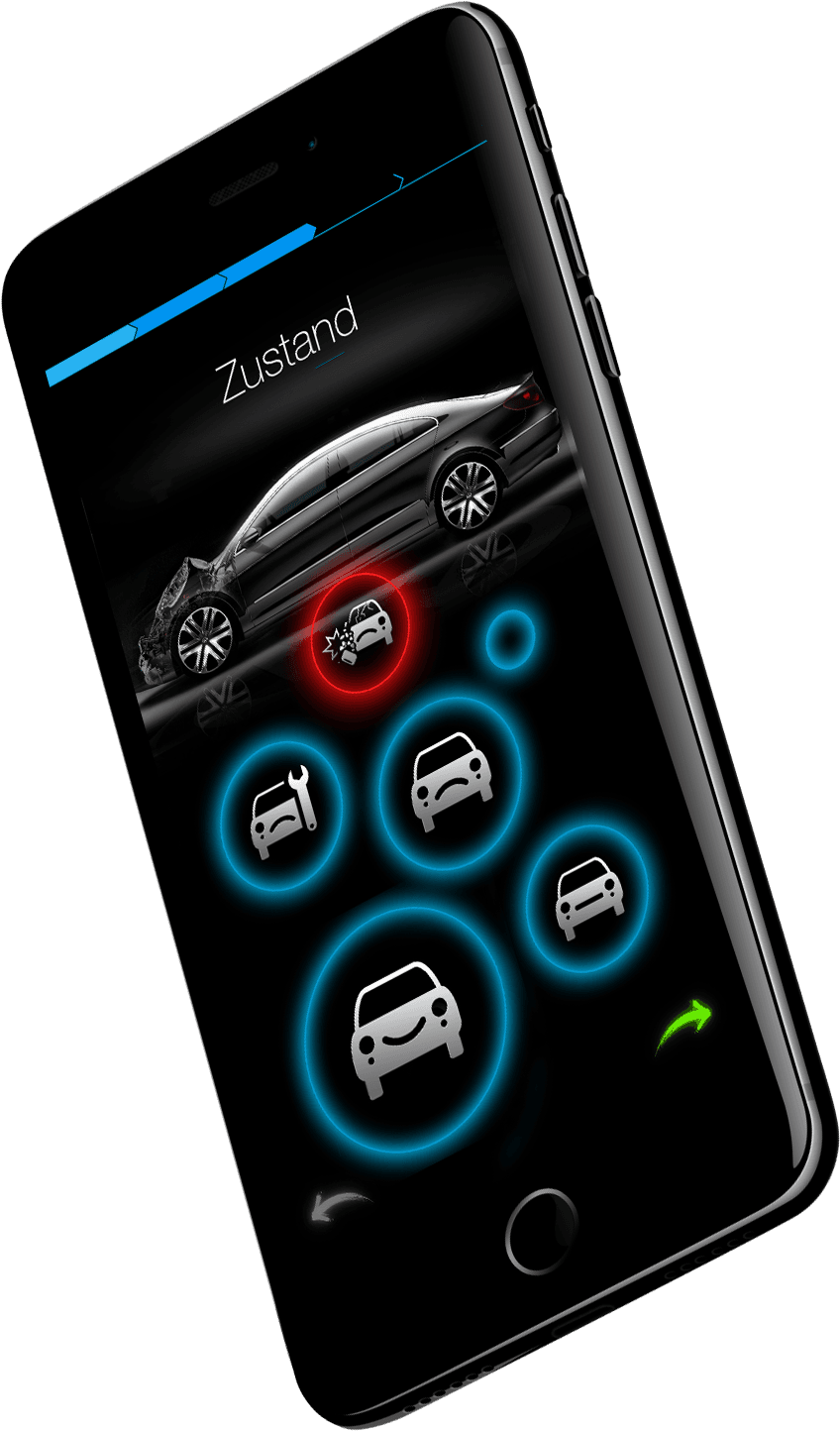
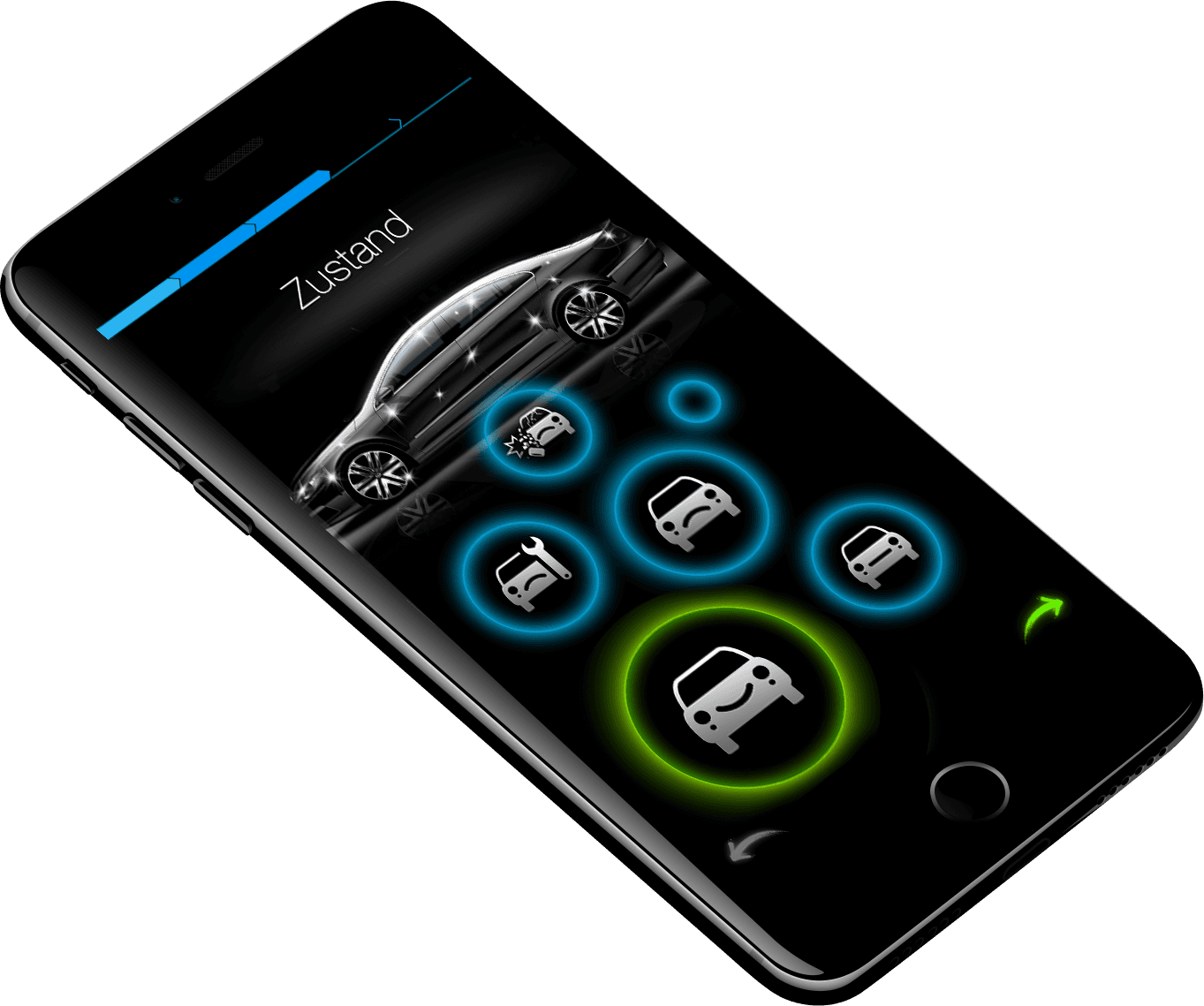
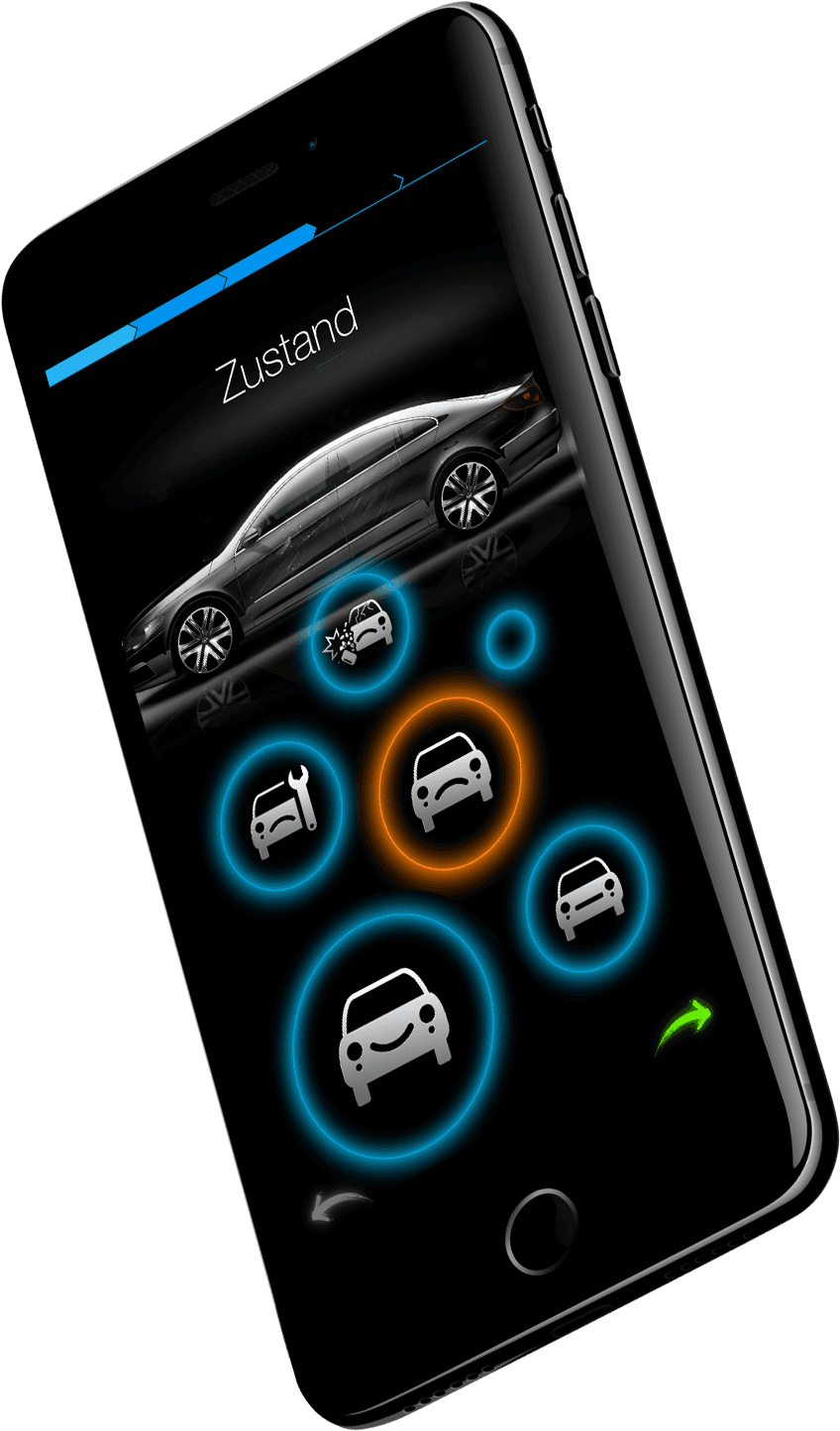
Car condition layout
Another gaming view gives you the ability to determine the car's condition using glowing balls.
Step 4
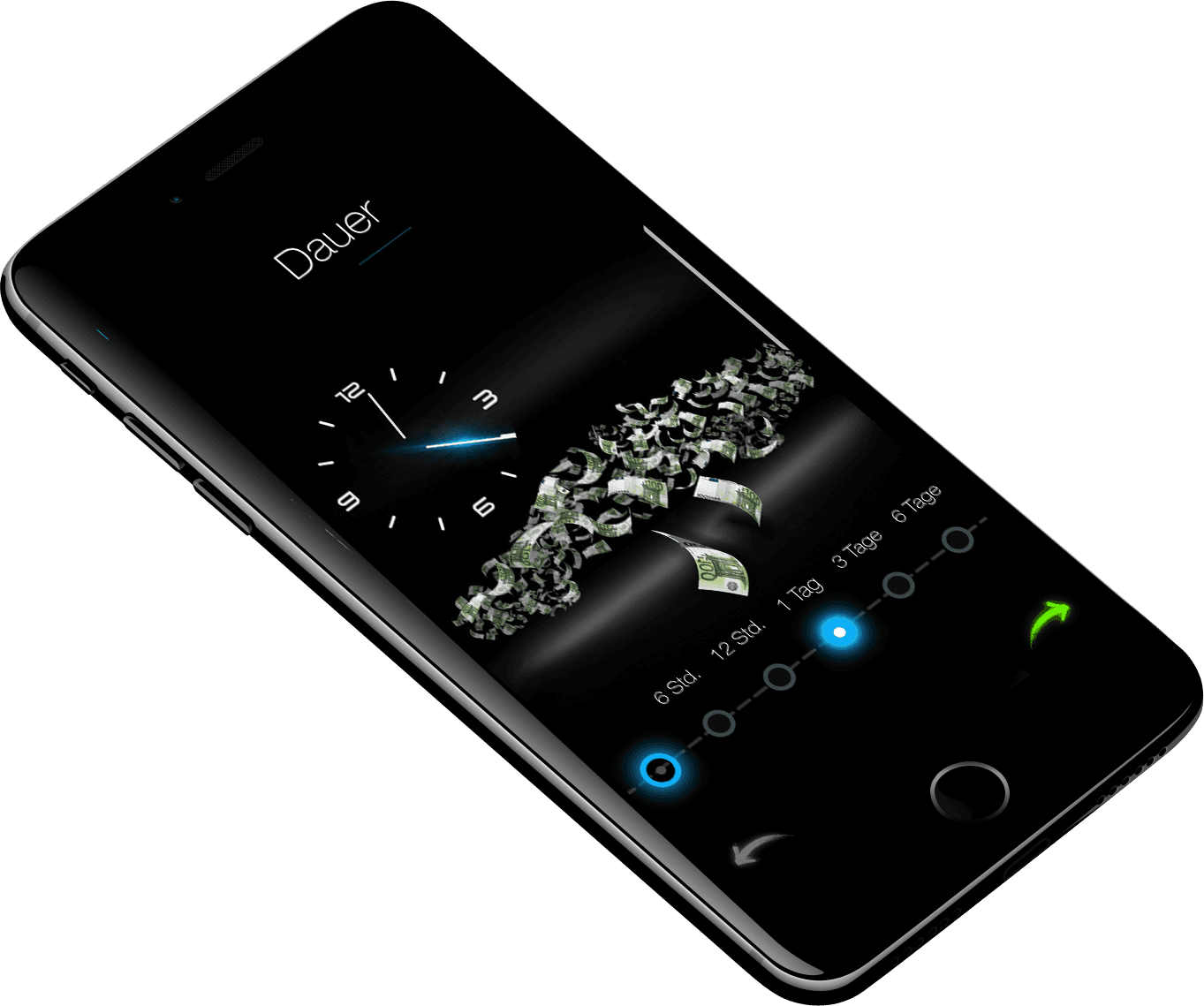
Car equipment and auction duration mockups
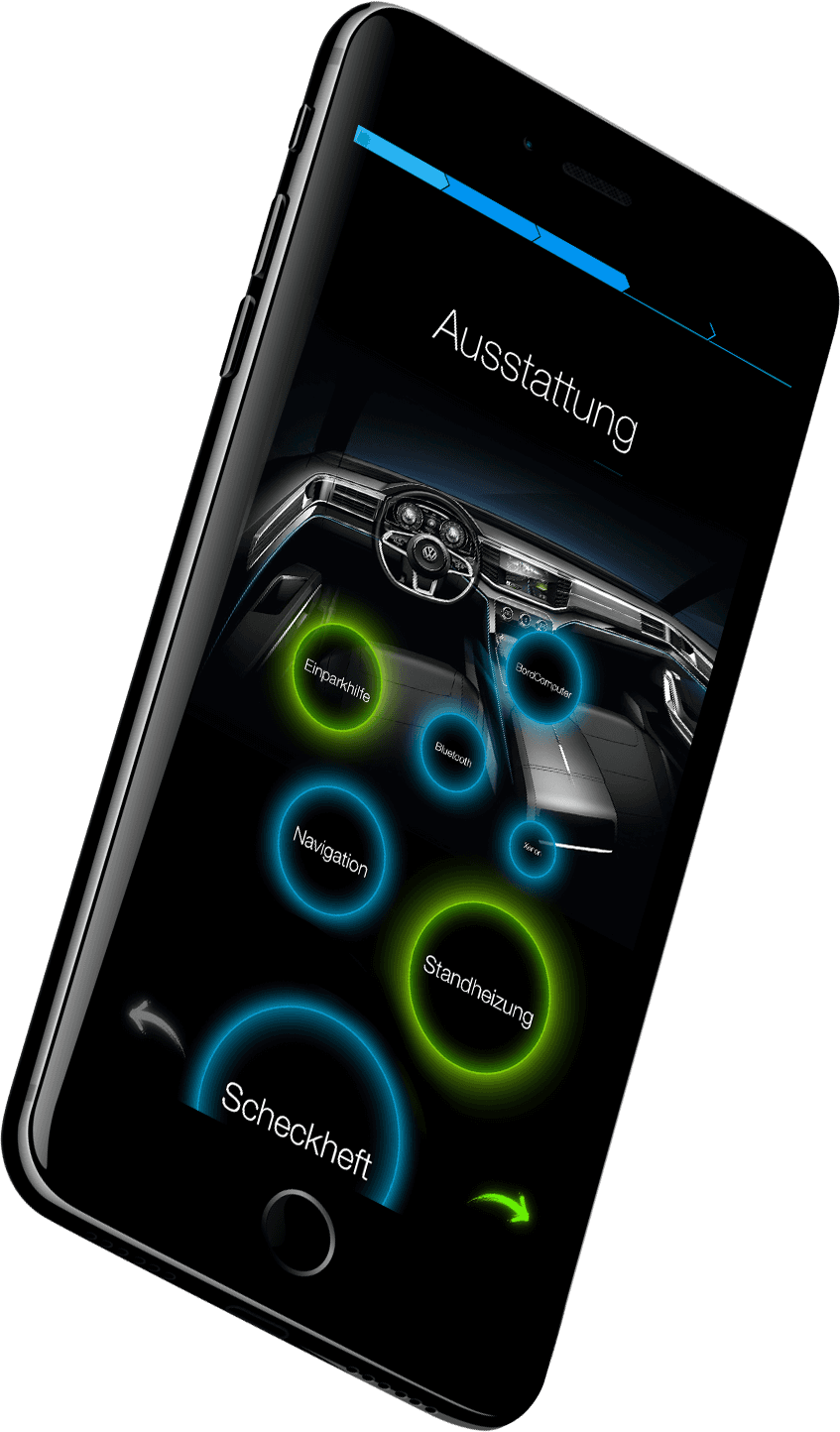
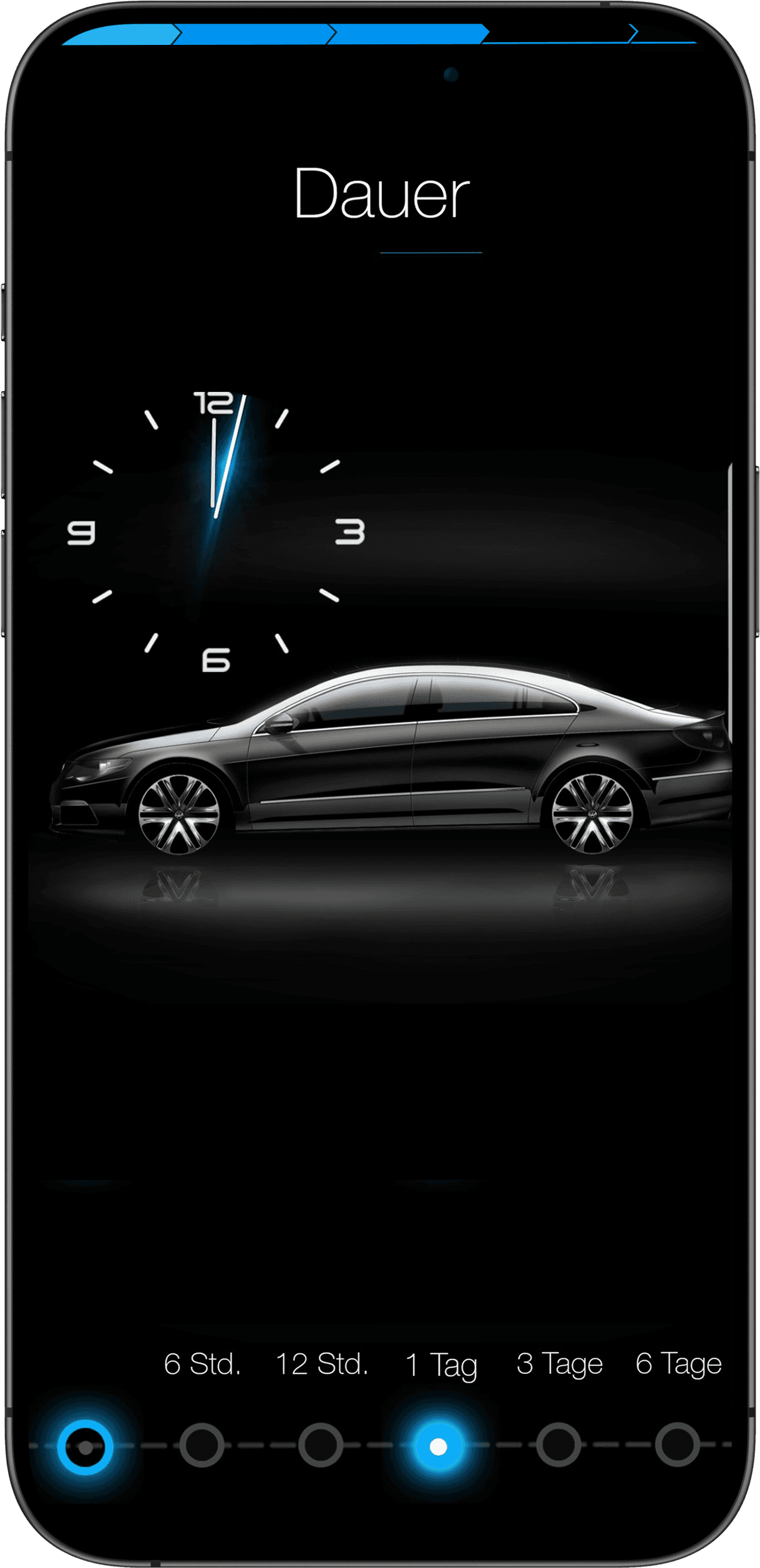
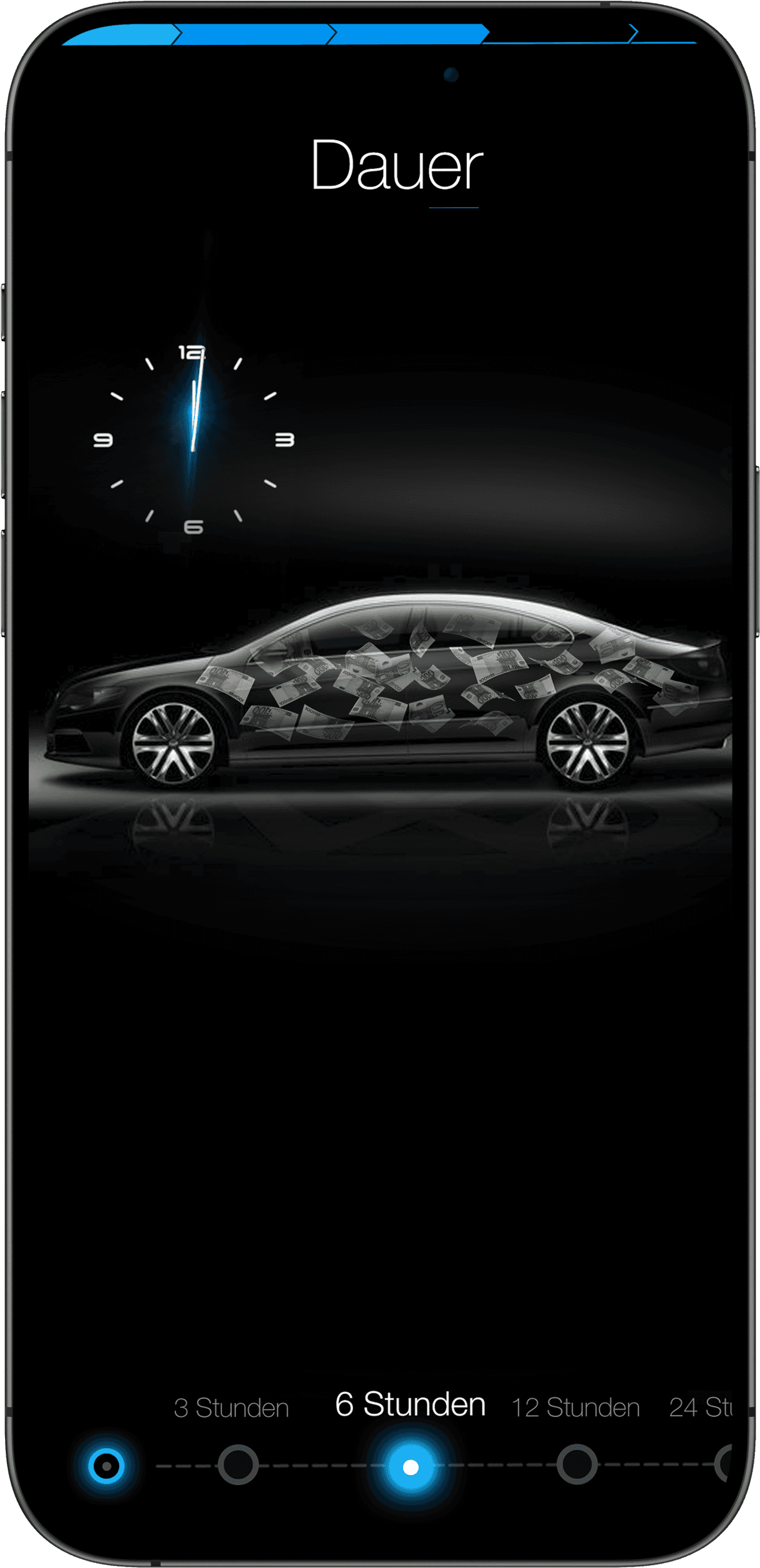
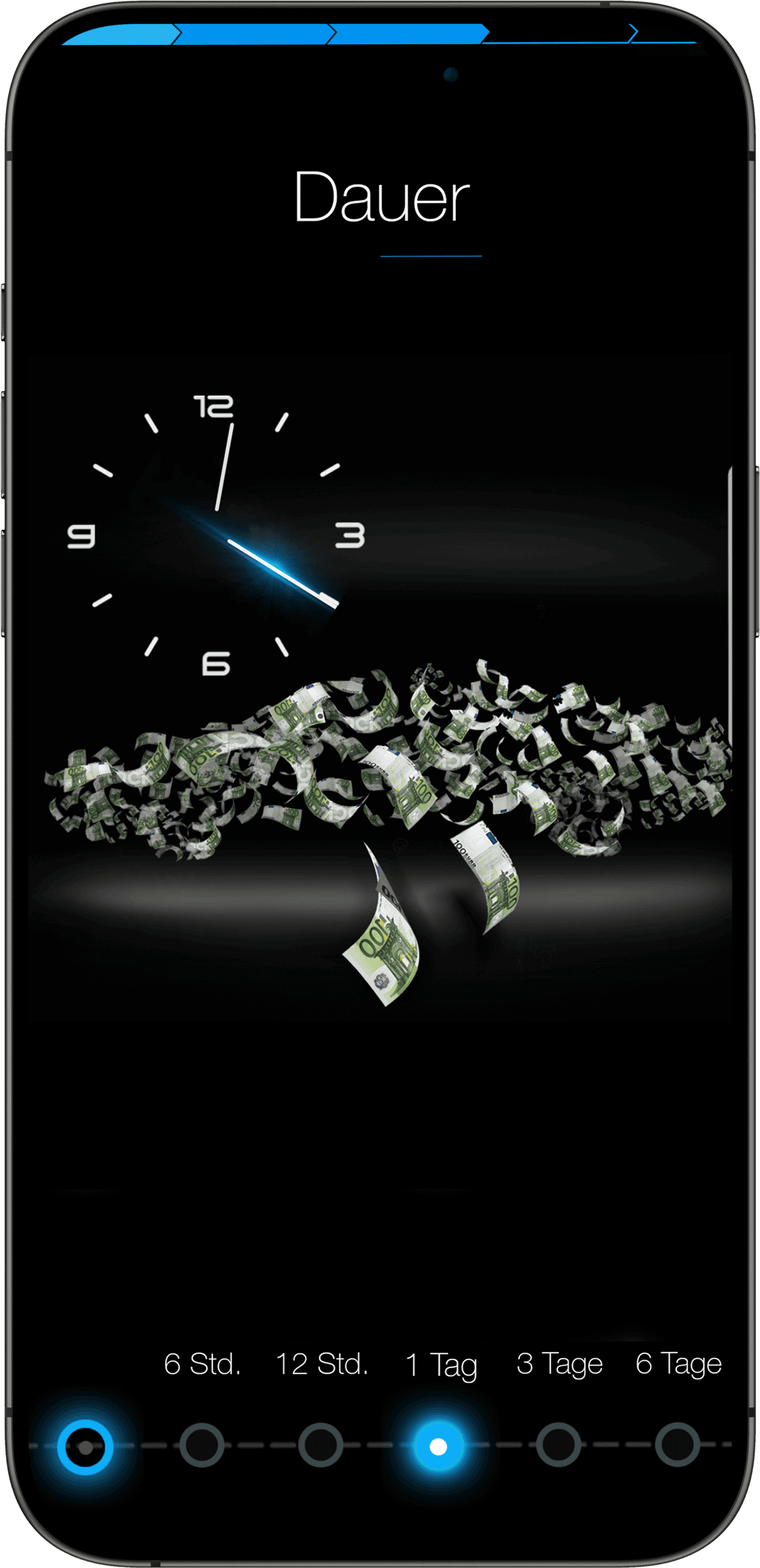
We select the car's equipment using glowing balls, and the auction duration on the timeline. In the second view, the car transforms into money, further encouraging the user to bid. This is a psychological trick.
Step 5
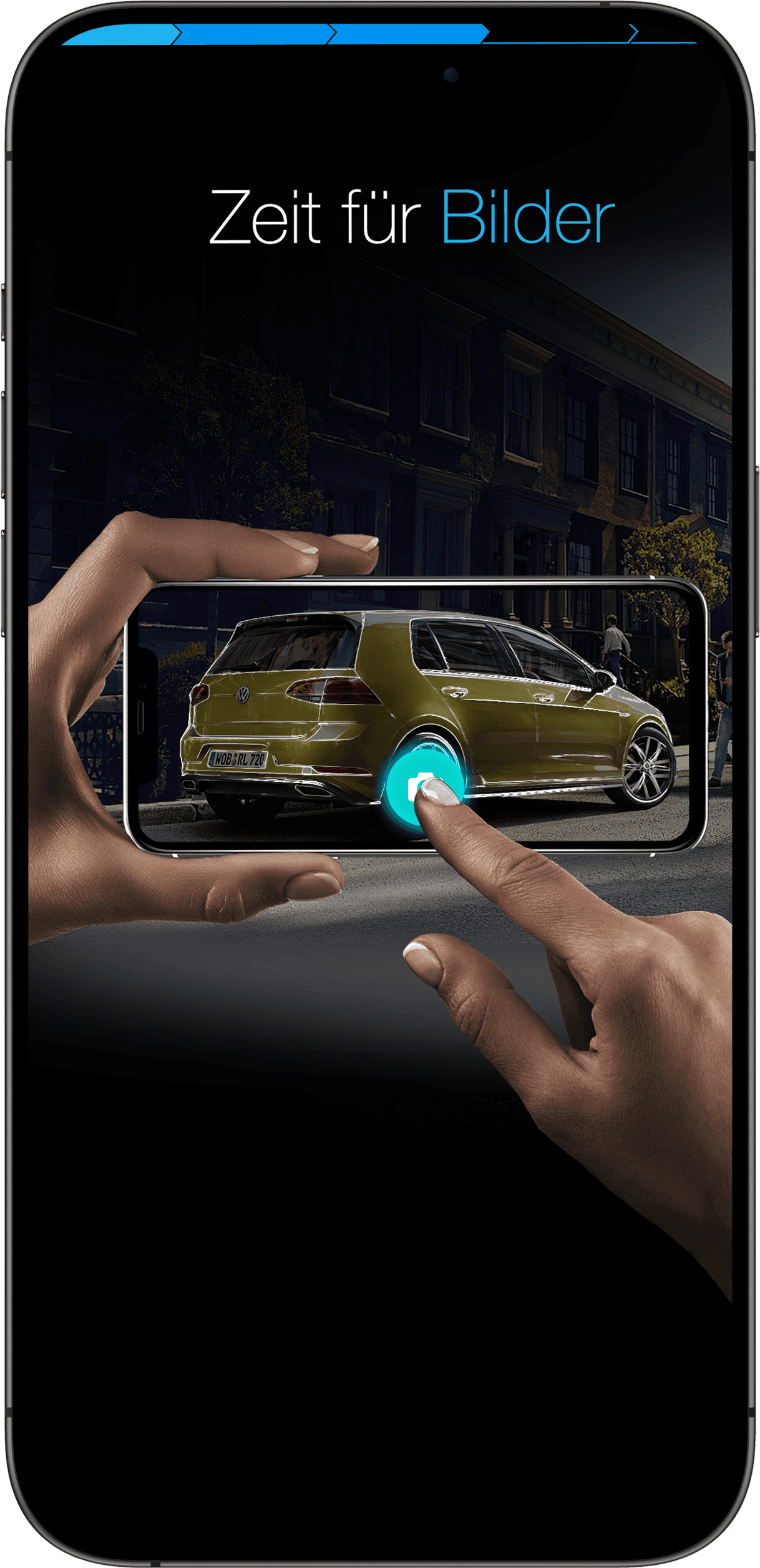
Take a photo
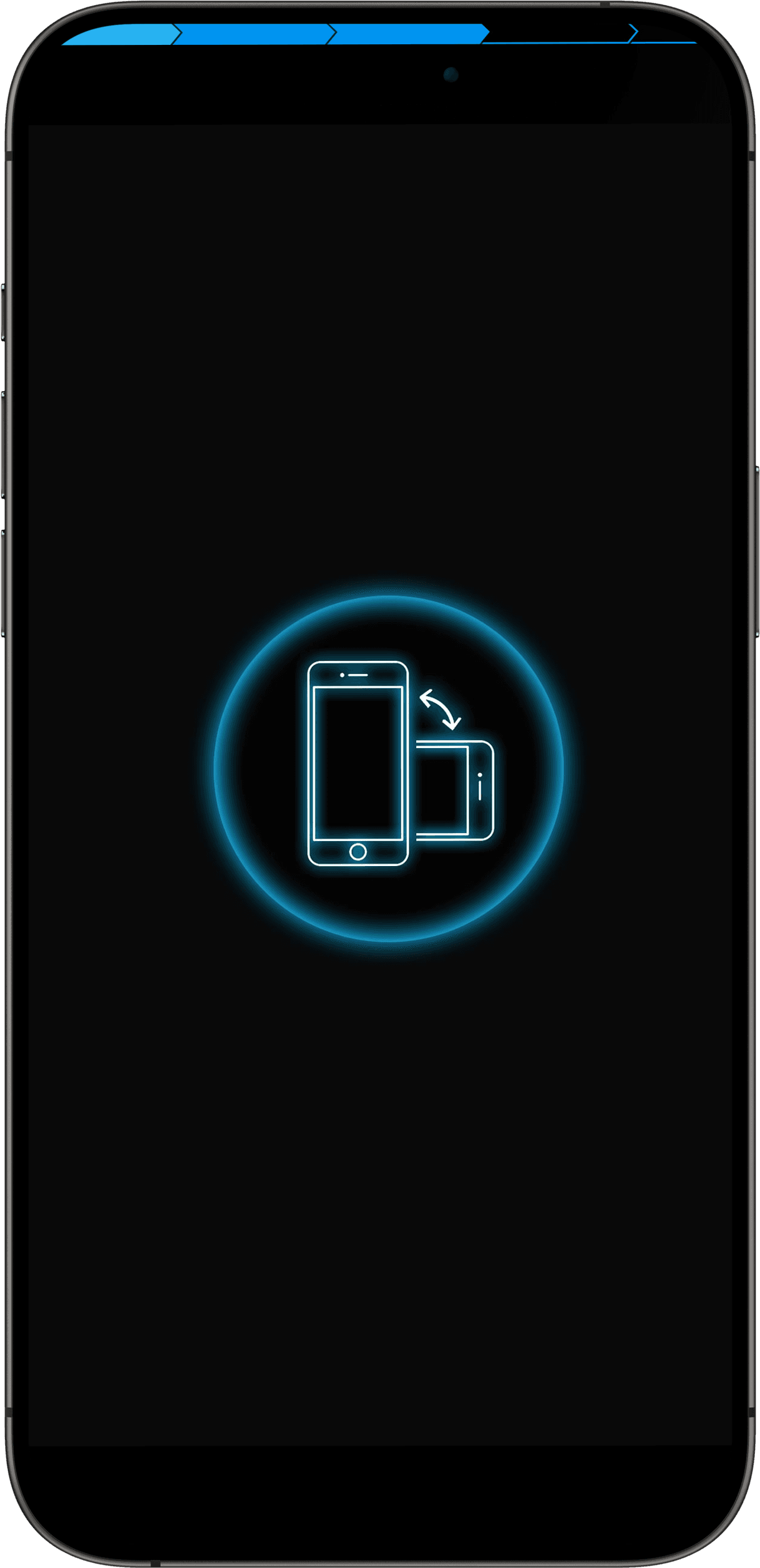
New users who are adding a listing are guided through a short video tutorial before adding photos from various angles and the VIN. Sketches explain how to take photos of the car.
Step 6
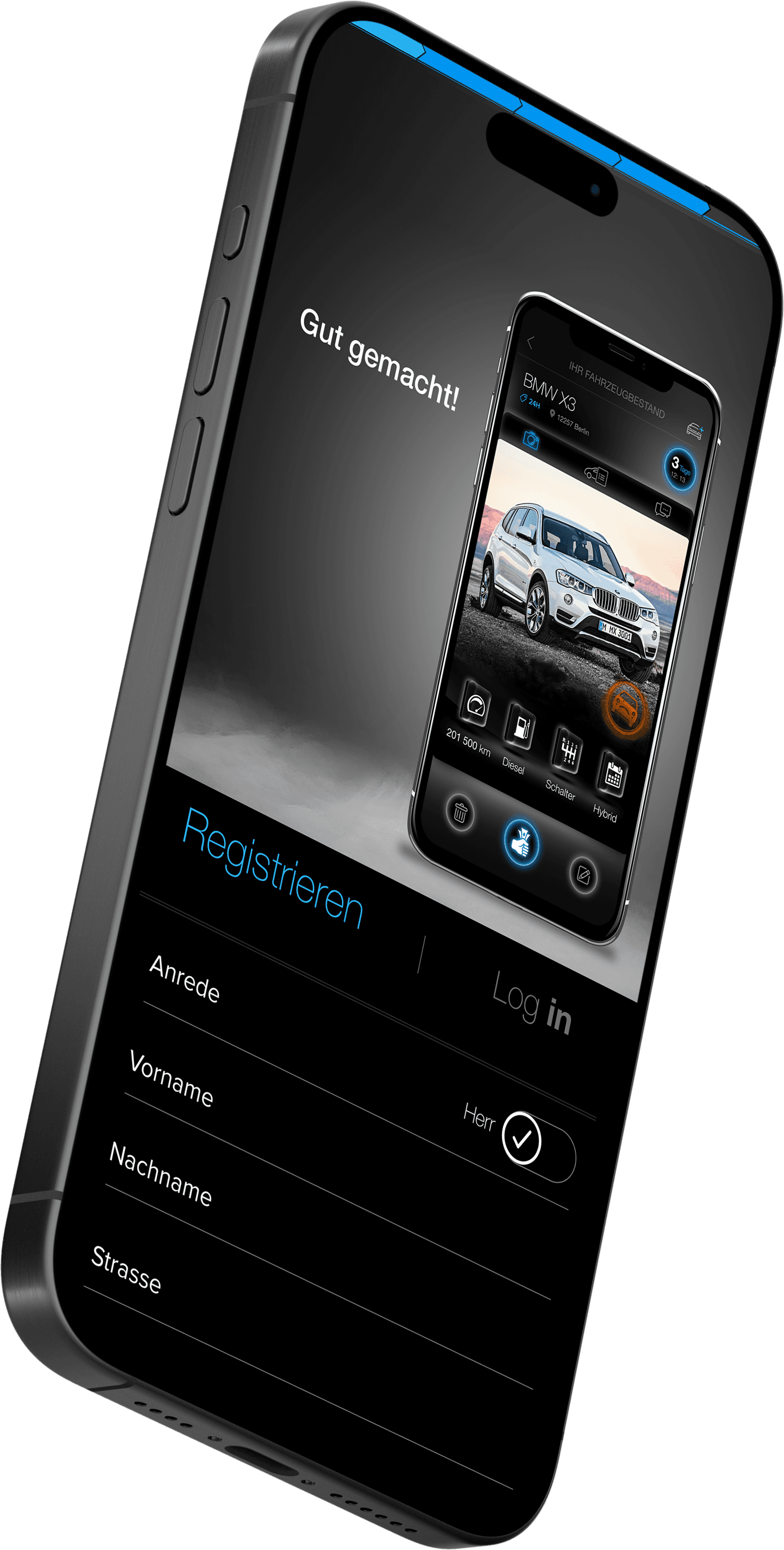
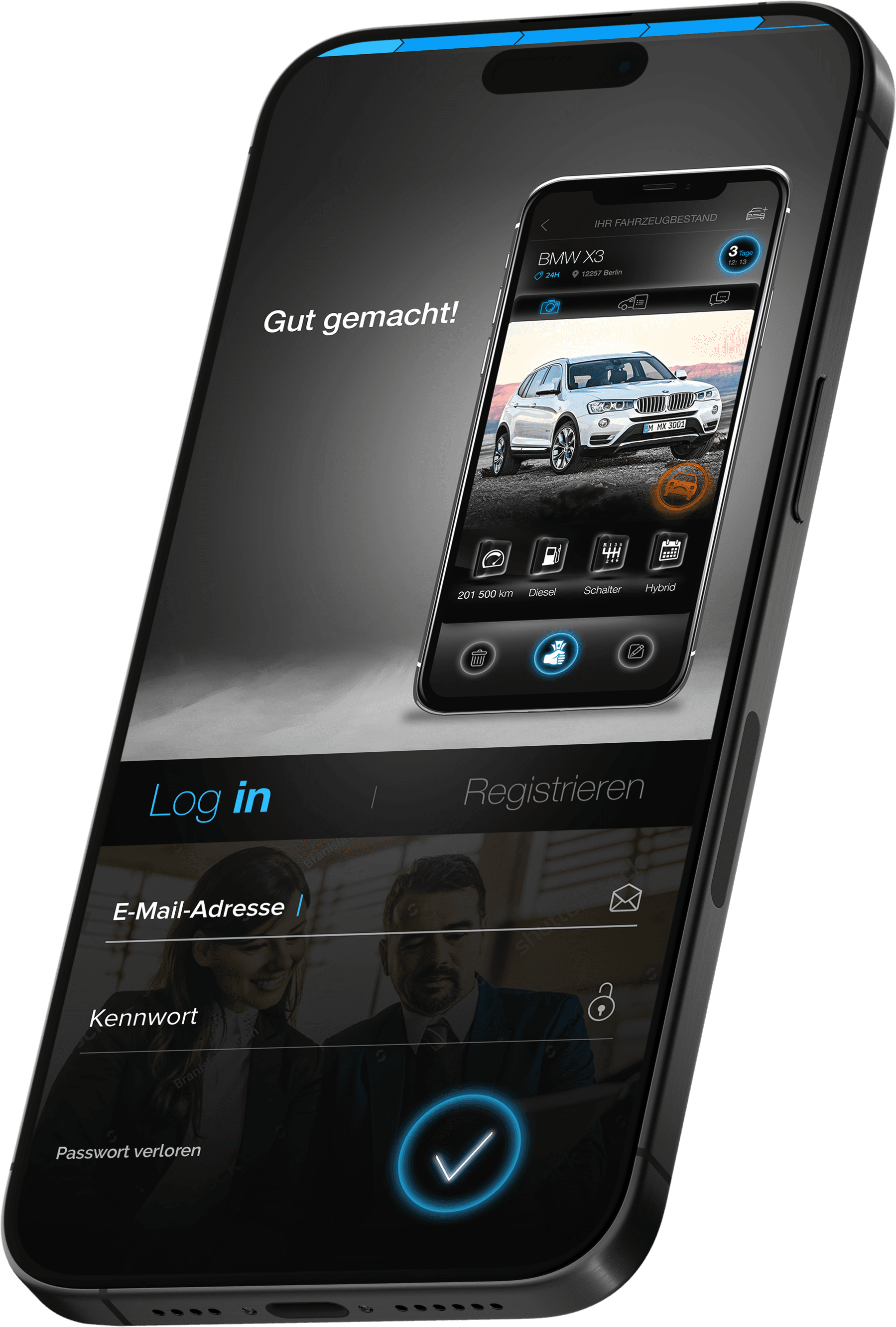
Login / Registration mockups
Surveys revealed that users don't like registering at the very beginning, so I've designed registration and login at the very end. This allows sellers to immediately preview their listing (they see the listing on a mockup phone).
Step 7
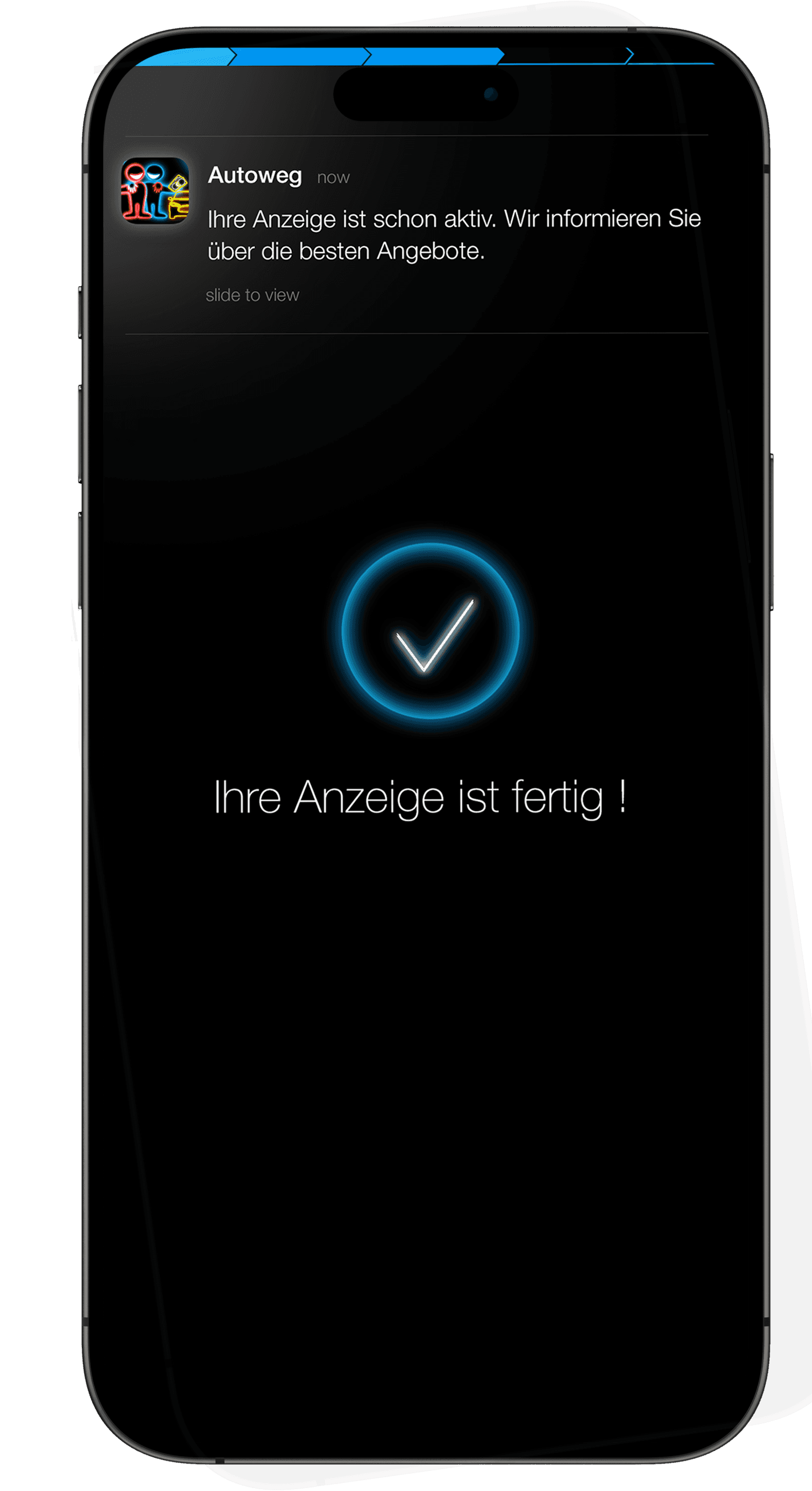
PUSH confirmation
After registering, the customer receives a notification that the auction has been added.
Step 8
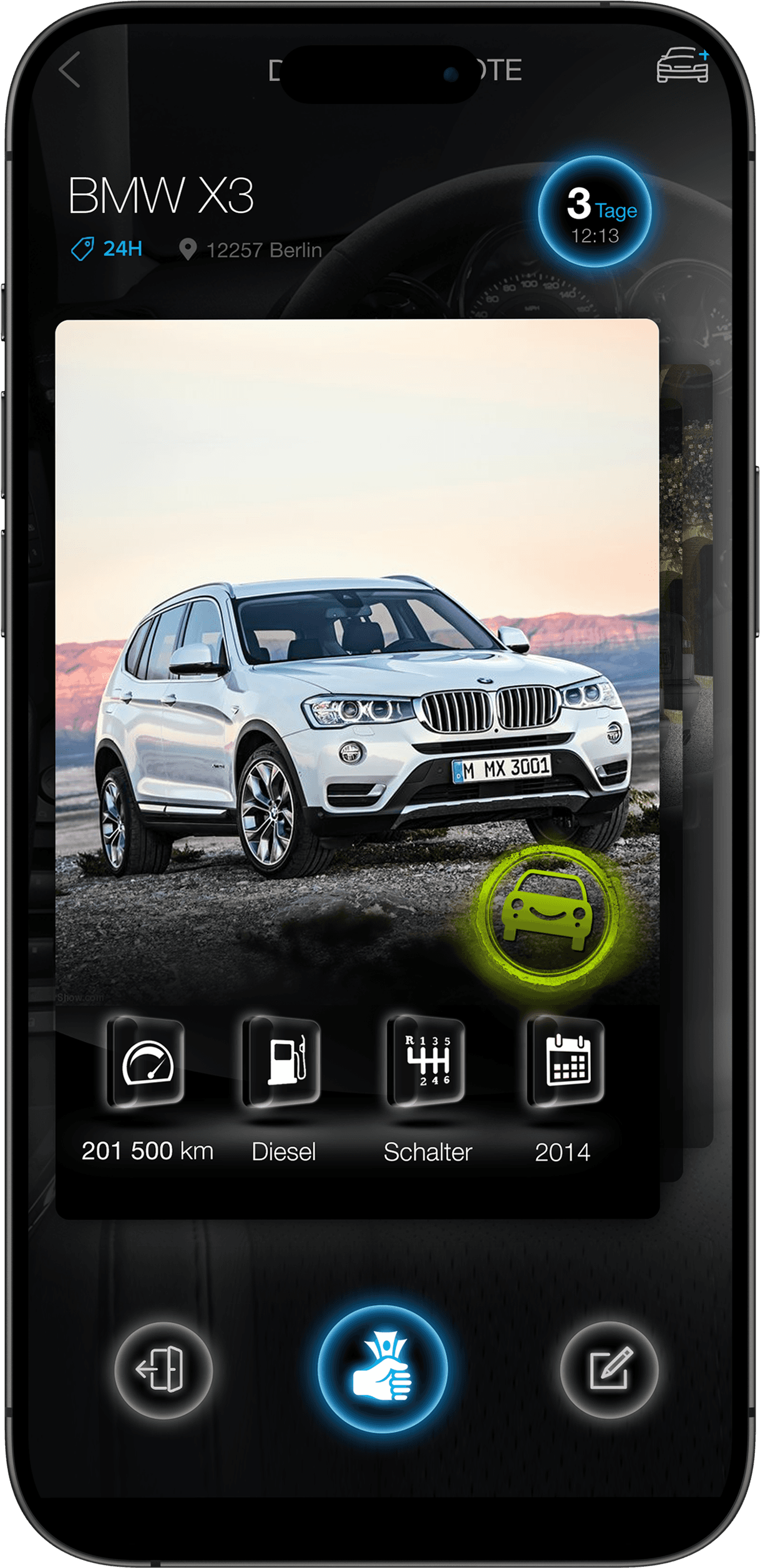
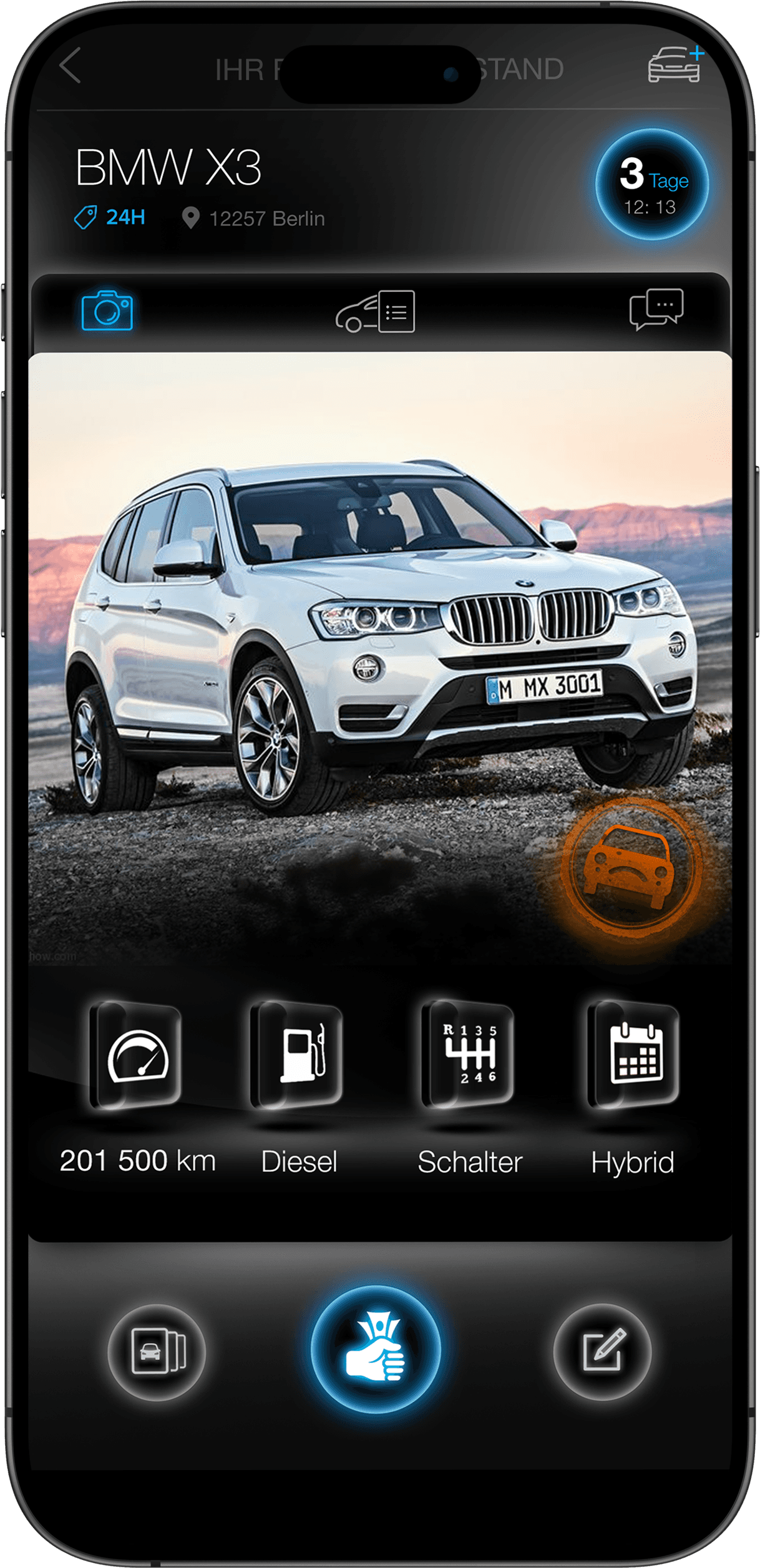
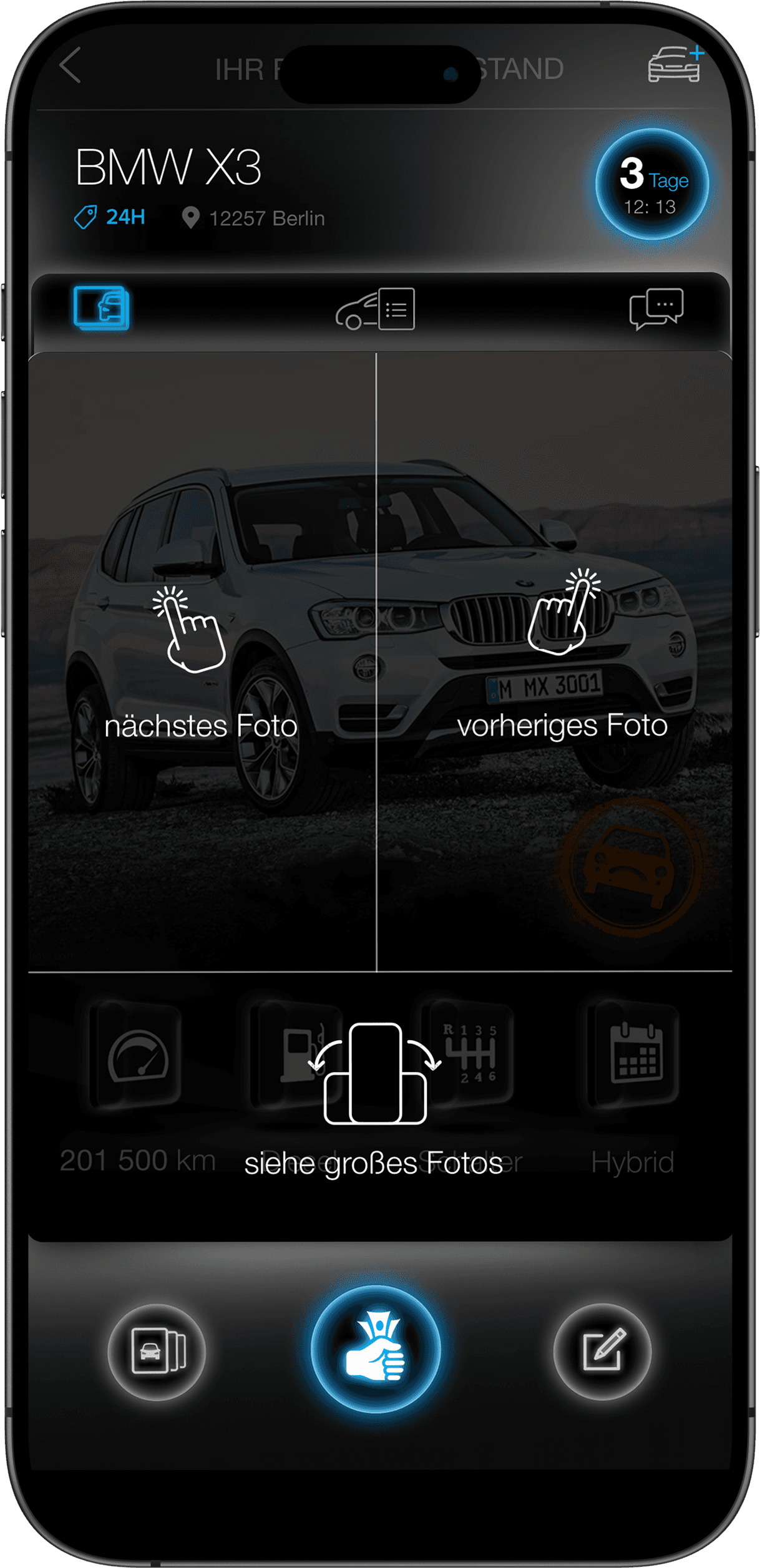
Auction card components
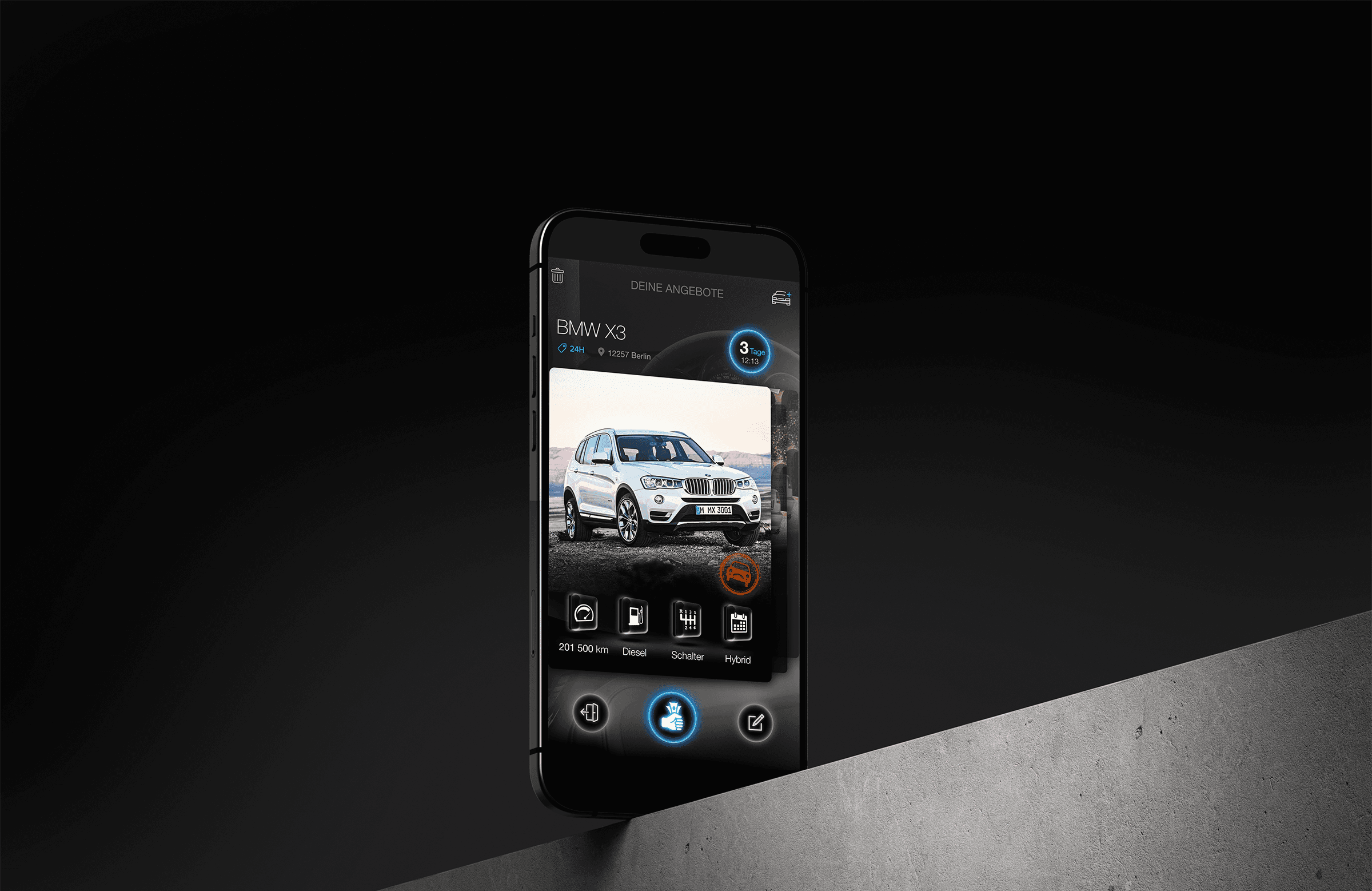
From here, you can swipe cards and browse sellers' listings. Use the "TAP" function to scroll left and right through photos.
Step 9
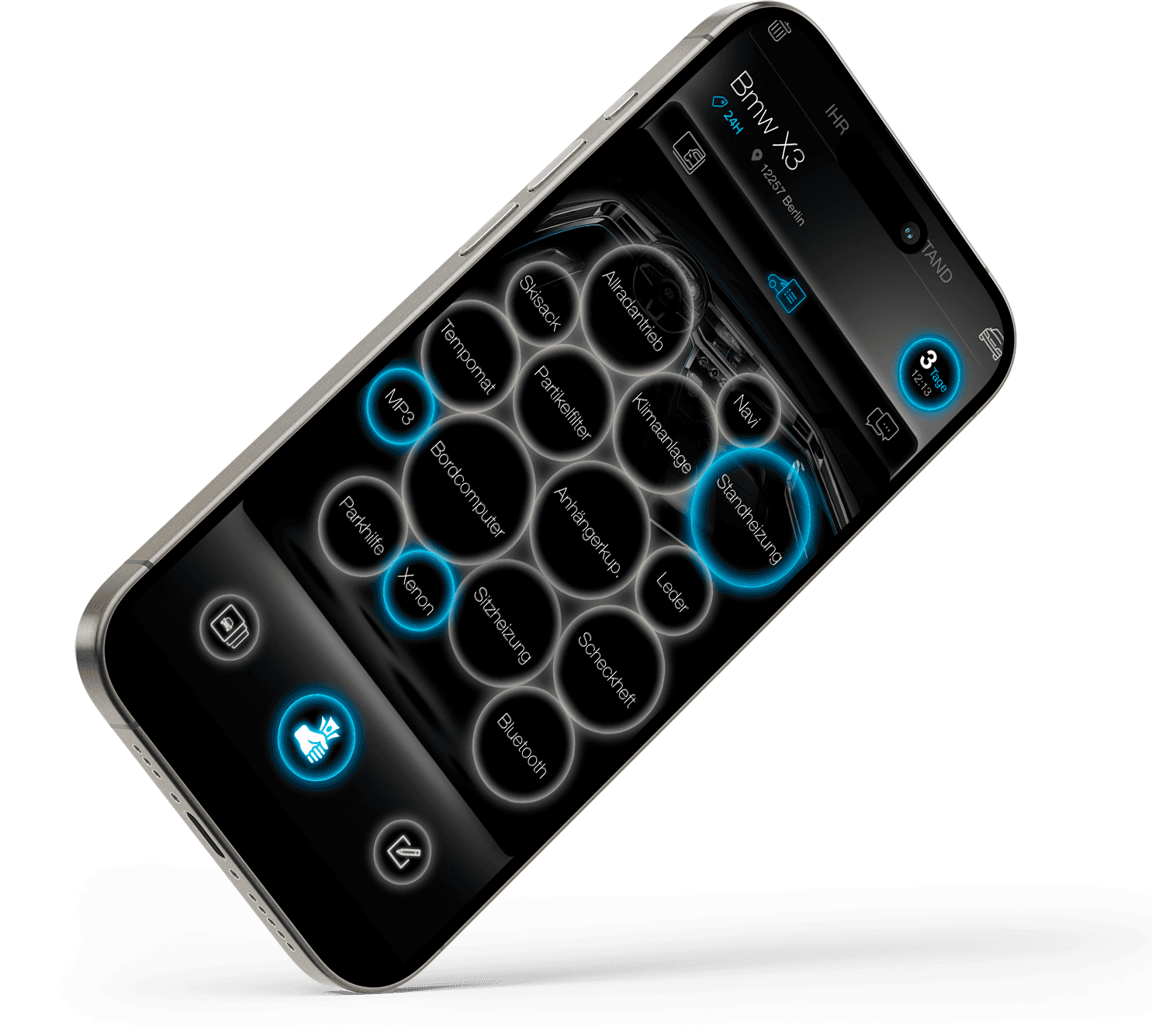
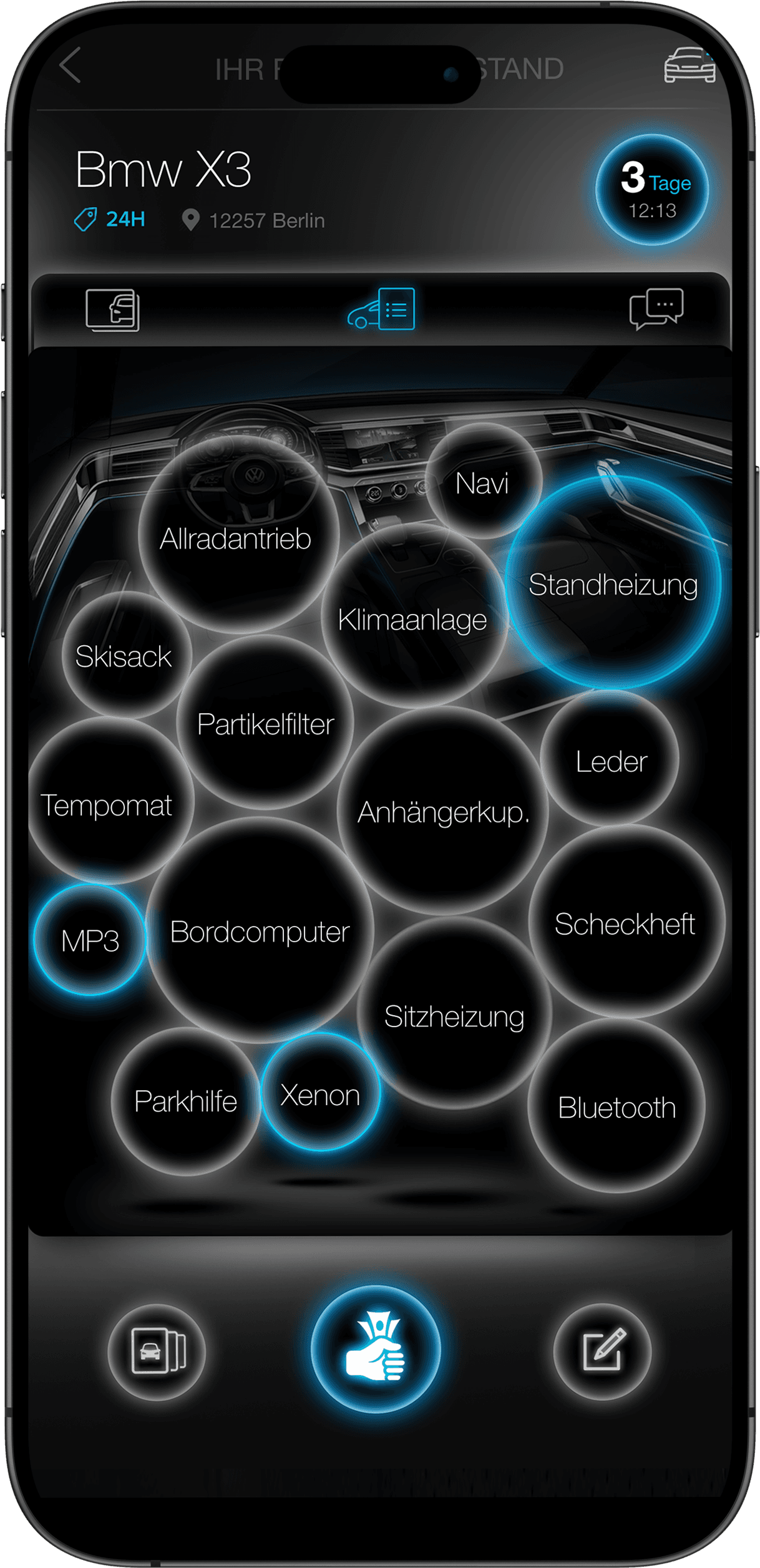
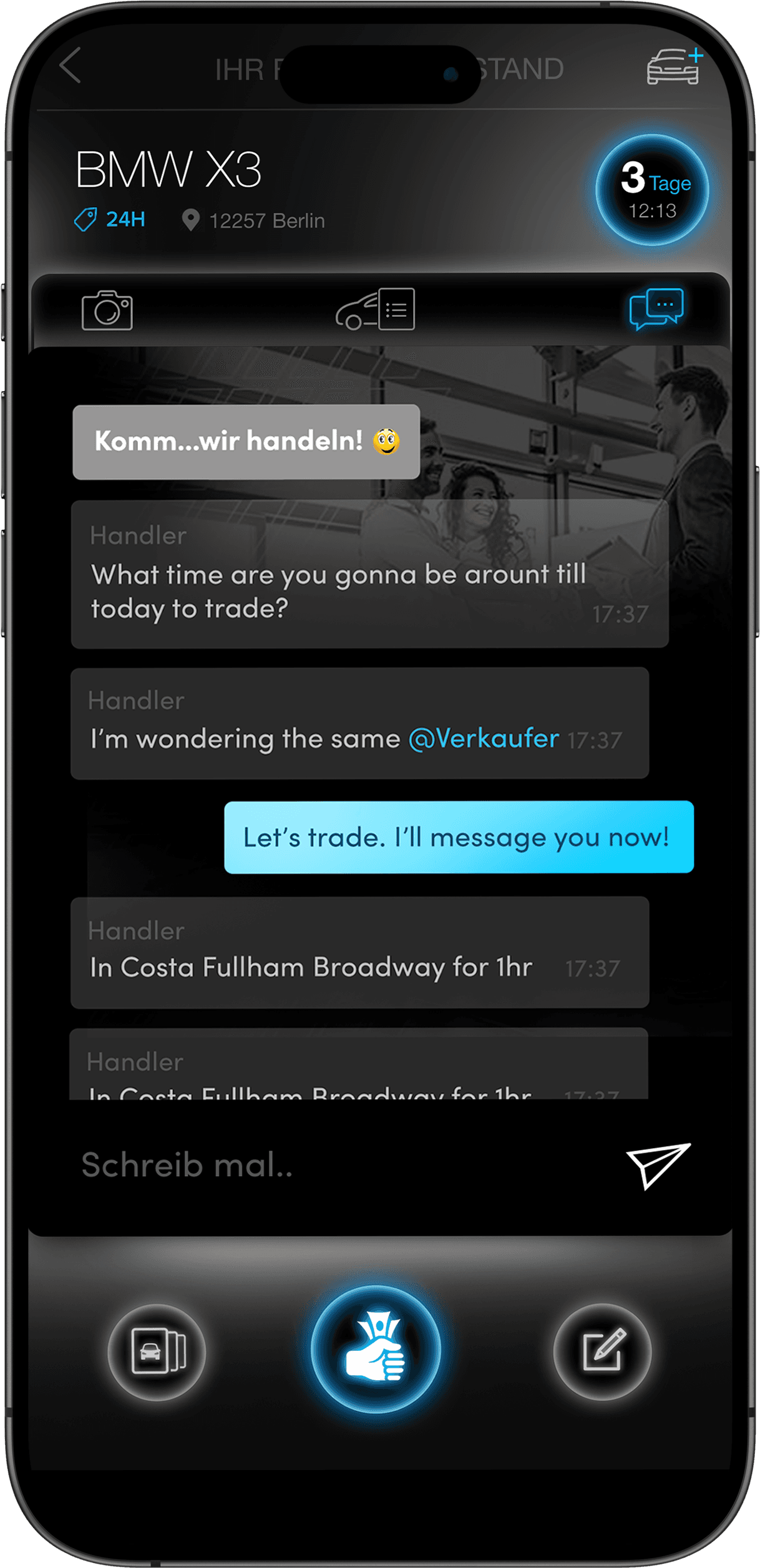
Views car equipment and chat with the seller from the cards
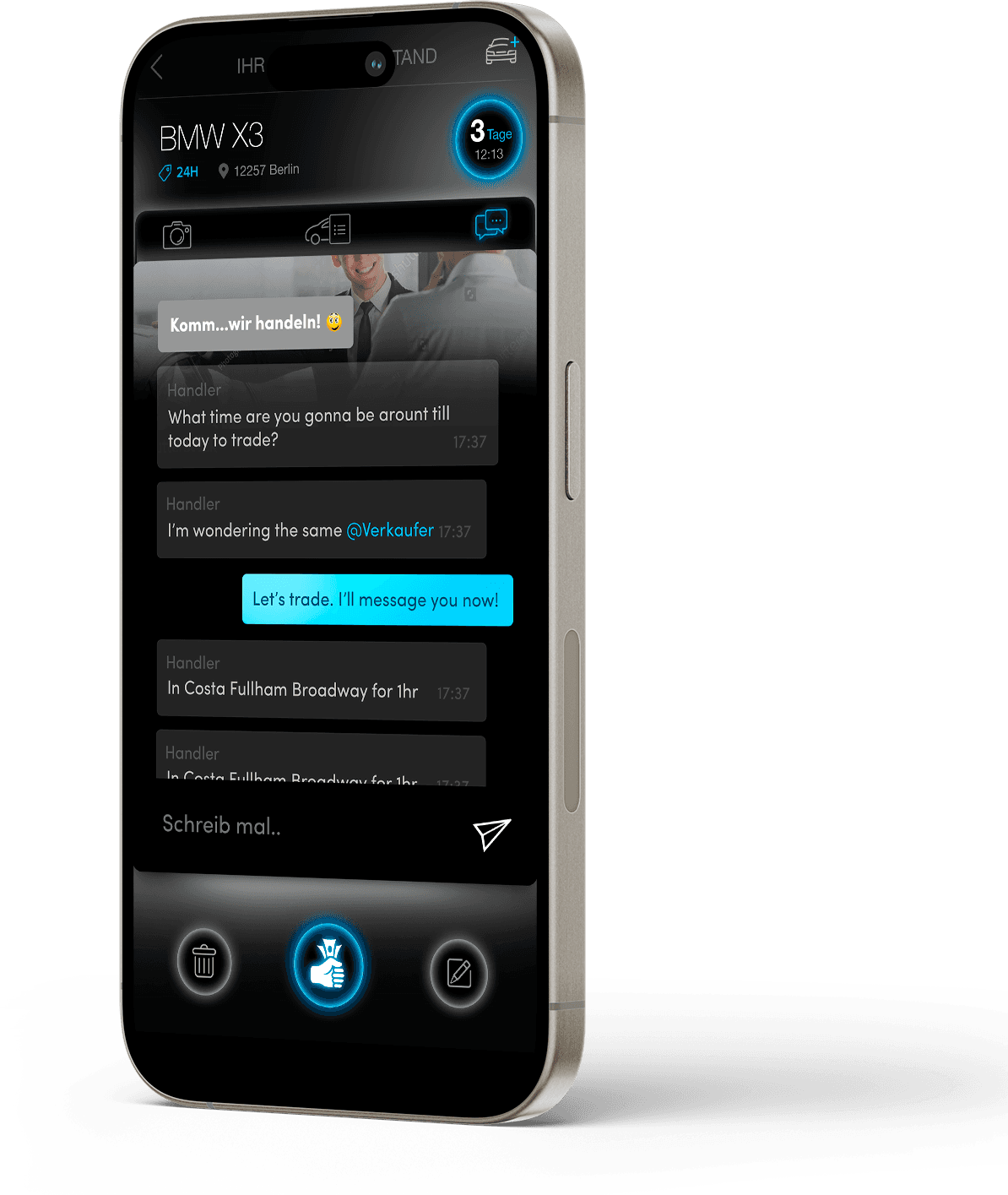
Before purchasing the car, the Buyer has the opportunity to exchange words with the Seller and familiarize himself with the detailed equipment of the car.
Step 10
Keyvisual + Landing page + Promo video
Ultimately, he presented an idea for an effective, marketable key visual. I created the motif of a car that explodes into money. I animated it in Adobe After Effects.