Eclat Dor

How I designed a page in Figma and implemented it in Framer
My role

My role

UI/UX/Framer Implementation

UI/UX/Framer Implementation

About the project

About the project

Product page

Product page

Client

Client

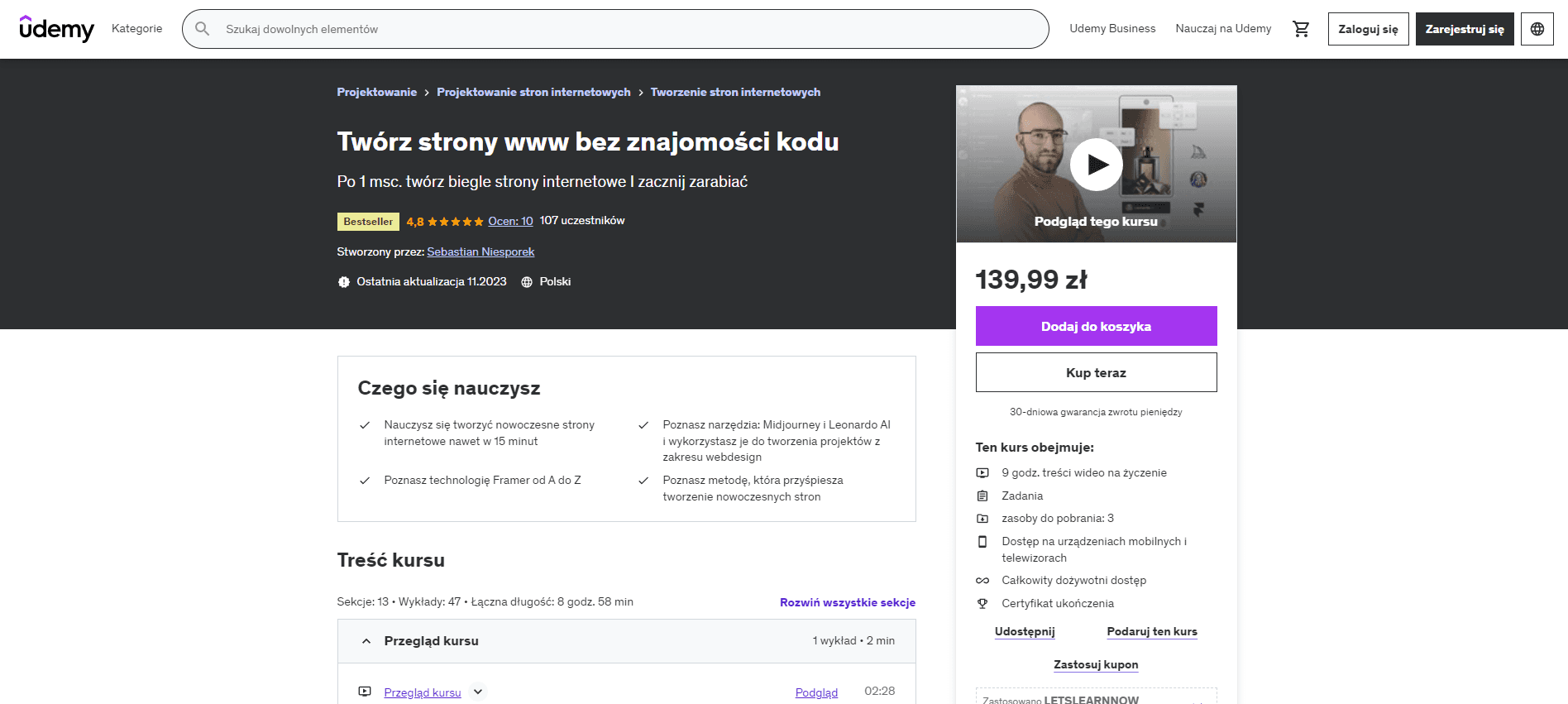
Udemy course

Udemy course

Challenge

Challenge

Creating a website with an unusual parallax animation for course participants

I created a promotional website for luxury cosmetics with effective scrolling animations to demonstrate to my course participants how quickly a simple website can be created in Figma/Framer. I used AI-generated content for this purpose.

I created a promotional website for luxury cosmetics with effective scrolling animations to demonstrate to my course participants how quickly a simple website can be created in Figma/Framer. I used AI-generated content for this purpose.

Stage 1

Stage 1

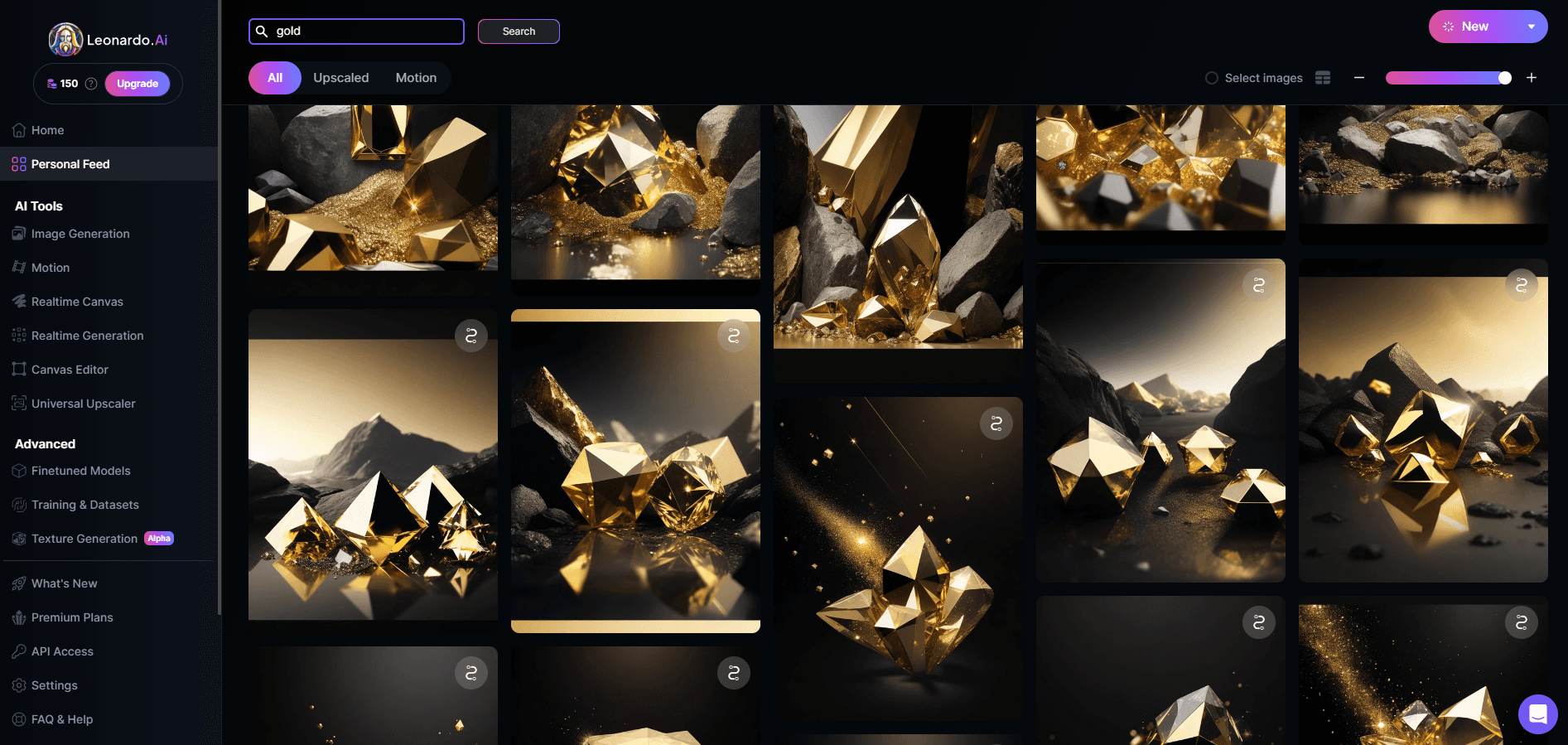
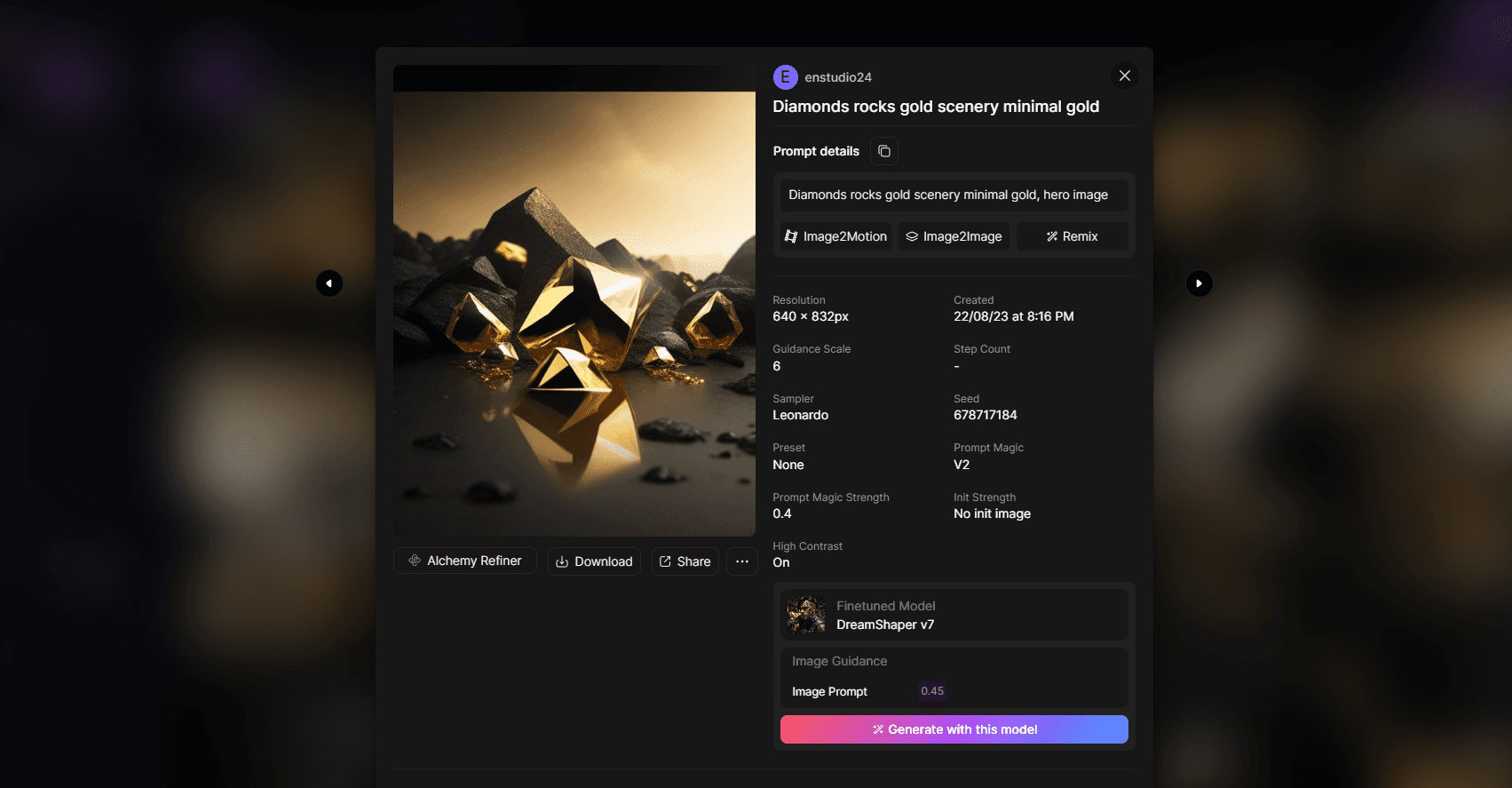
Generating key visuals and graphic resources in Leonardo AI
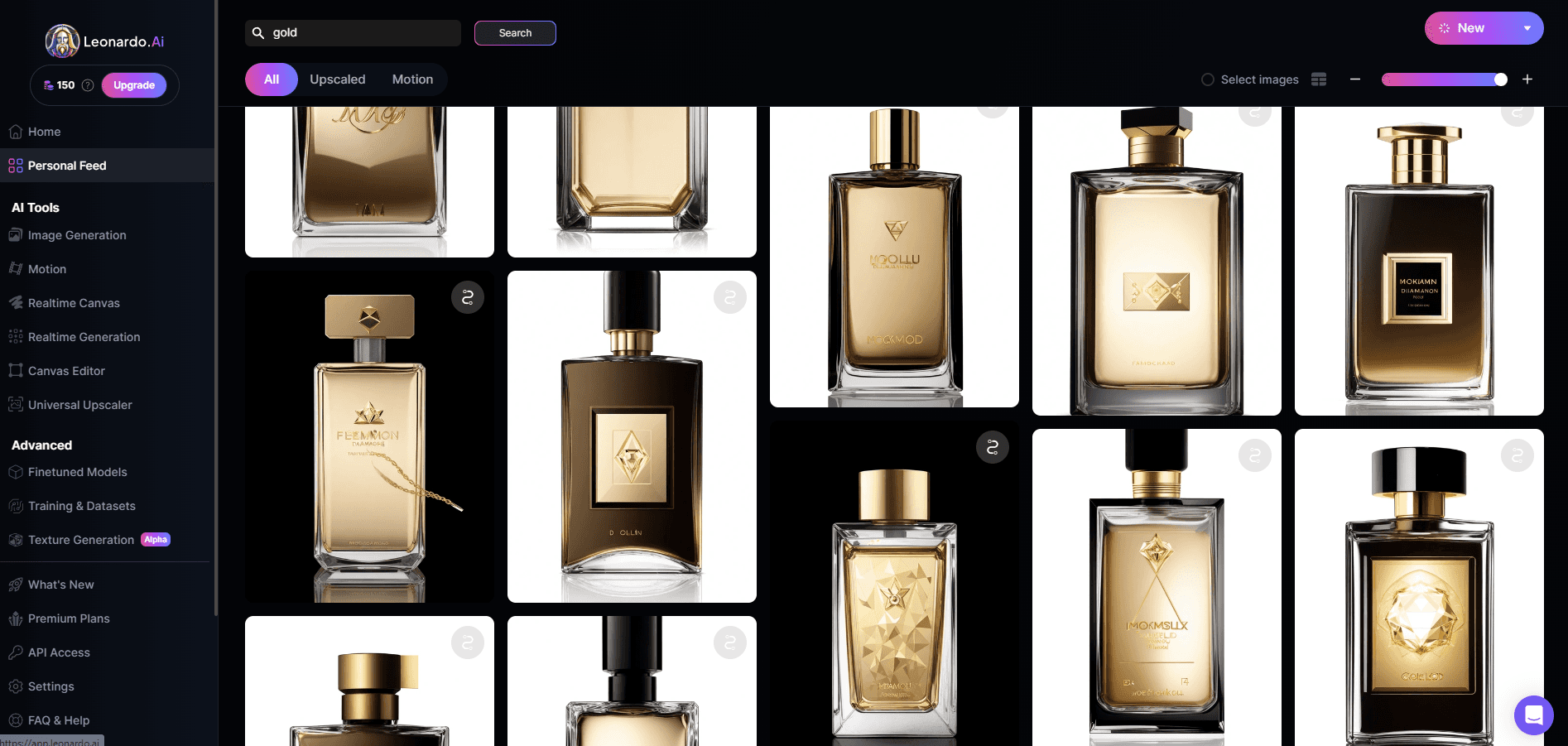
Based on graphics generated by artificial intelligence, I created a website layout.

Based on graphics generated by artificial intelligence, I created a website layout.

Stage 2

Stage 2

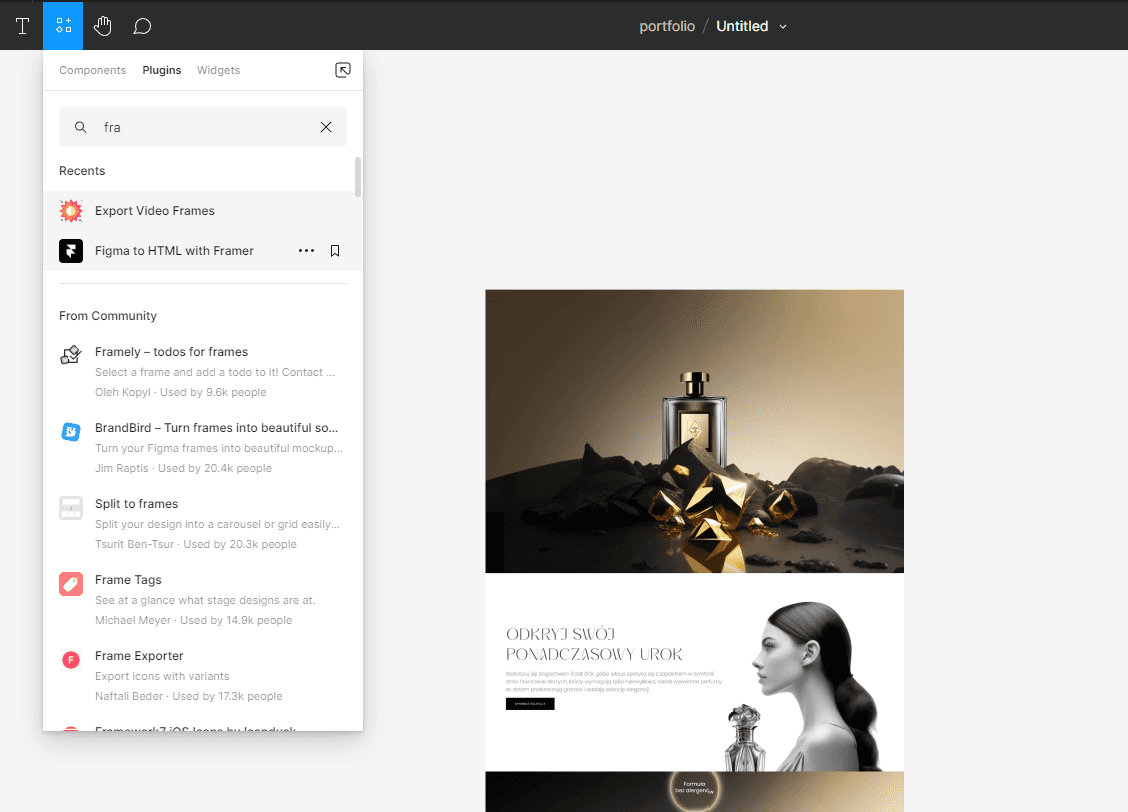
I created a complete design in Figma based on AI graphics and imported it into Framer

Use the "Figma to Framer" plugin to import layers from Figma into the no-code Framer application.
Stage 3

I built a functional website in the no-code Framer application
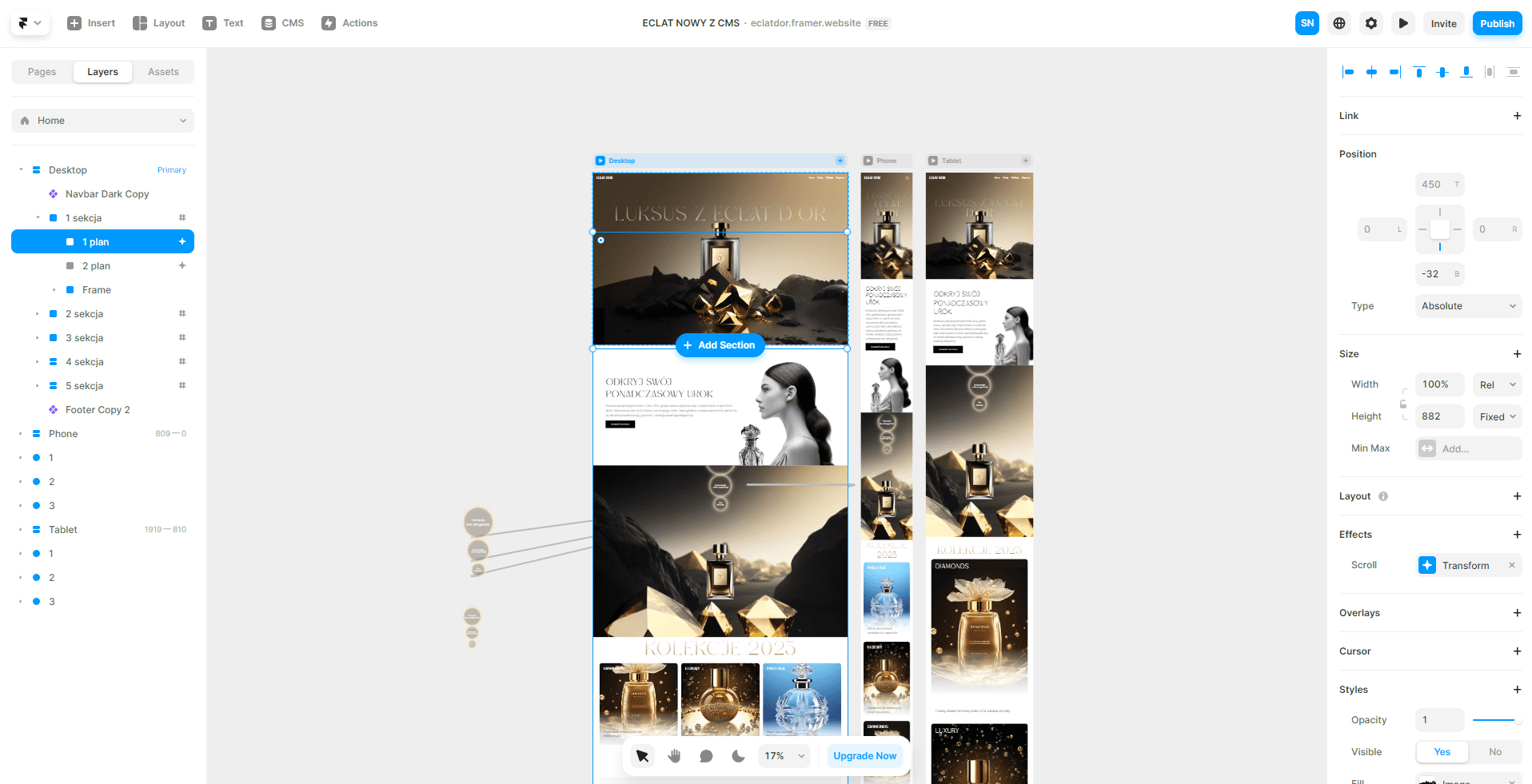
I created a responsive PC version. I set up parallax animations.

I created a responsive PC version. I set up parallax animations.

Stage 4

Video files

I created videos teaching students how to create such a website in 45 minutes by combining Figma + AI + Framer technology.

I created videos teaching students how to create such a website in 45 minutes by combining Figma + AI + Framer technology.

I have prepared a solid course, integrating several technologies and showing how you can accelerate your design and implementation of projects for no-code applications.

I have prepared a solid course, integrating several technologies and showing how you can accelerate your design and implementation of projects for no-code applications.

Stage 5

I promoted the course on my YouTube channel and added it to the Udemy course platform.
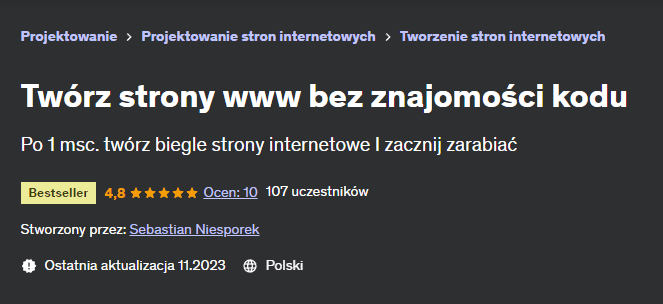
The course materials were rated 4.8/5 stars.

The course materials were rated 4.8/5 stars.